Tailwind CSS Blocks - Free & Premium
Tailwind CSS blocks for marketing, application UI, ecommerce, and blog layouts. Explore reusable sections, dashboards, forms, tables, and modals you can preview, copy, and adapt.
Marketing
Tailwind CSS marketing blocks for landing pages and websites, including hero sections, announcements, marquees, feature sections, pricing, testimonials, FAQs, contact pages, and footers.
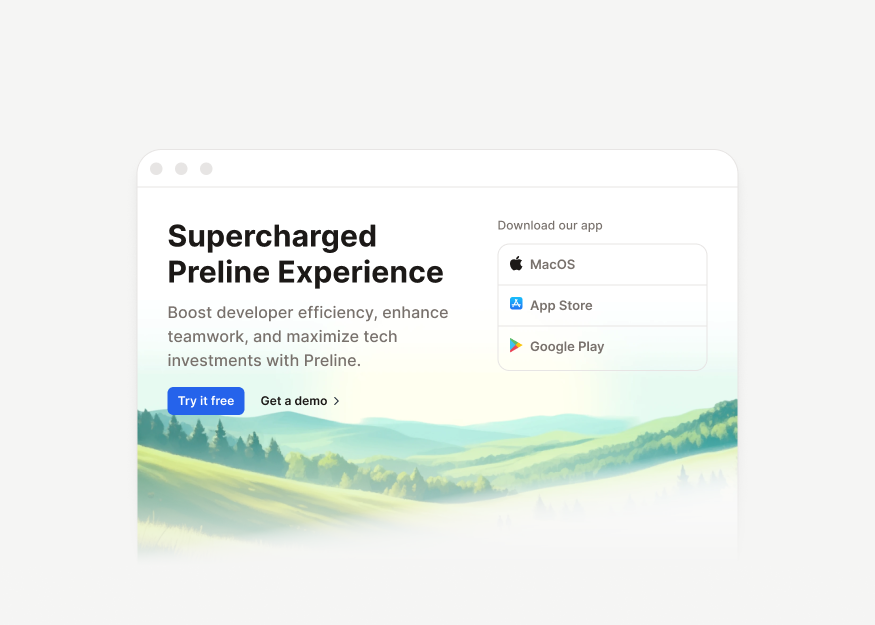
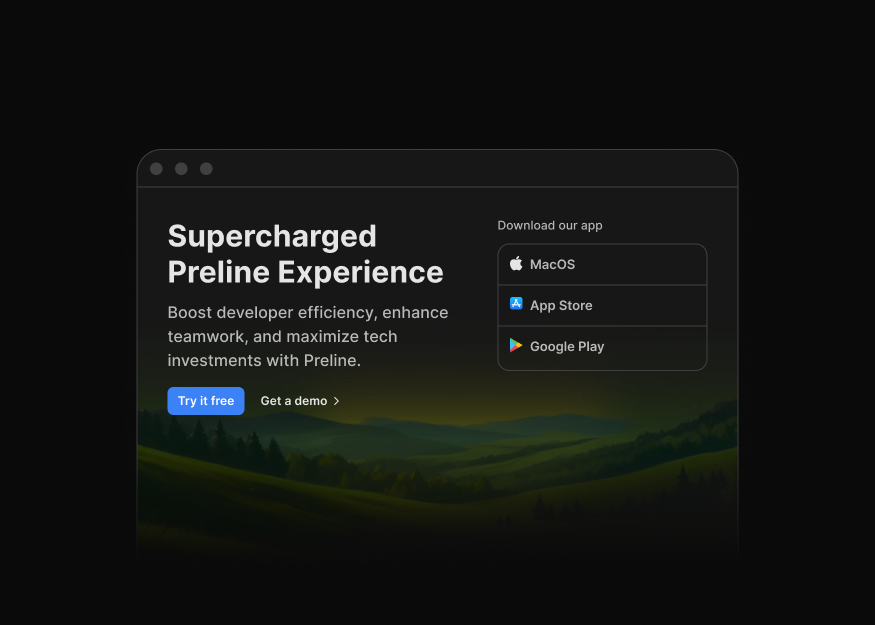
Hero Sections New
15 components


Hero Sliders
3 components
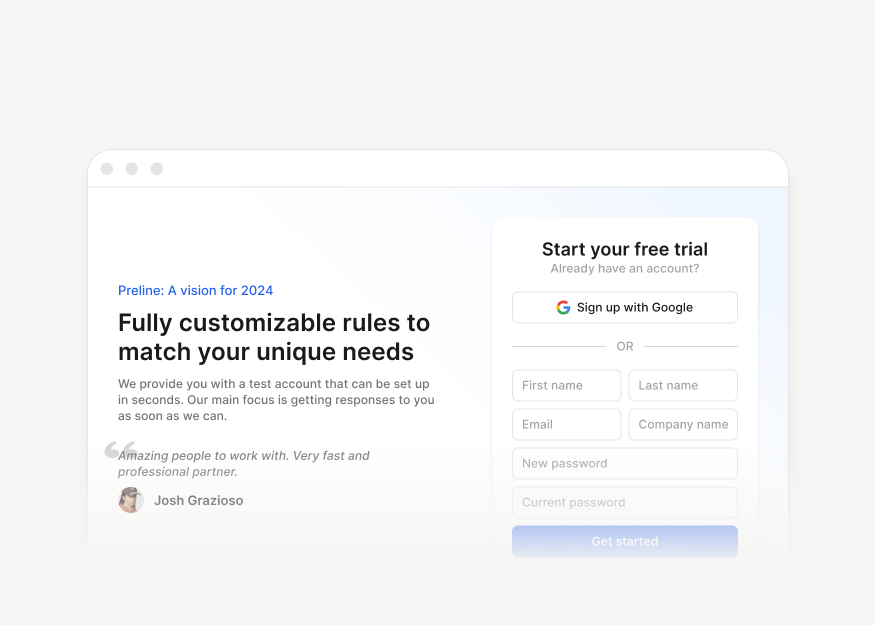
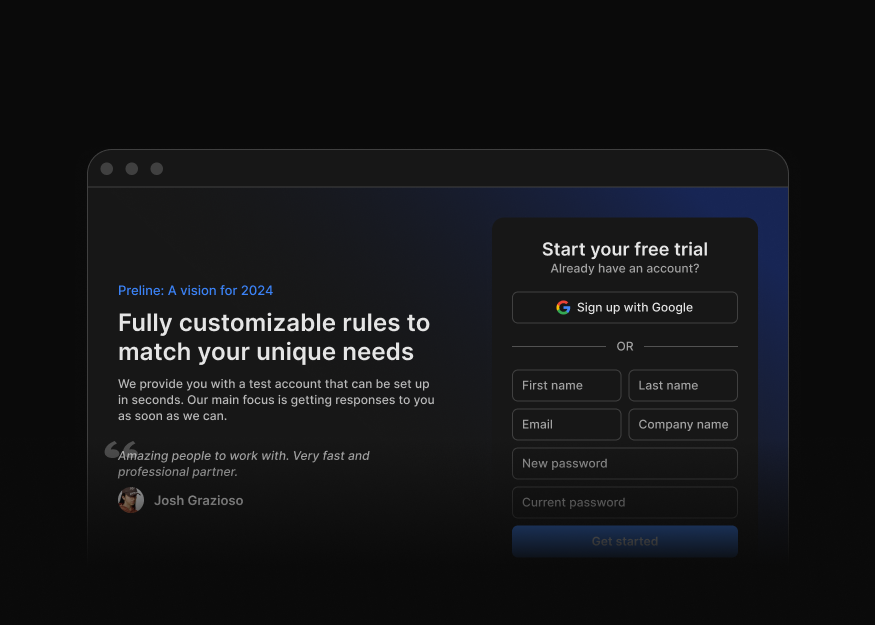
Hero Forms
6 components


Announcement Banners
10 components


Promo Cards New
4 components
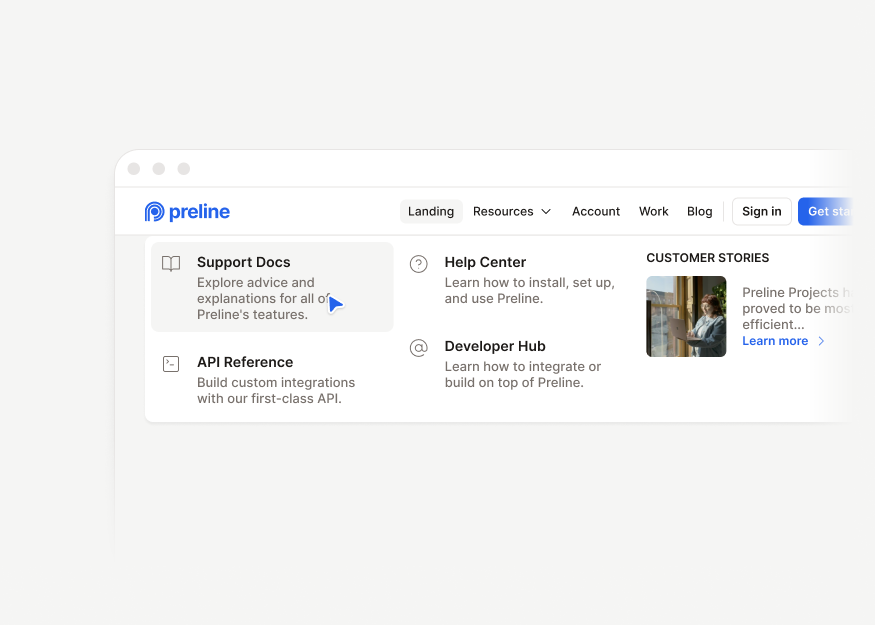
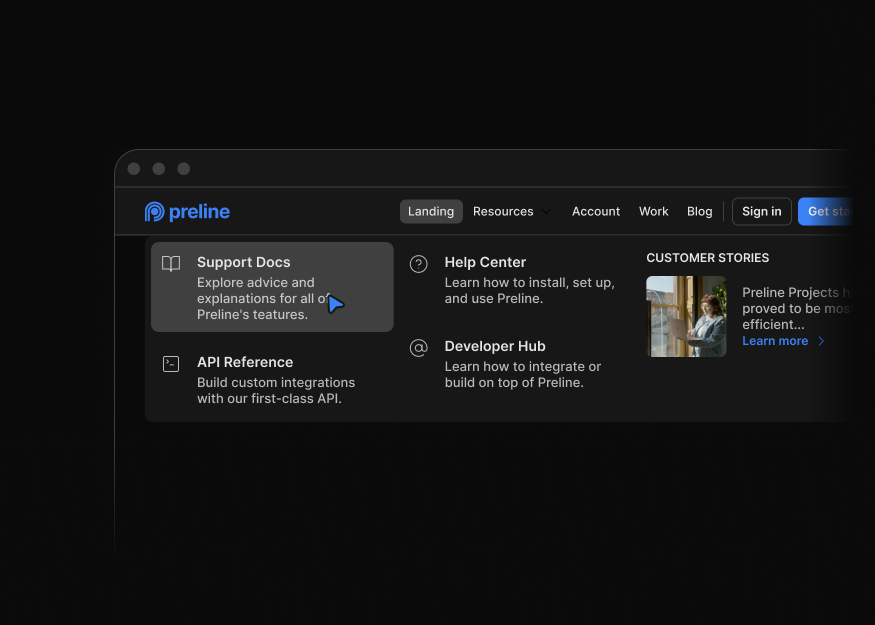
Website Headers
11 components
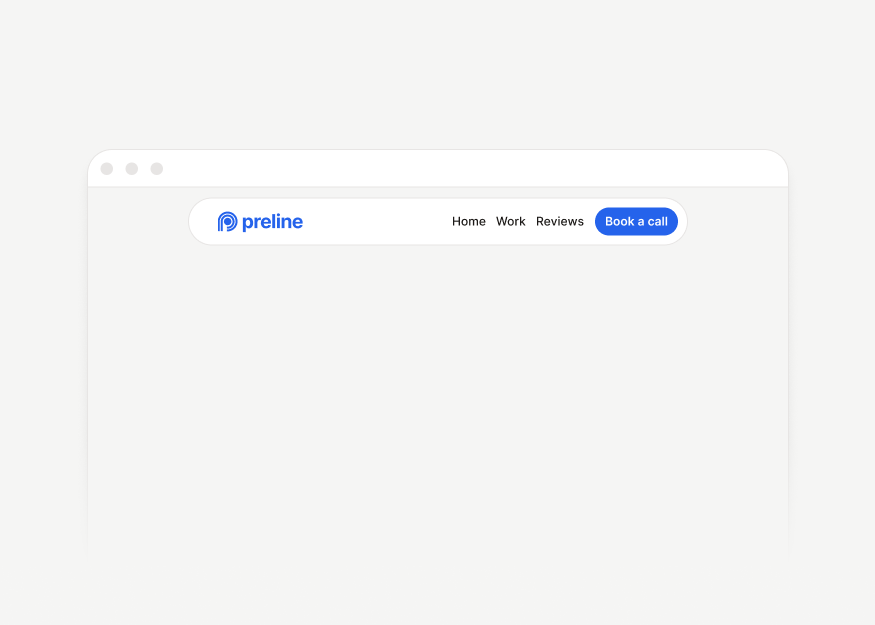
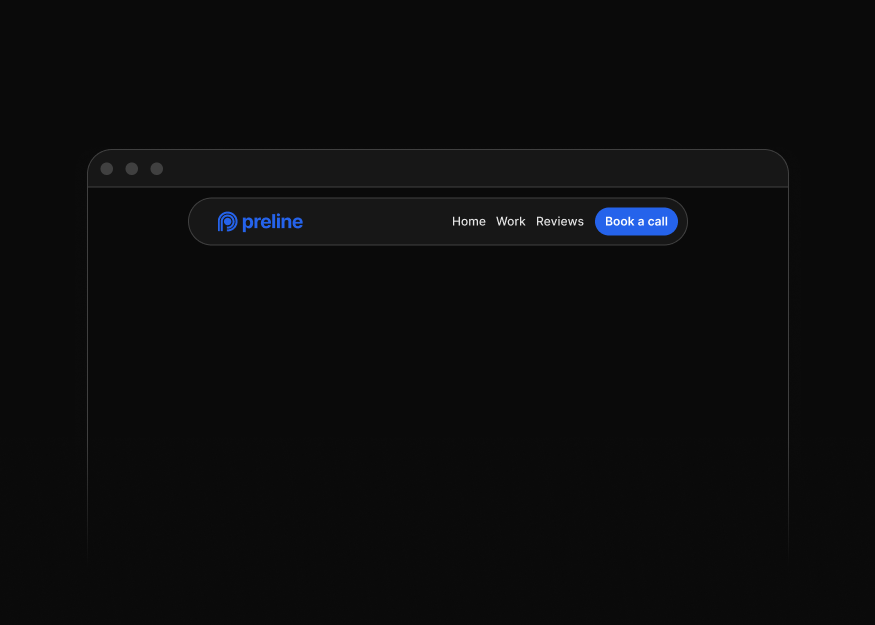
Floating Headers New
4 components

Team Sections
5 components
Testimonials
10 components


Testimonial Cards
5 components


Stats
7 components
Clients & Customers
8 components


Marquee New
5 components
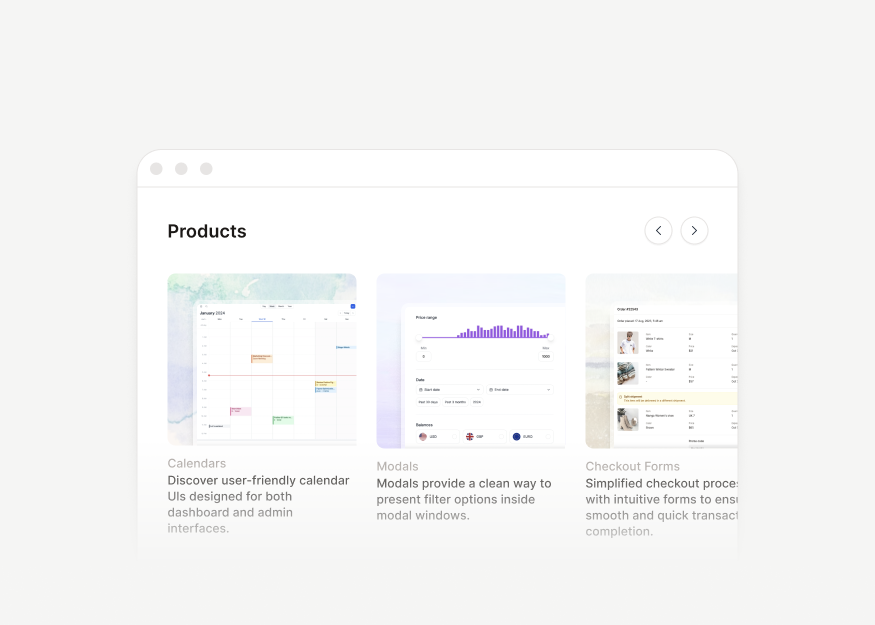
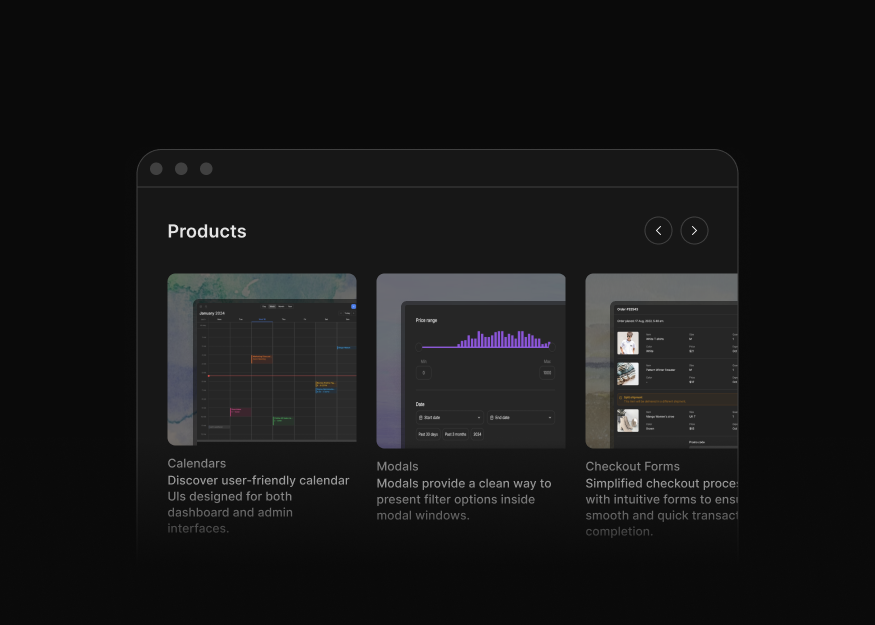
Feature Sections
12 components
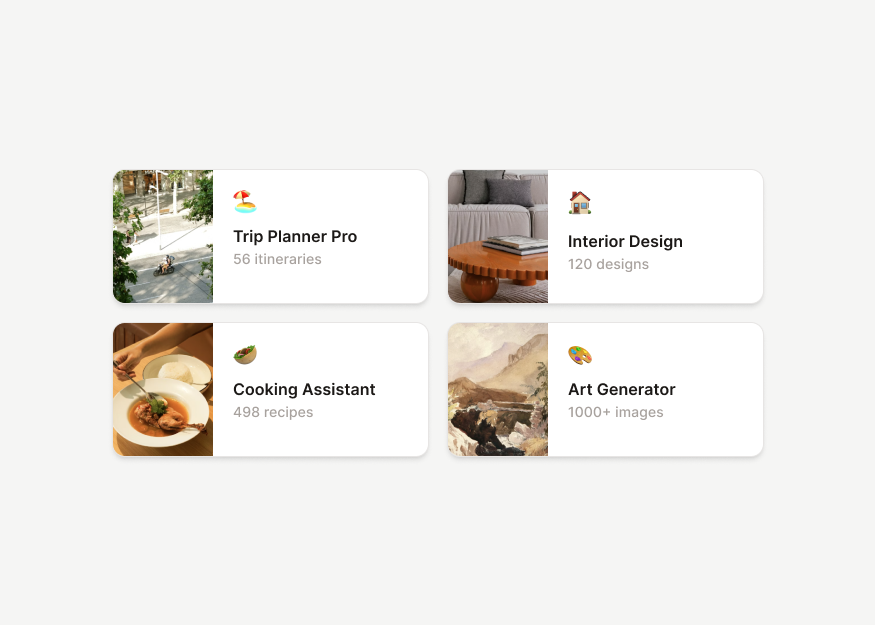
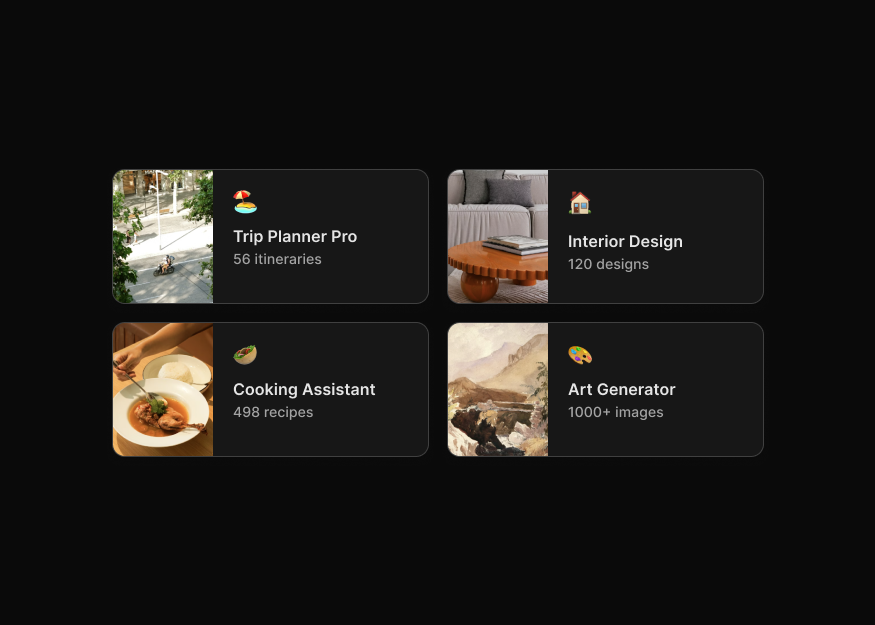
Content Showcases
12 components


Content Navigation
2 components


Icon Blocks
17 components


Content Details
3 components
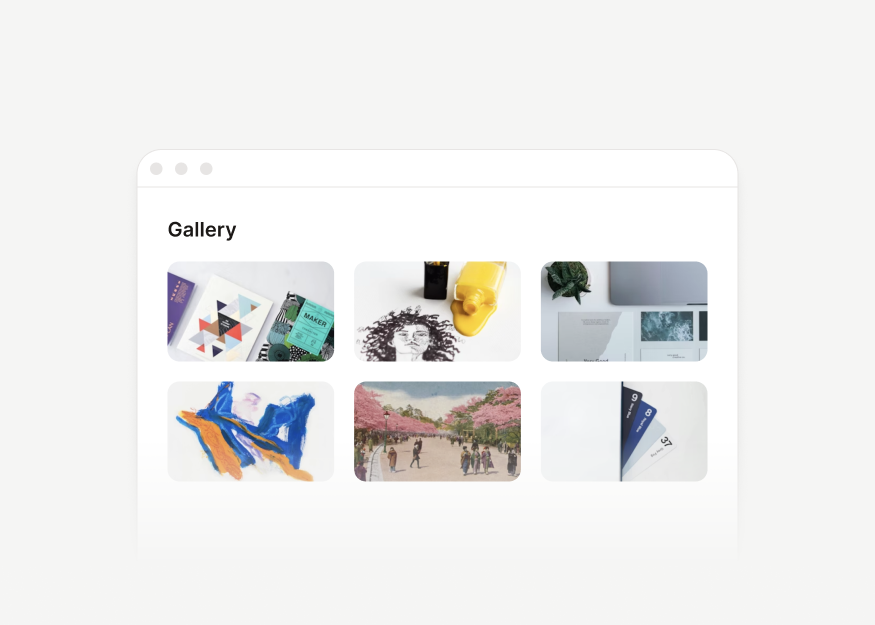
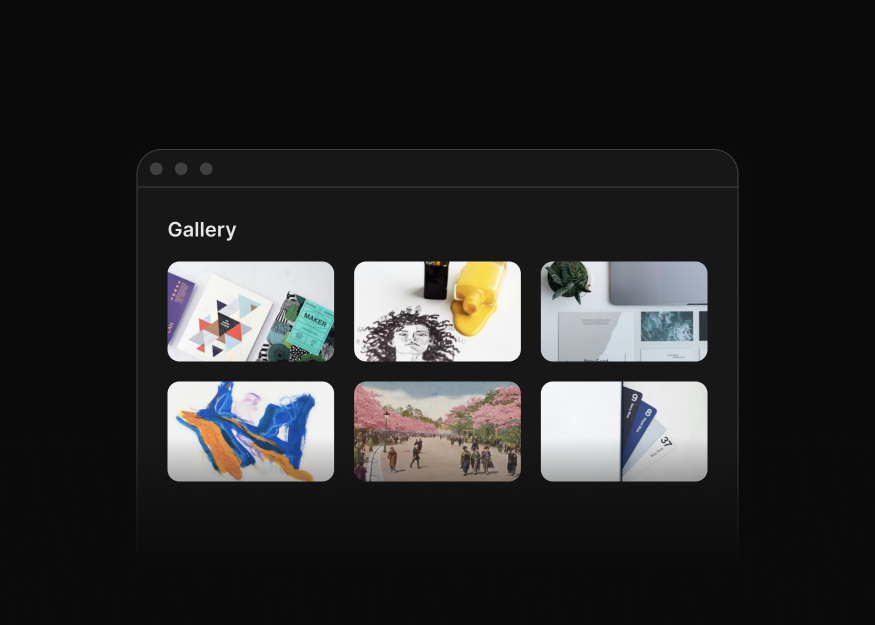
Gallery Grids
3 components


Gallery Sliders
1 components


FAQ Sections
4 components


Career Pages
1 components
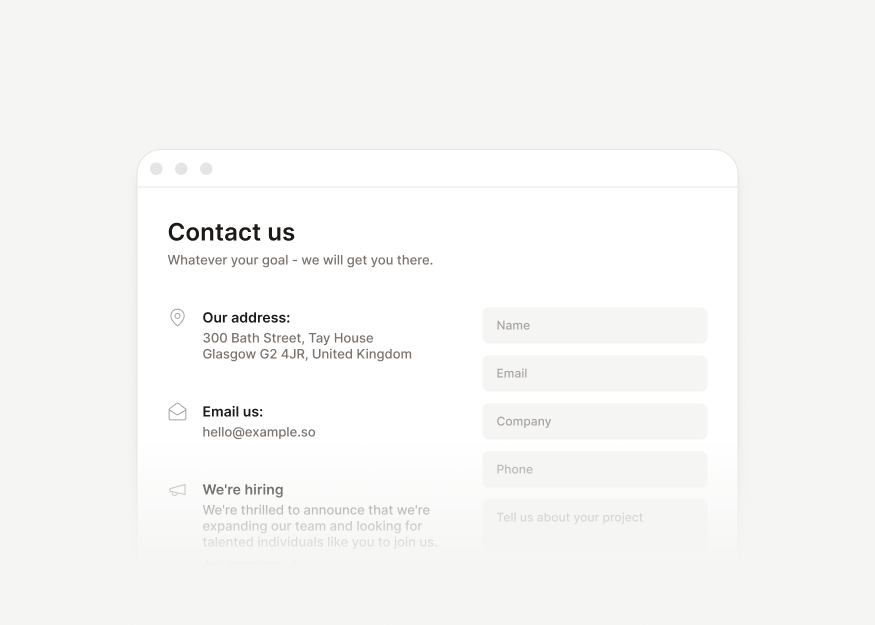
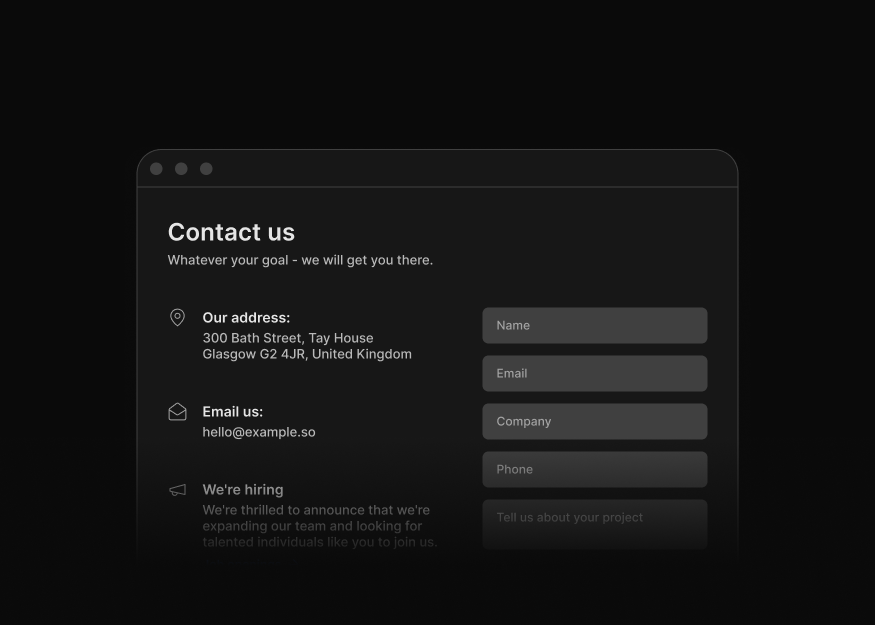
Contact Pages
4 components


Website Footers
9 components


Cover Pages & Shells
3 components
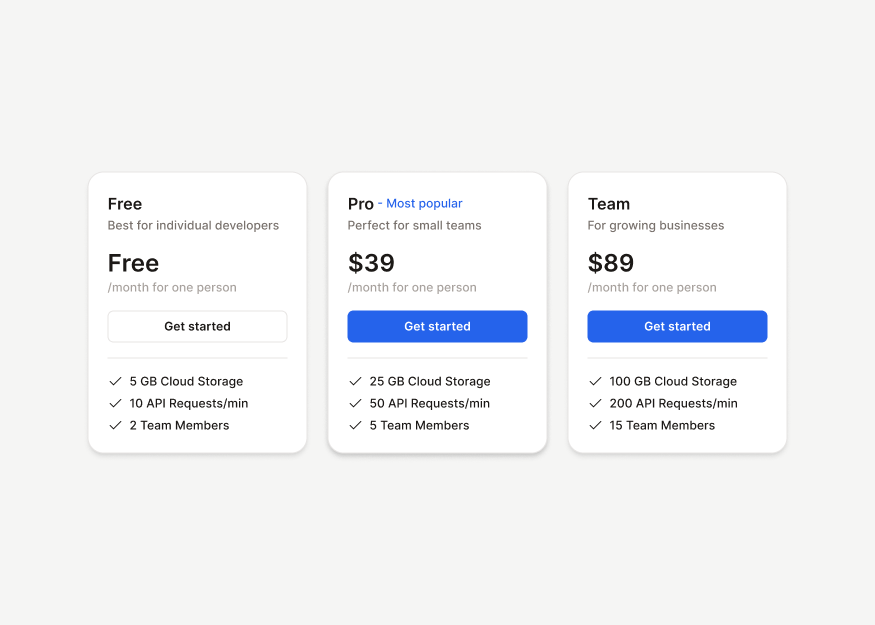
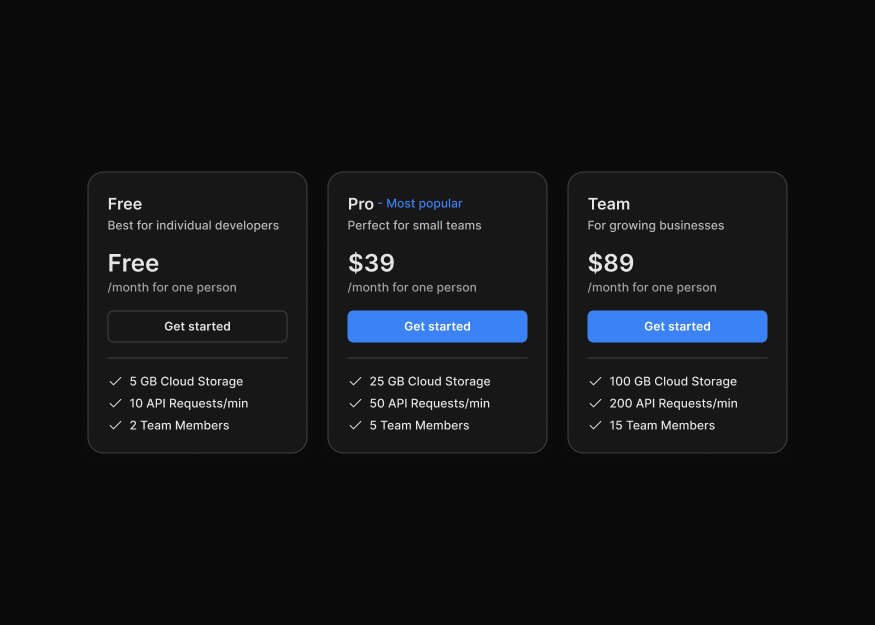
Pricing Cards
5 components
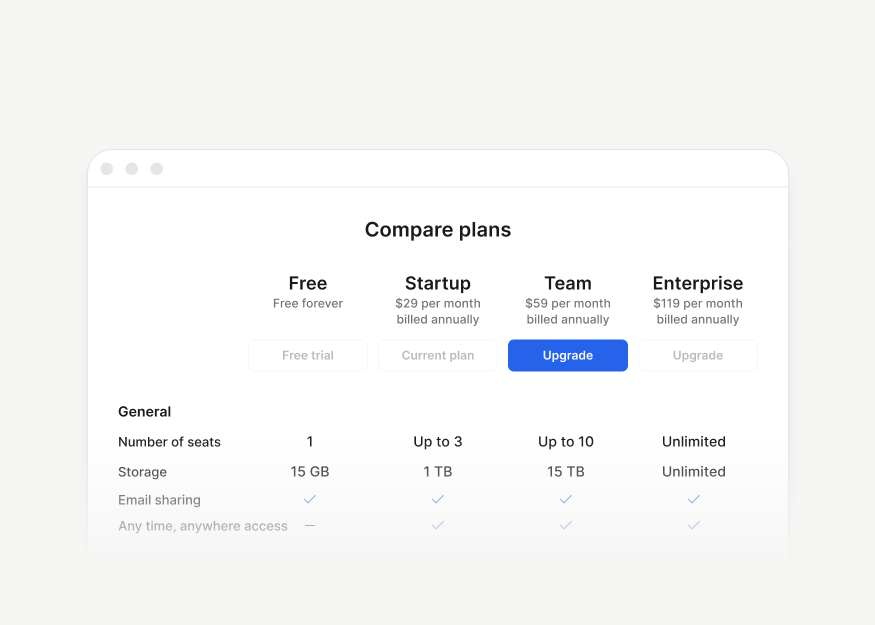
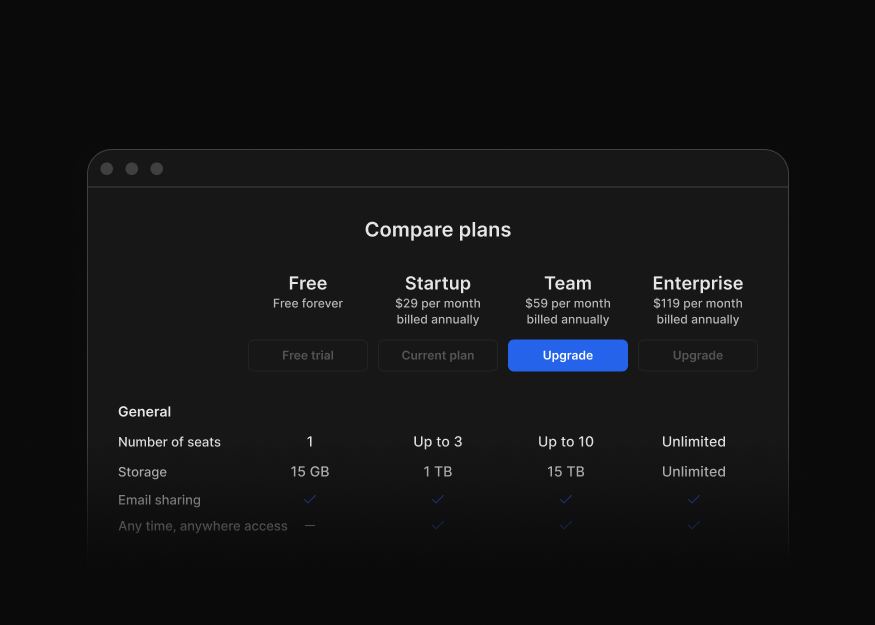
Pricing Tables
3 components


Pricing Pages
1 components
Call-to-Action Sections
1 components
Data Display
Tailwind CSS data display blocks for dashboards and analytics apps, including charts, KPI cards, tables, activity feeds, maps, and description lists.
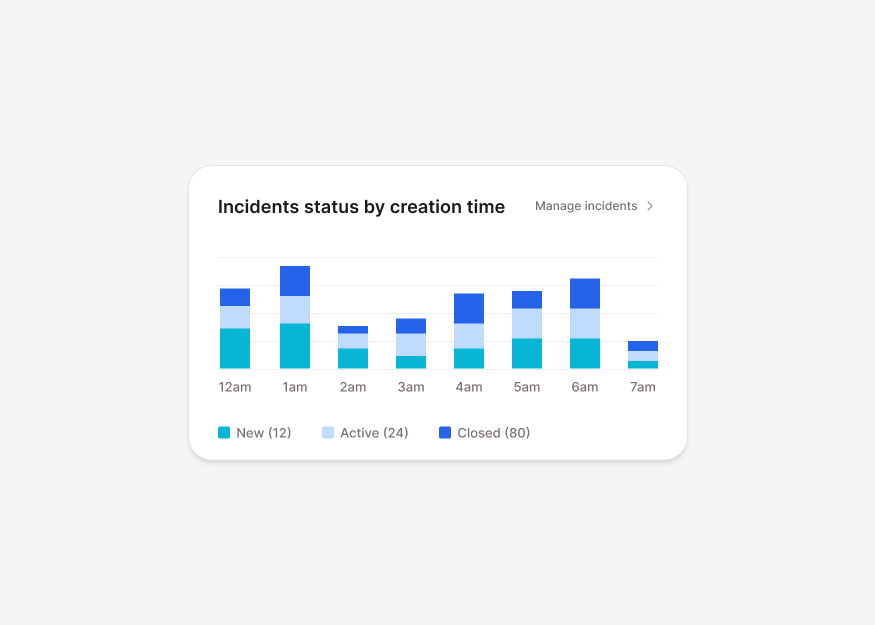
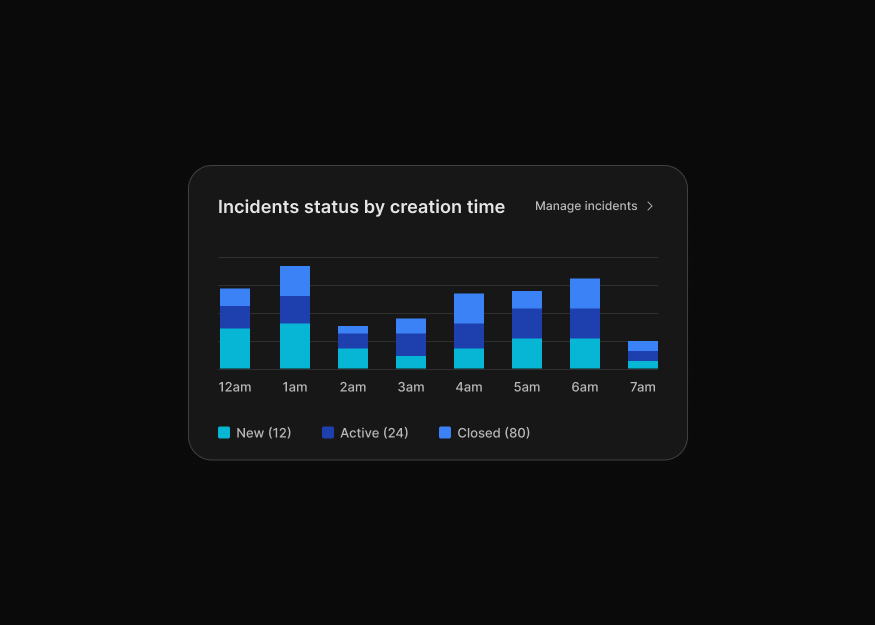
Bar Charts New
9 components


Line & Area Charts
5 components


Pie & Radial Charts New
6 components
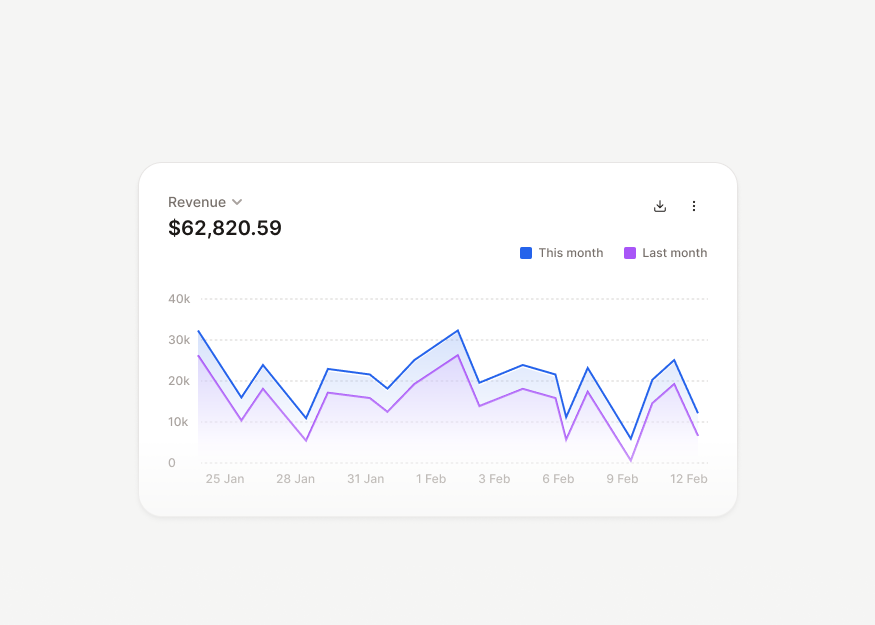
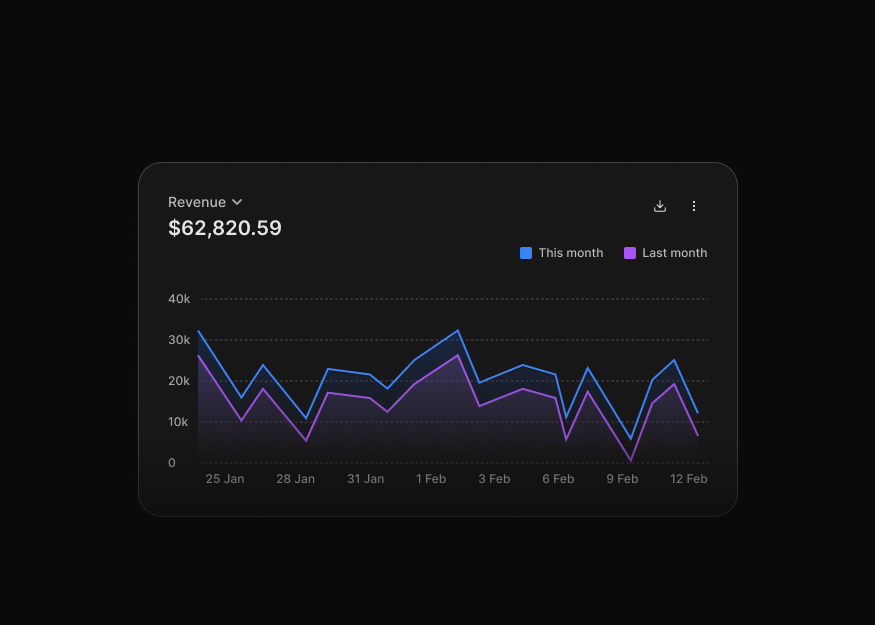
Chart Compositions New
10 components
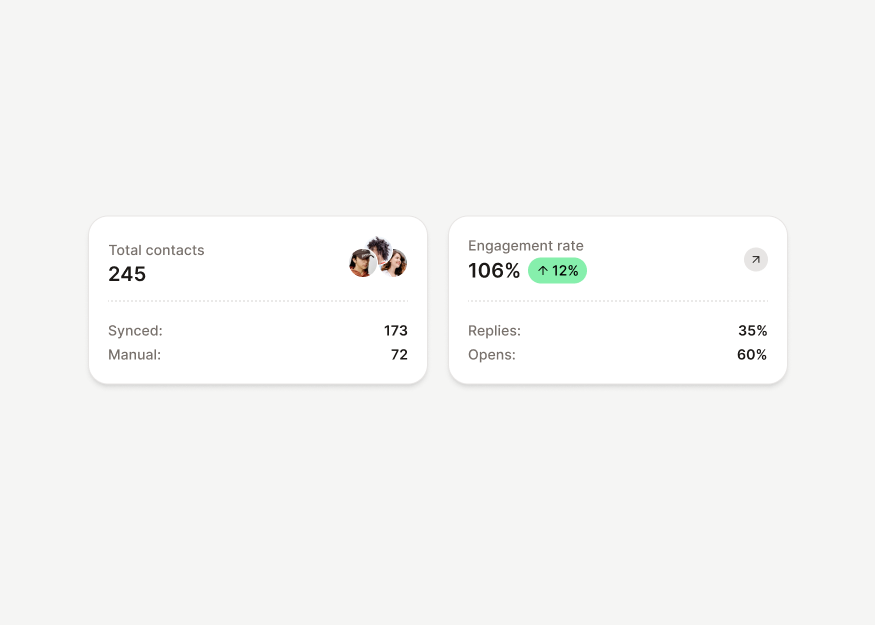
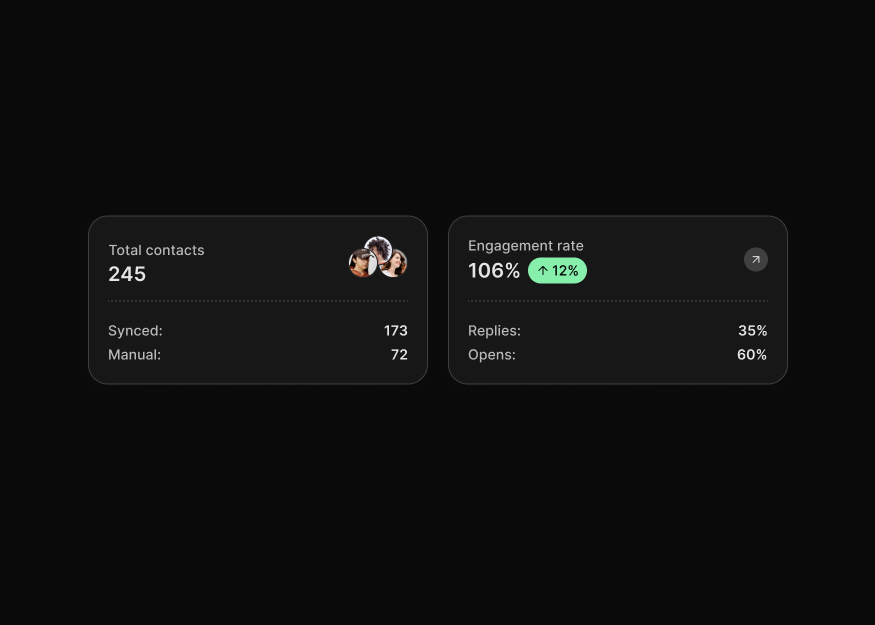
KPI Cards
17 components
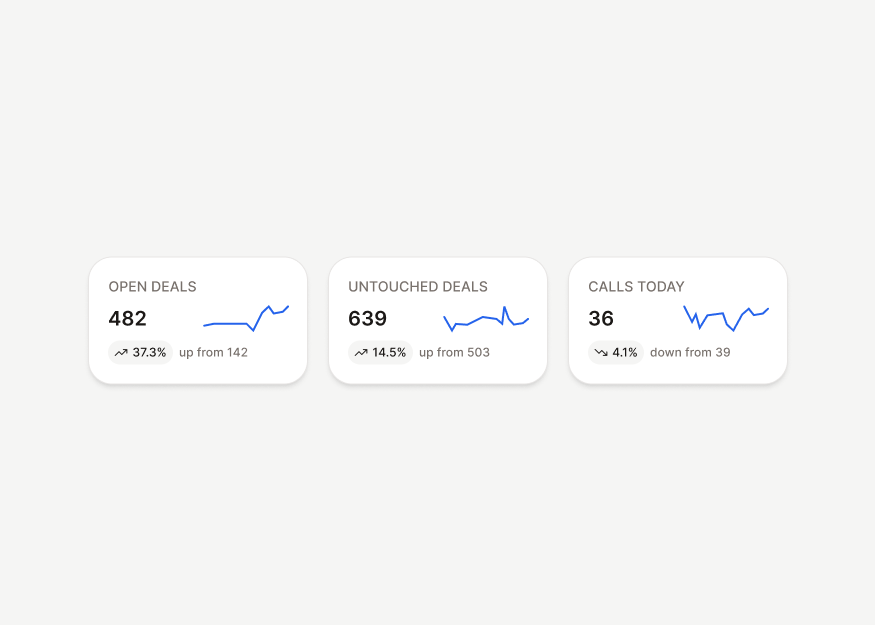
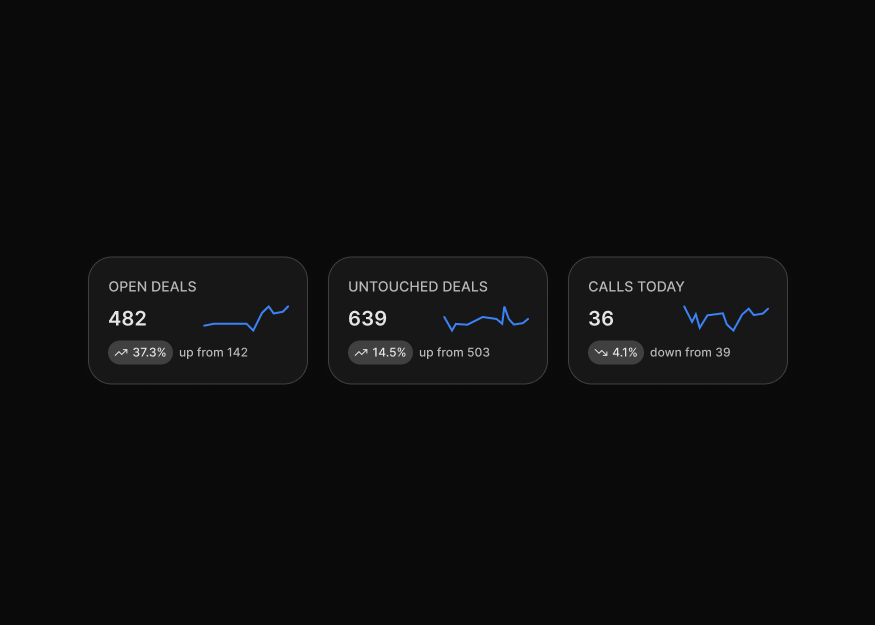
Spark Charts New
5 components
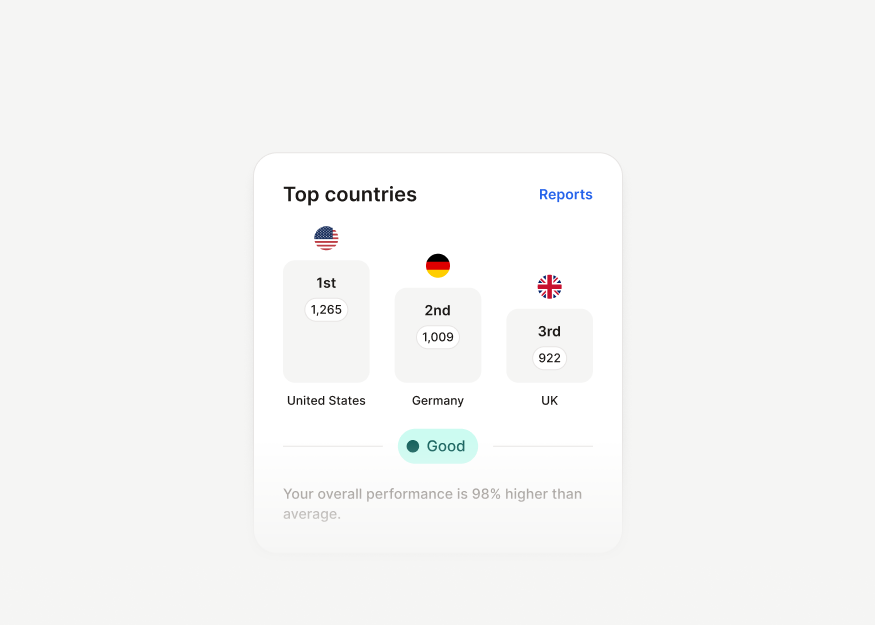
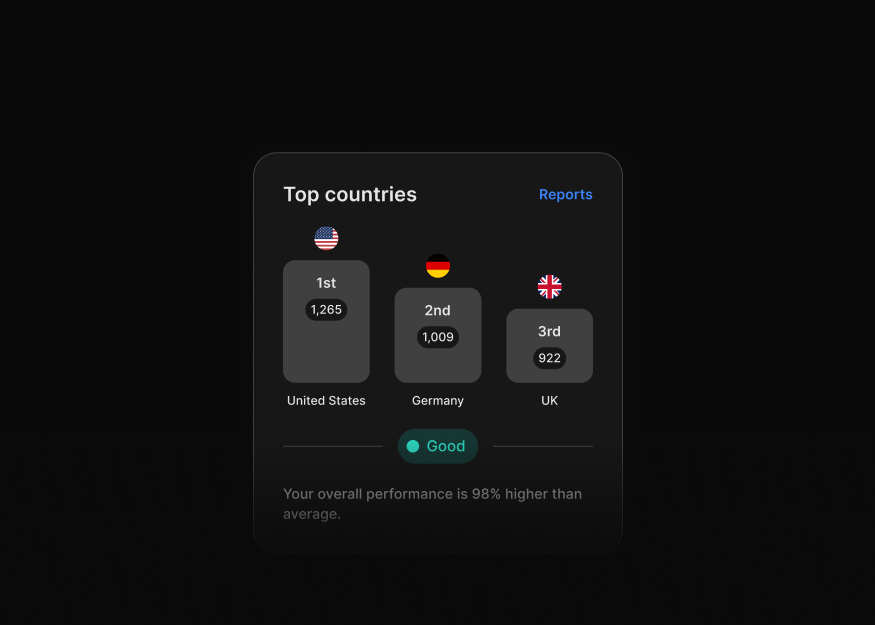
Ranking Cards
3 components


Progress Cards New
15 components
Data Maps
1 components


Projects
3 components
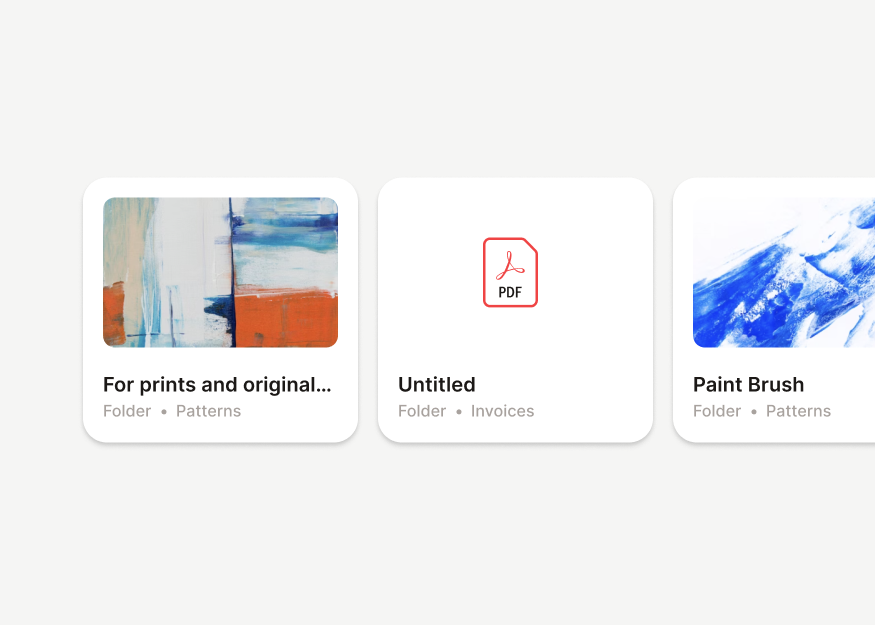
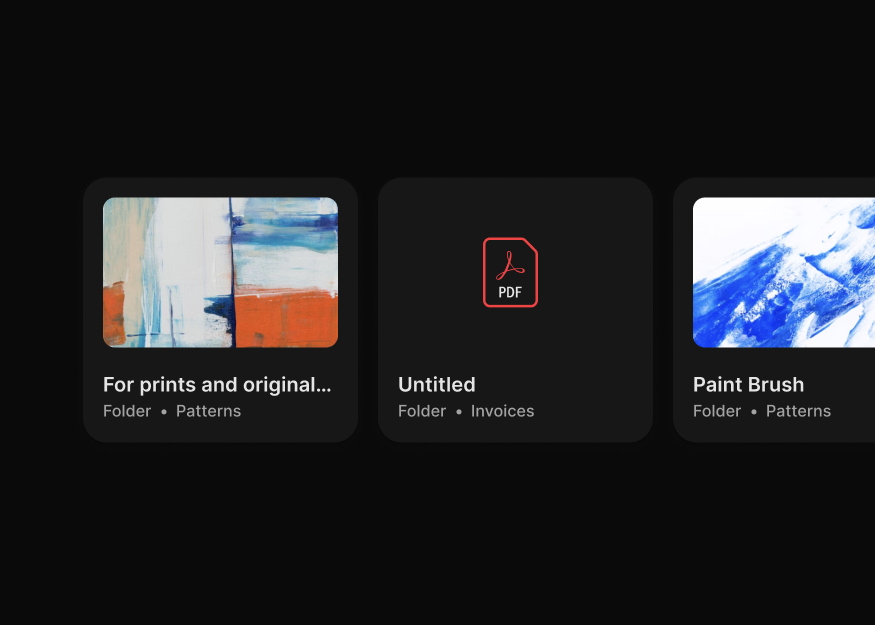
File Views
10 components


Team & Profile Views
2 components


Integrations
4 components


Data Management
3 components


Activity Feeds
6 components


Timelines
6 components


Description Lists
9 components
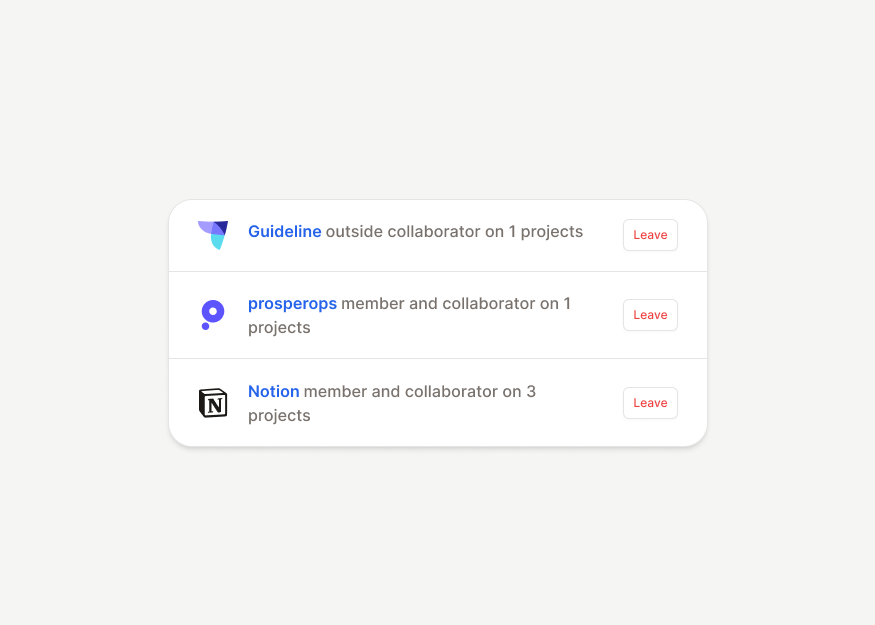
List Groups New
12 components


Utility & Detail Drawers
6 components
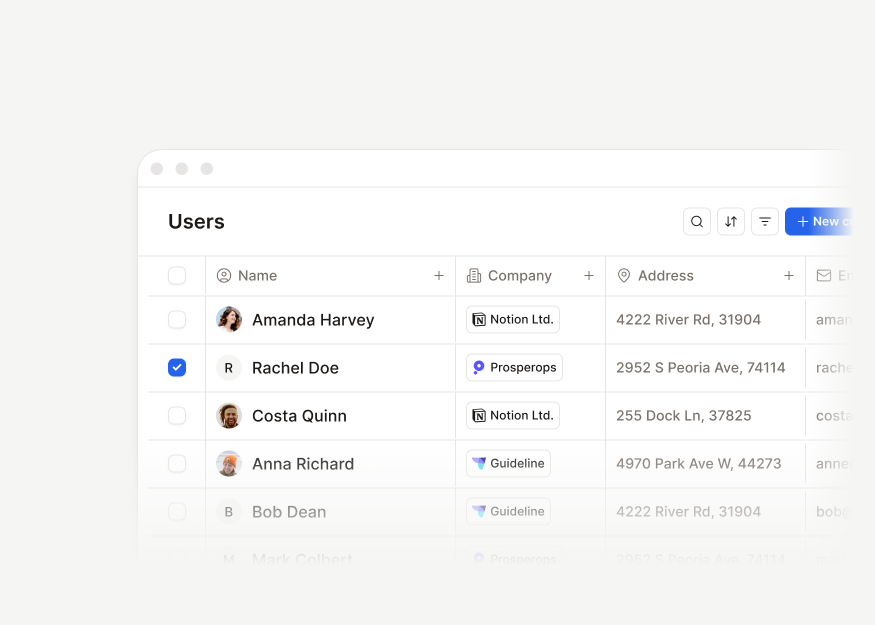
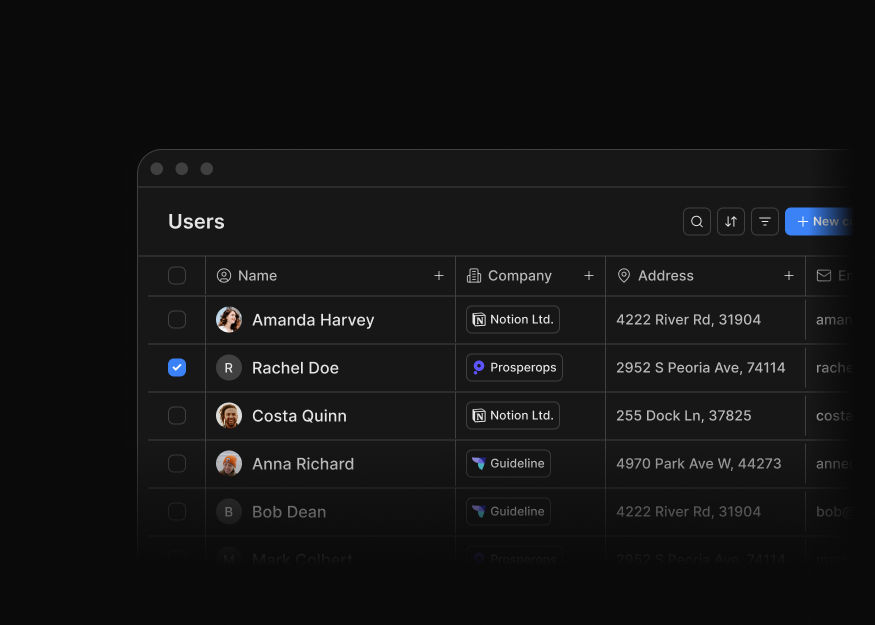
User & Contact Tables
10 components
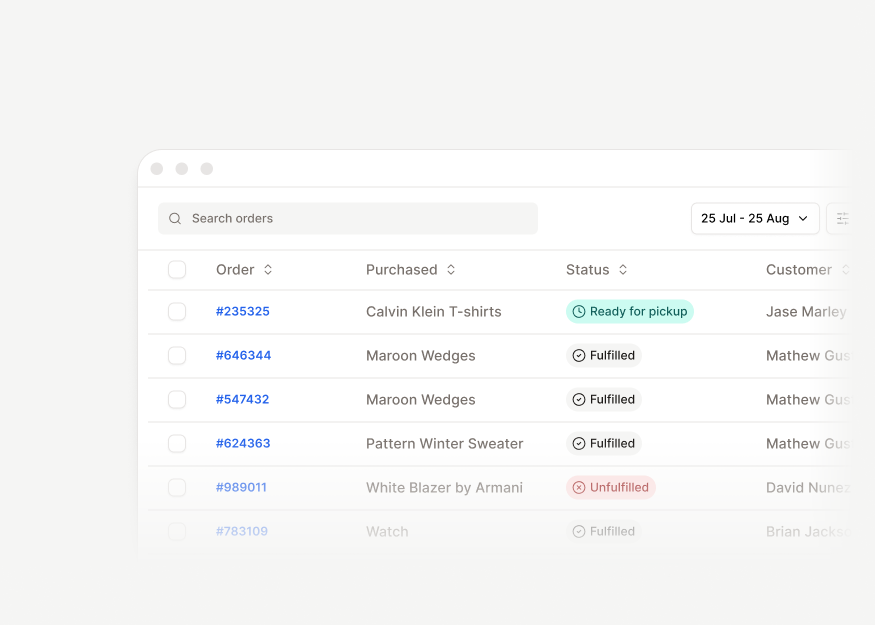
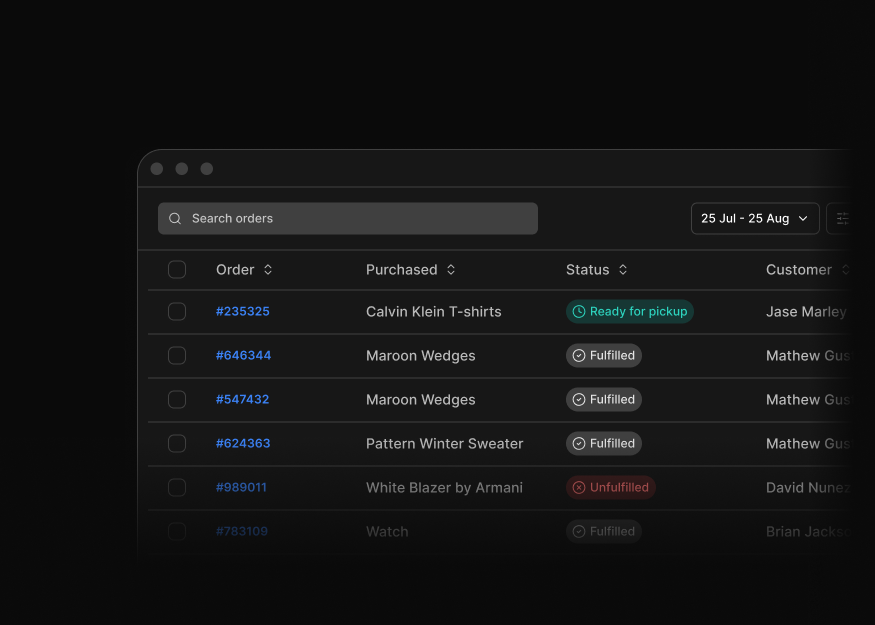
Order & Billing Tables New
7 components
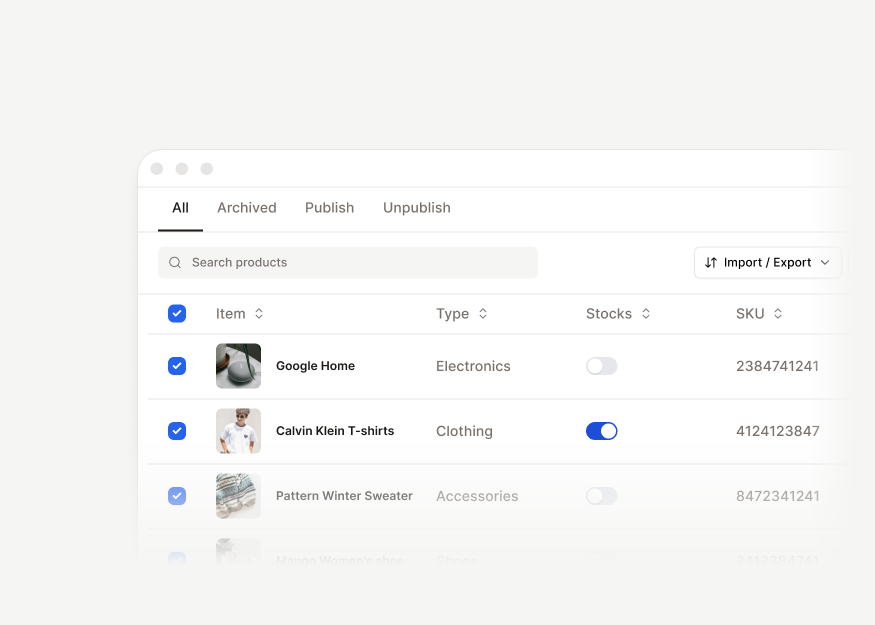
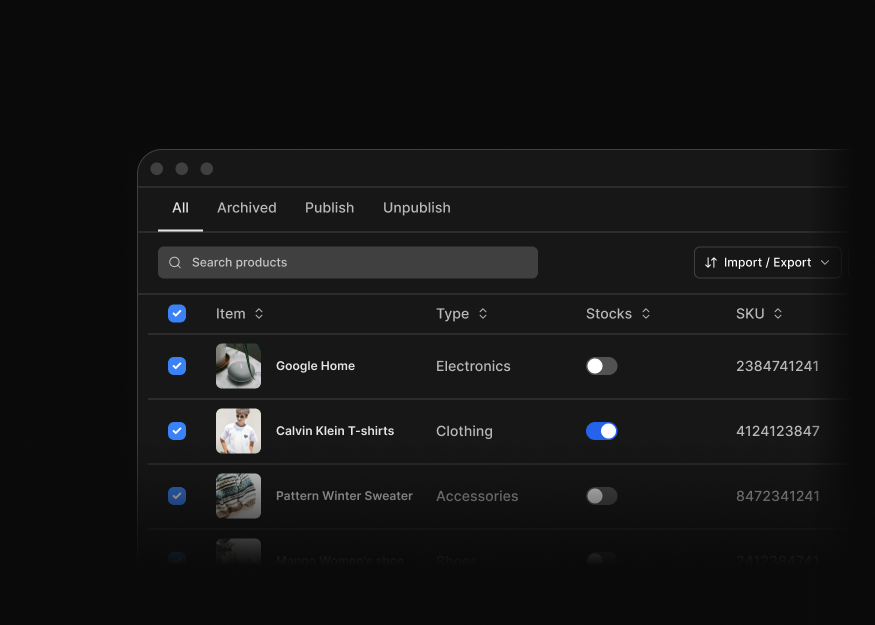
Product Tables
3 components
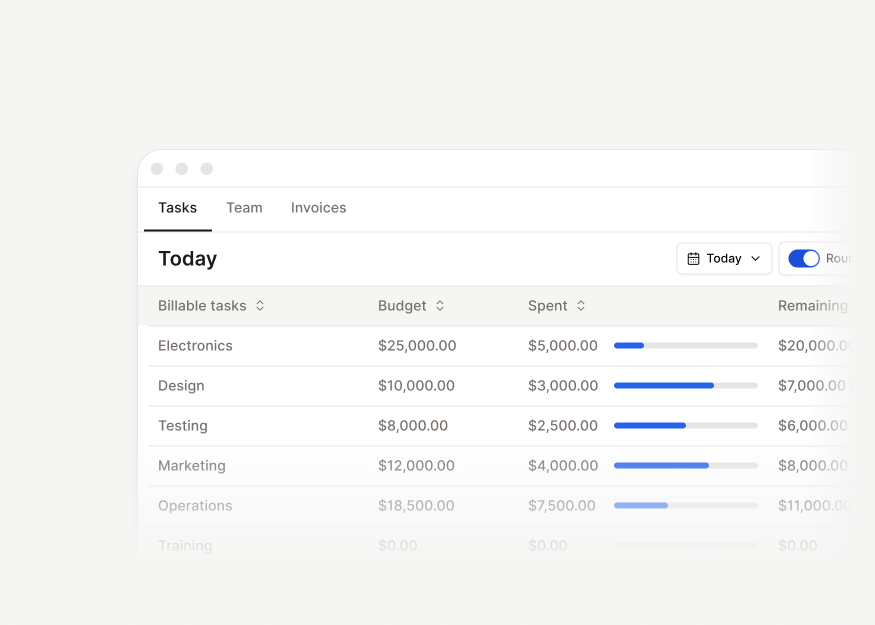
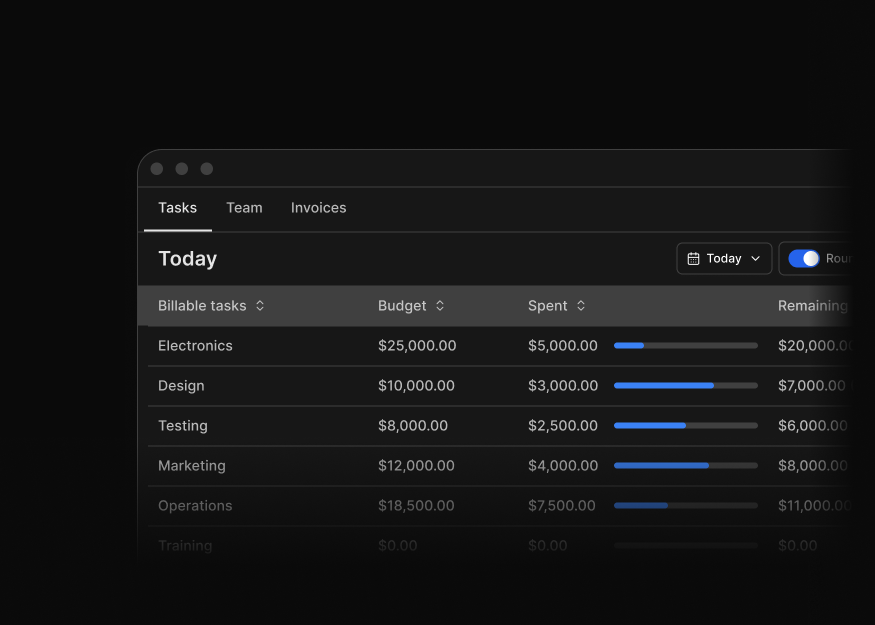
Project Tables
3 components
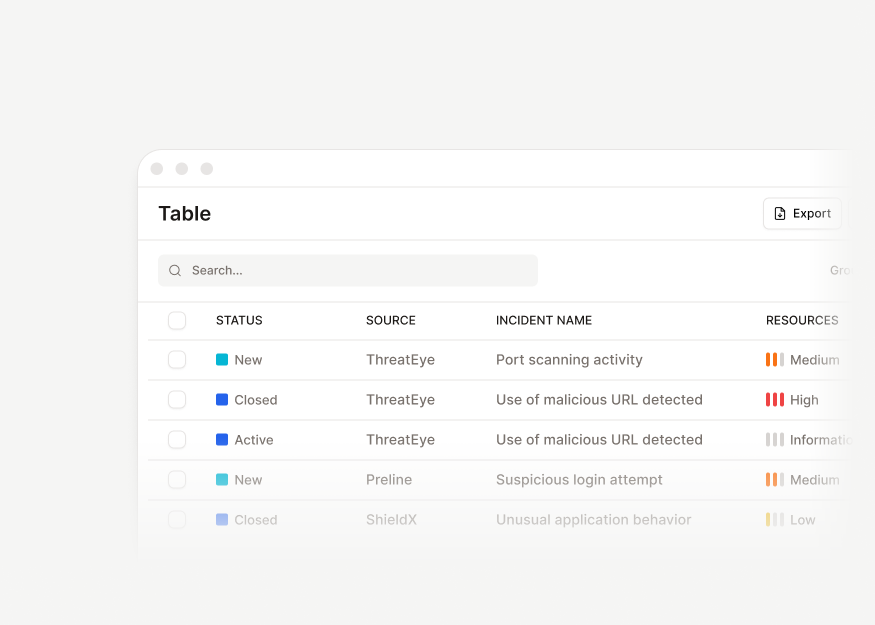
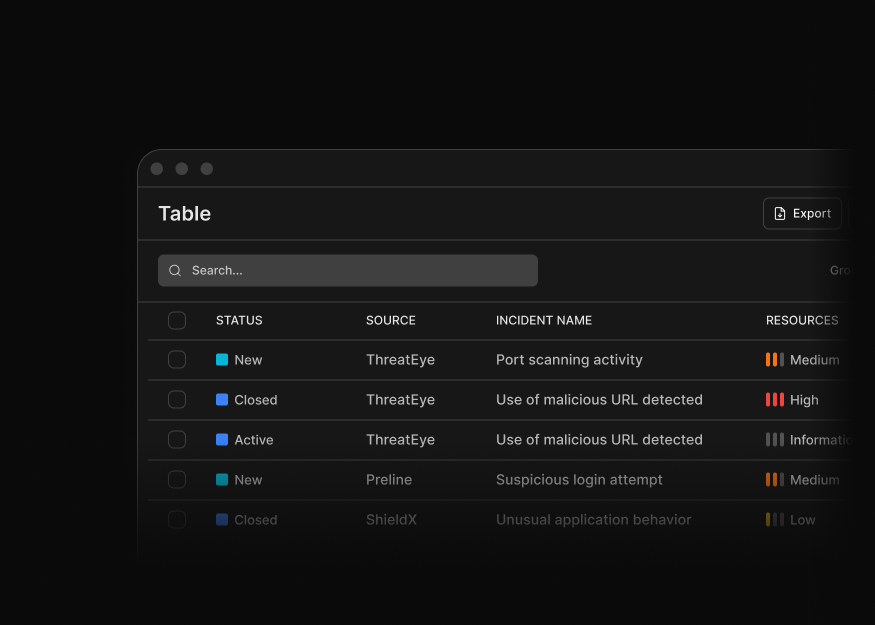
Analytics Tables
6 components
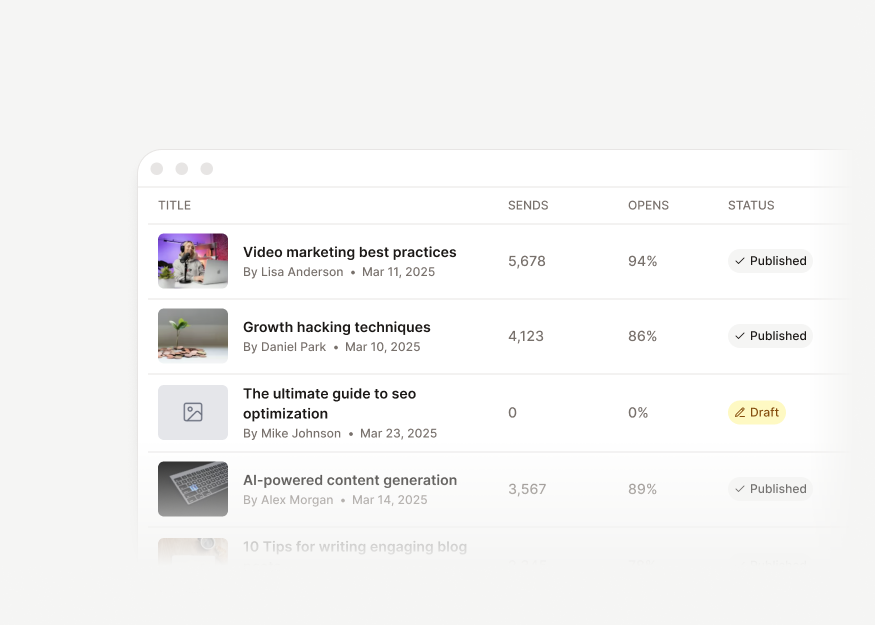
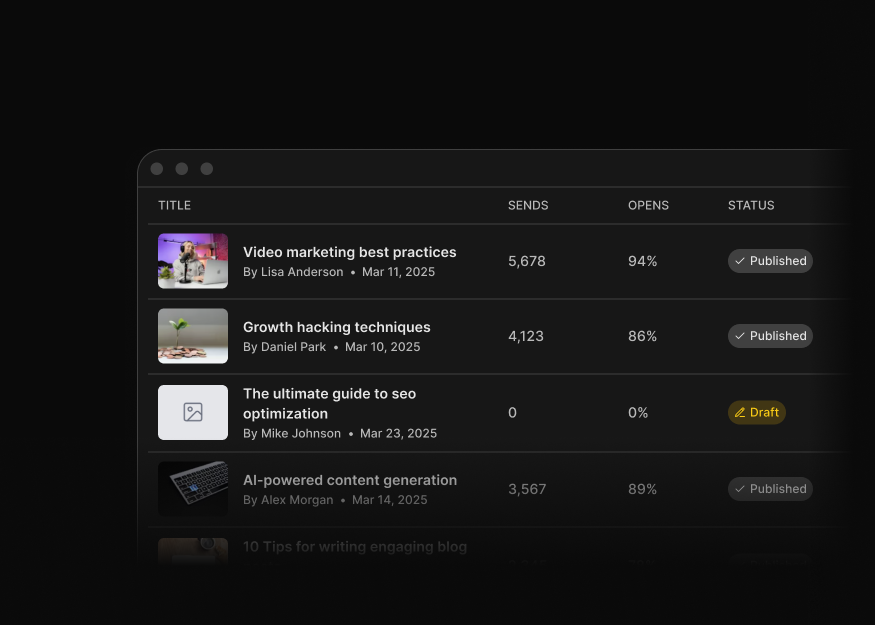
Content Tables
3 components
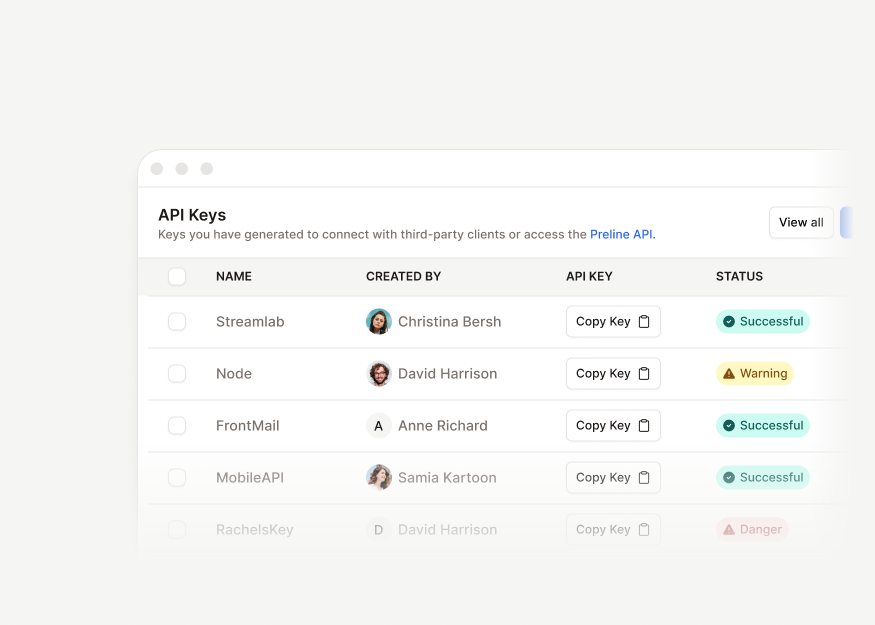
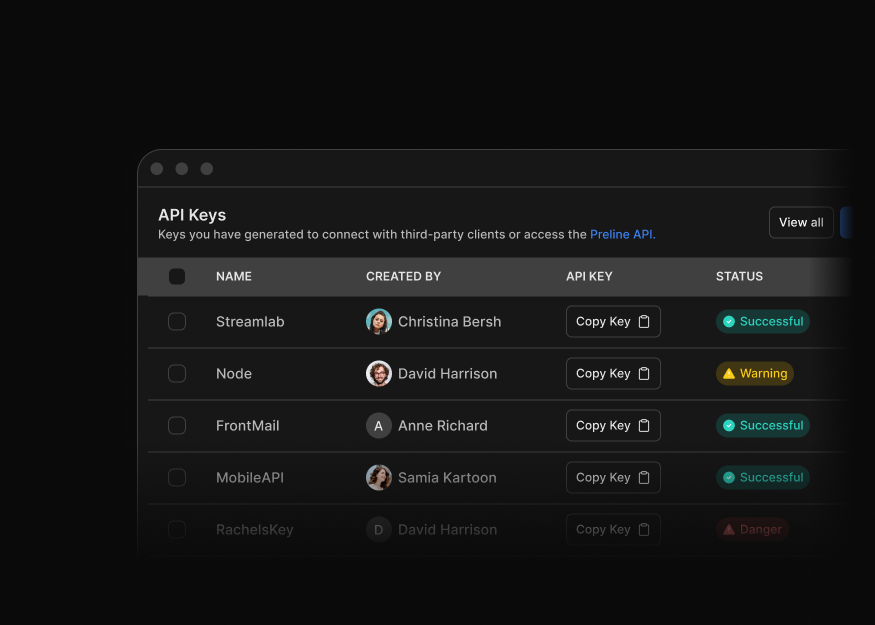
Admin Utility Tables
3 components
UI Components
Tailwind CSS UI component blocks for buttons, menus, selects, badges, progress bars, popovers, snippets, and reusable interface elements.


Dropdown Menus
9 components
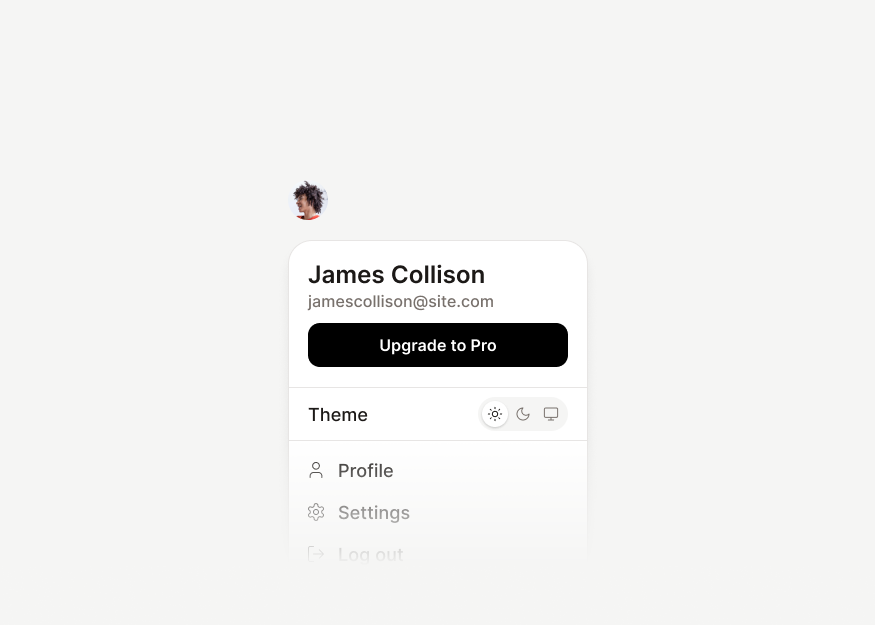
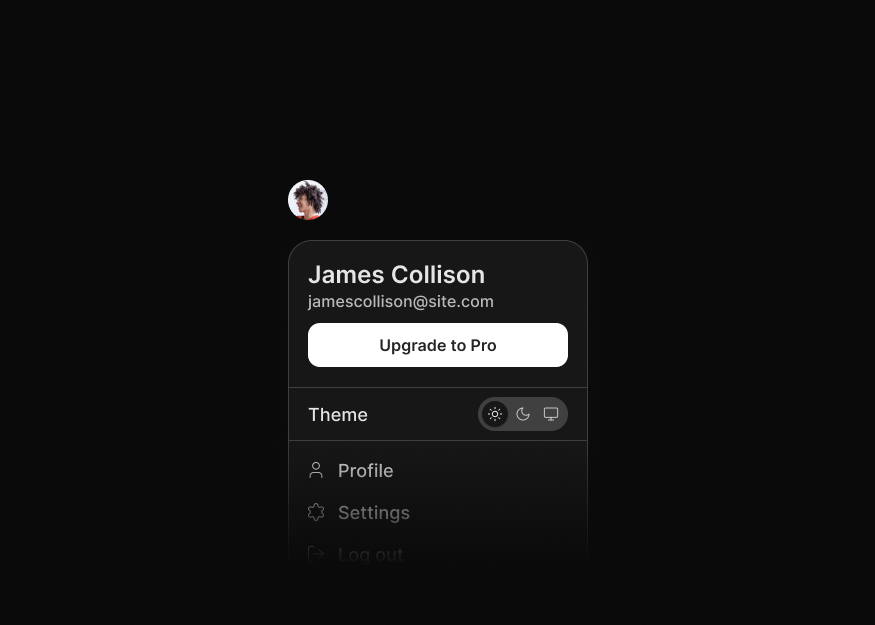
Account & Workspace Menus
8 components


Selection Menus
10 components


Select Menus New
13 components


Tagging Selects
2 components


Embedded & Compact Selects
4 components


Ecommerce Menus
4 components


Editor & Toolbar Menus
4 components


Profile Popovers
2 components


Buttons
9 components


Action Button Groups
6 components


Segmented Controls
3 components


Label & Feedback Groups
4 components


Badge Styles
8 components


Status Badges
4 components


Tag Chips
7 components


Progress Indicators
9 components


Utility Links
3 components
Forms
Tailwind CSS form blocks for billing, filters, uploads, radio groups, switches, and data-entry flows across dashboards, SaaS apps, and checkout pages.
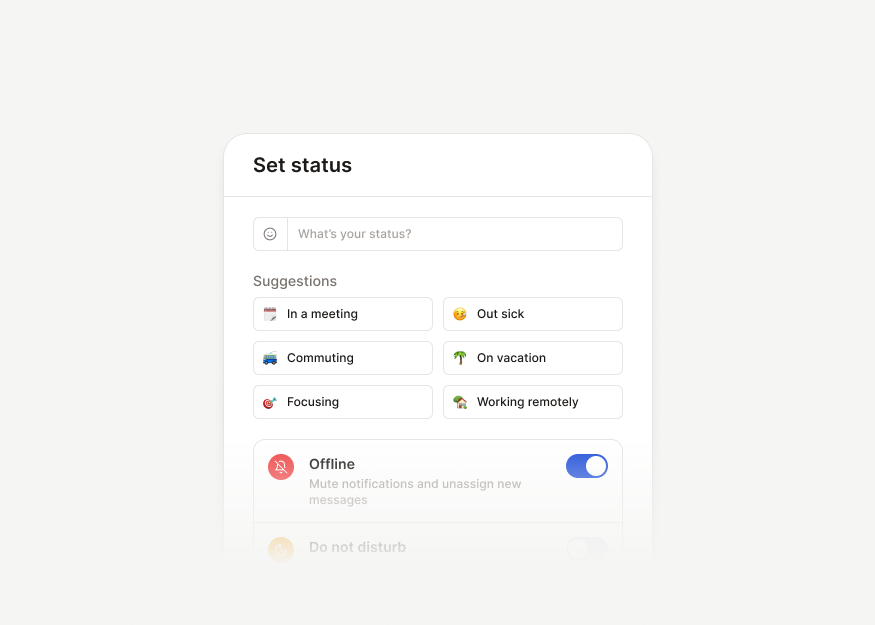
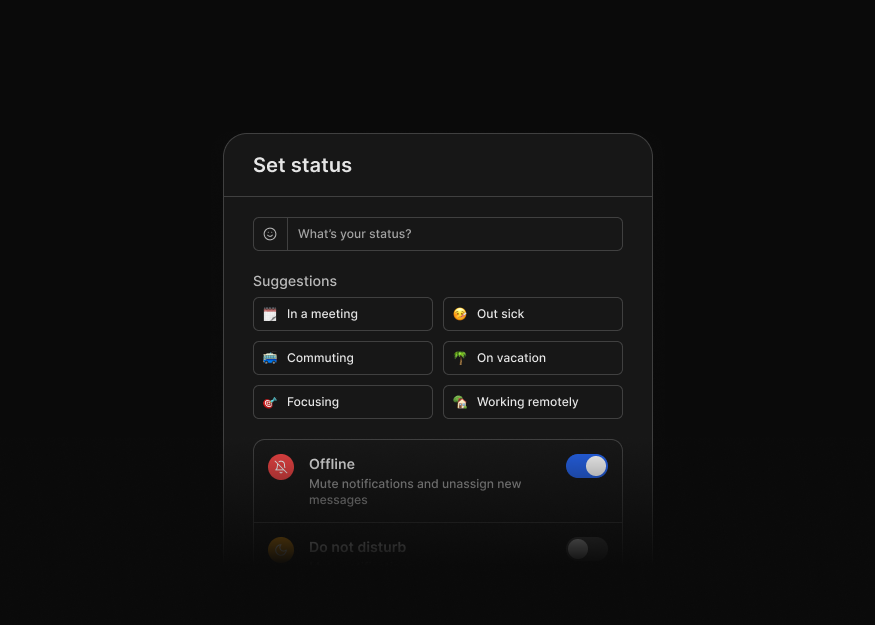
Advanced Forms
5 components


Transfer Forms
3 components


Form Pages & Settings New
11 components


Text Editors
3 components


Message Composer Textareas
9 components


Utility Textareas
1 components


Option Pickers New
13 components


Selectable Cards & Lists
14 components


Checkbox & Preference Controls
8 components


Ratings & Emoji Selectors
6 components


Switches
5 components


Create & Edit Forms
10 components
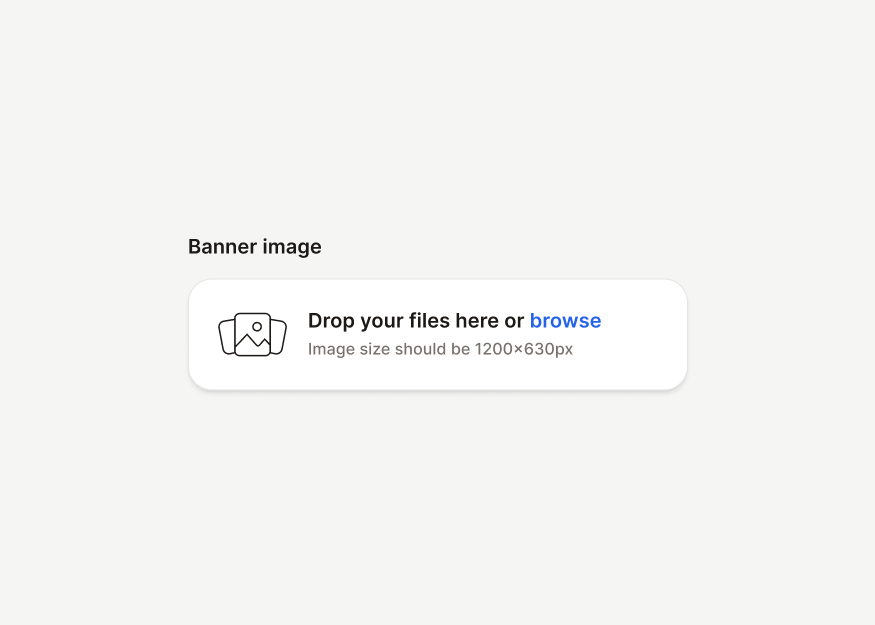
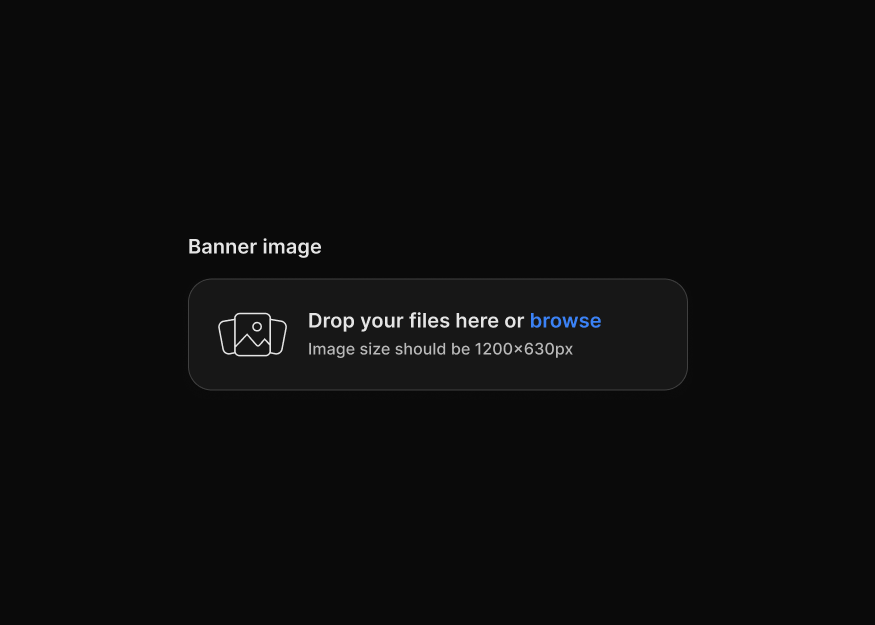
File Upload Forms New
4 components


Image Upload Forms New
3 components


Document & Import Uploads
2 components
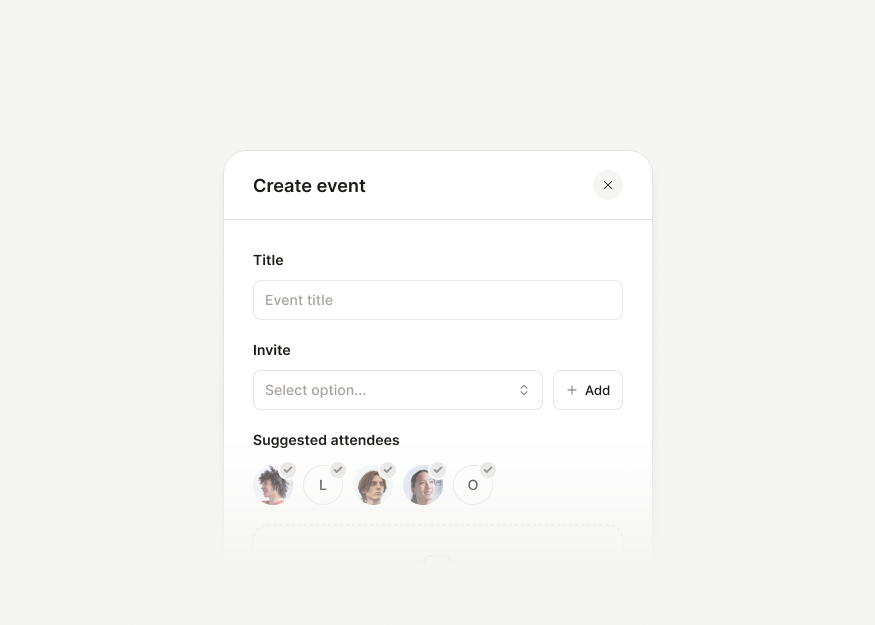
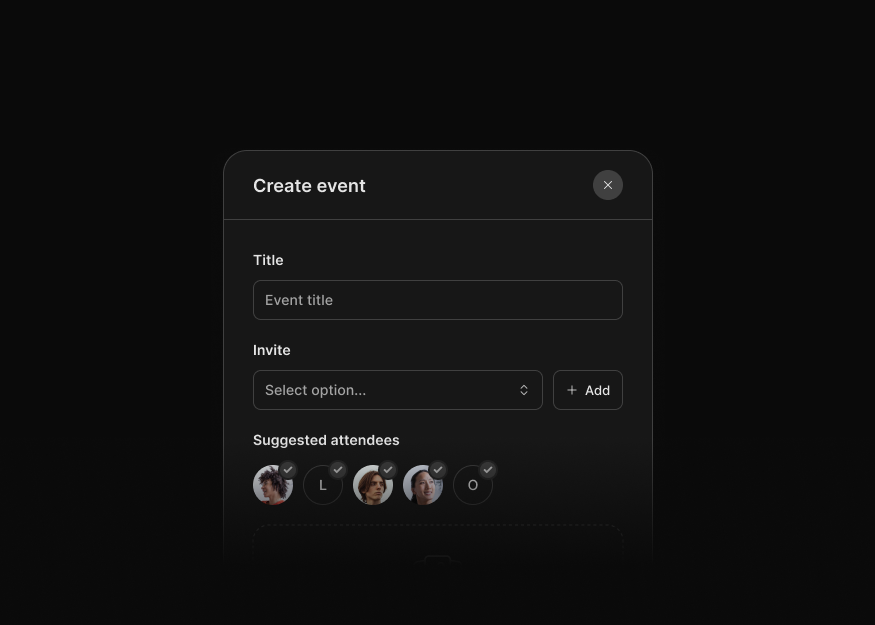
Create & Edit Form Modals New
10 components
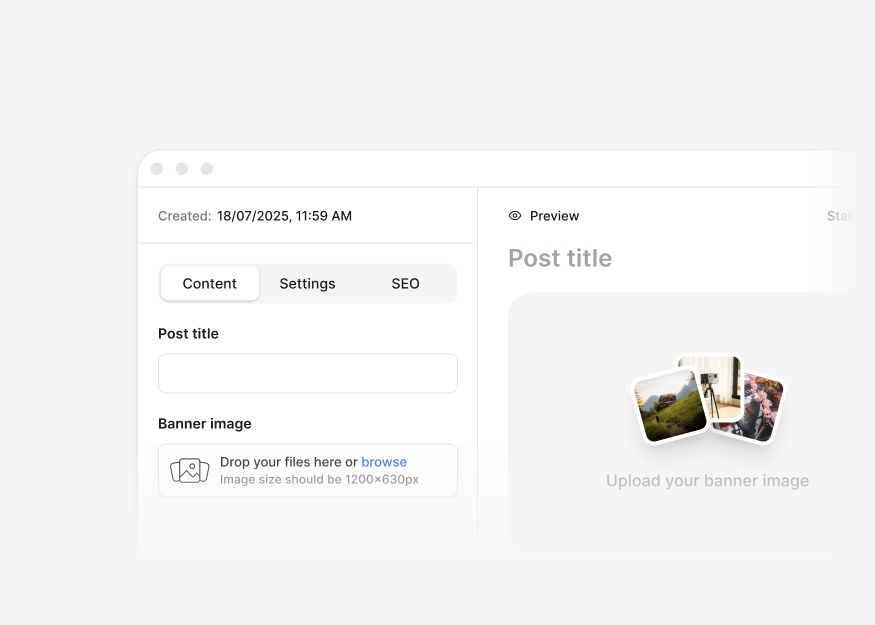
Content Editor Forms
1 components


Range Controls
3 components


Filter Panels
3 components
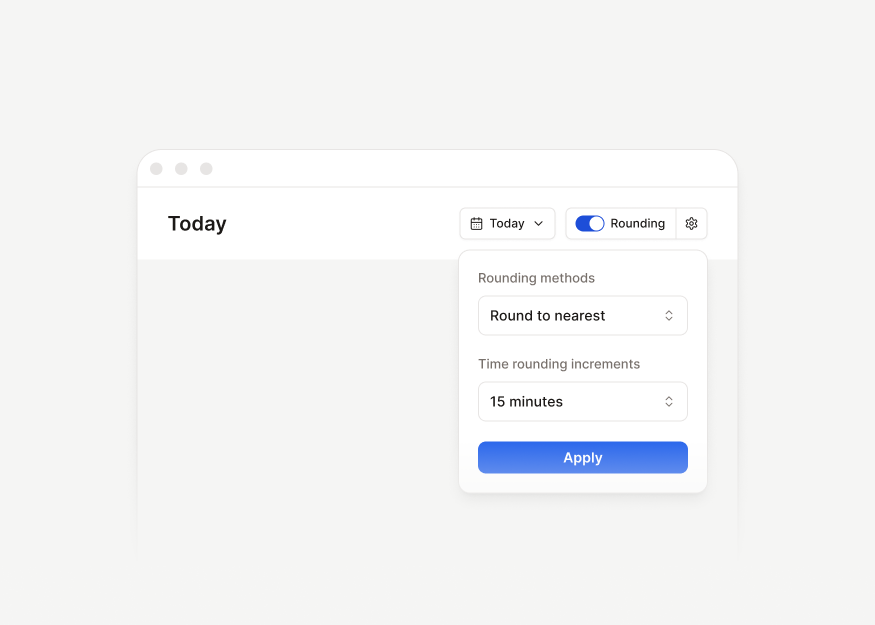
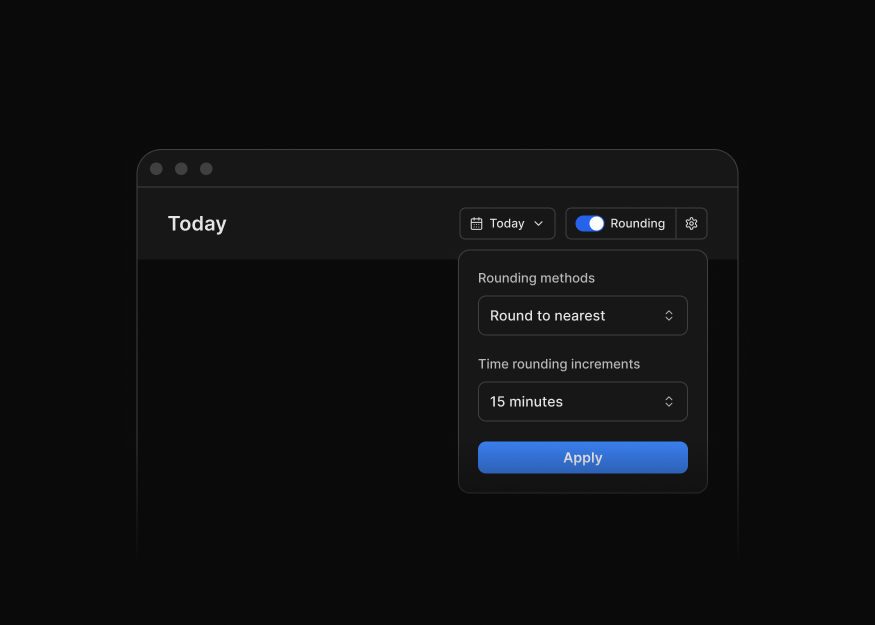
Filter Bars
12 components


Payment Method Forms
6 components
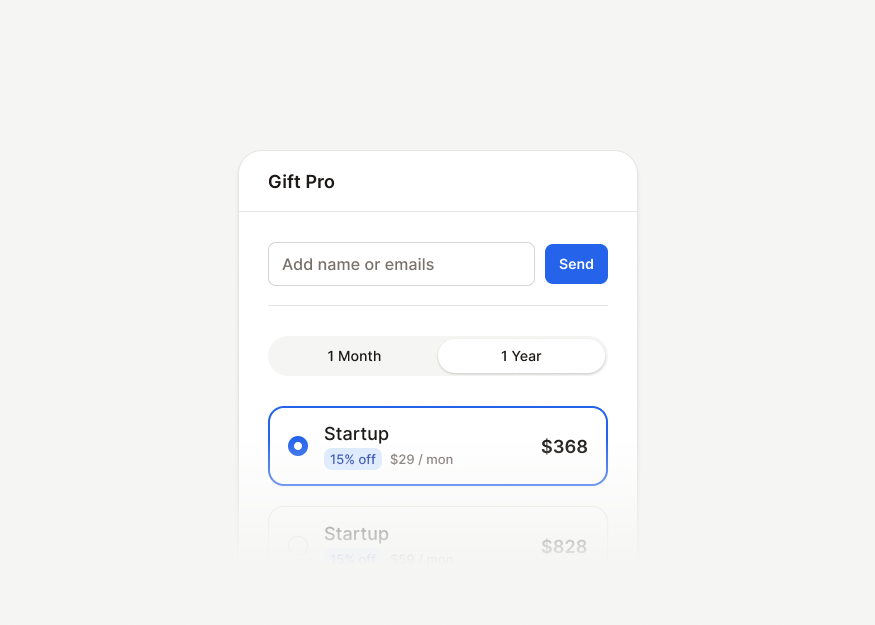
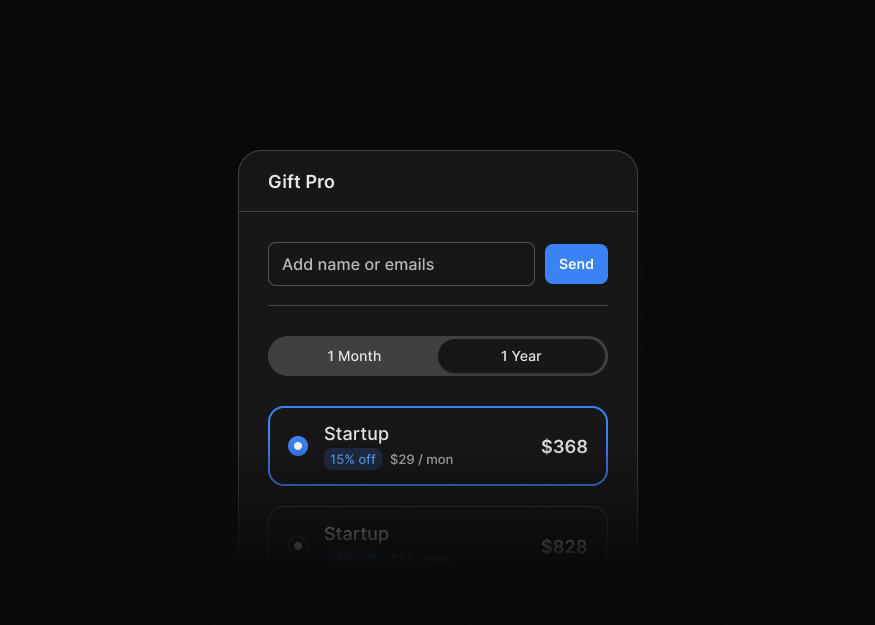
Billing & Upgrade Forms
3 components
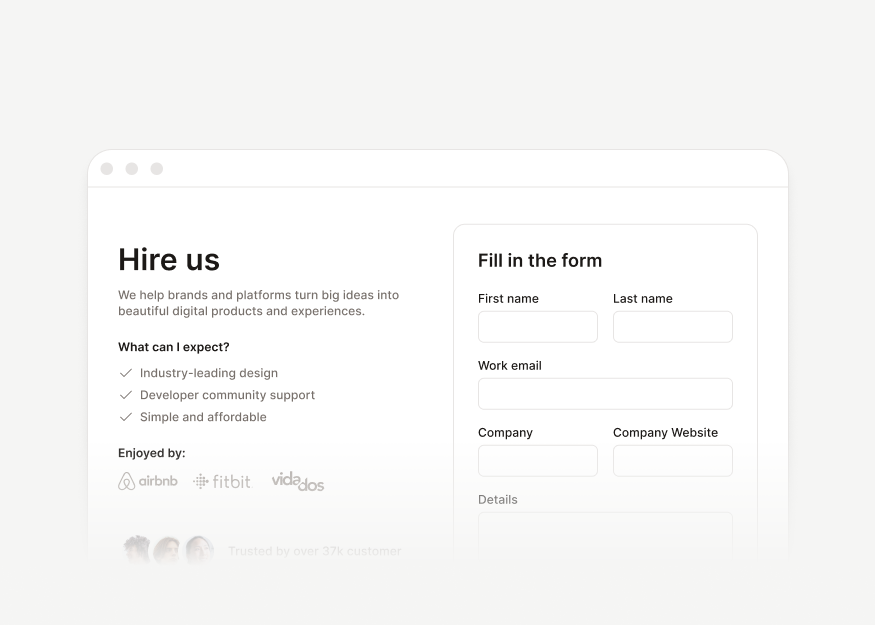
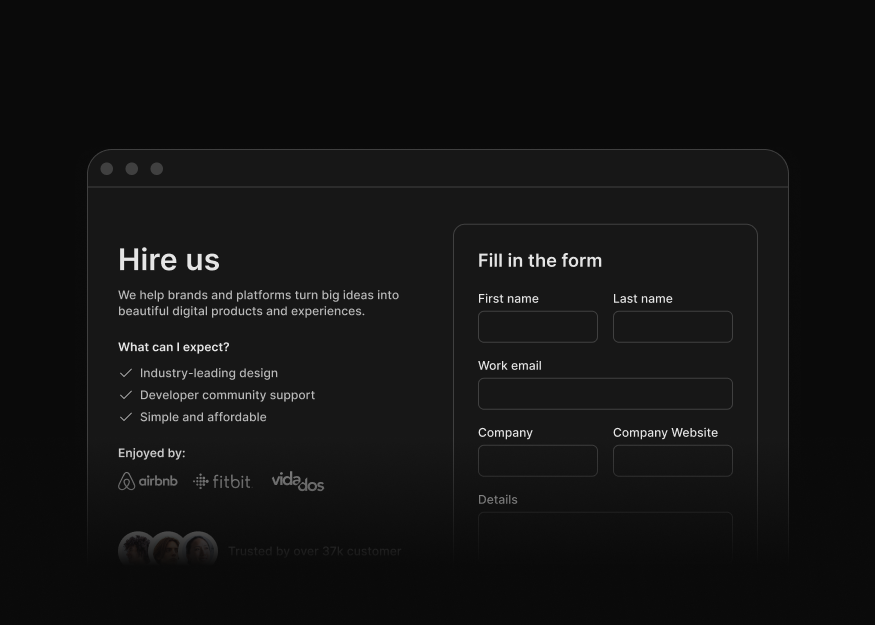
Contact & Feedback Forms
3 components


Newsletter Signup Forms
4 components


Product Review Forms
1 components
Authentication
Tailwind CSS authentication blocks for sign in, sign up, password reset, email verification, onboarding, and account access flows.


Ecommerce
Tailwind CSS ecommerce blocks for online stores, including product grids, product pages, checkout flows, payment screens, order details, and galleries.
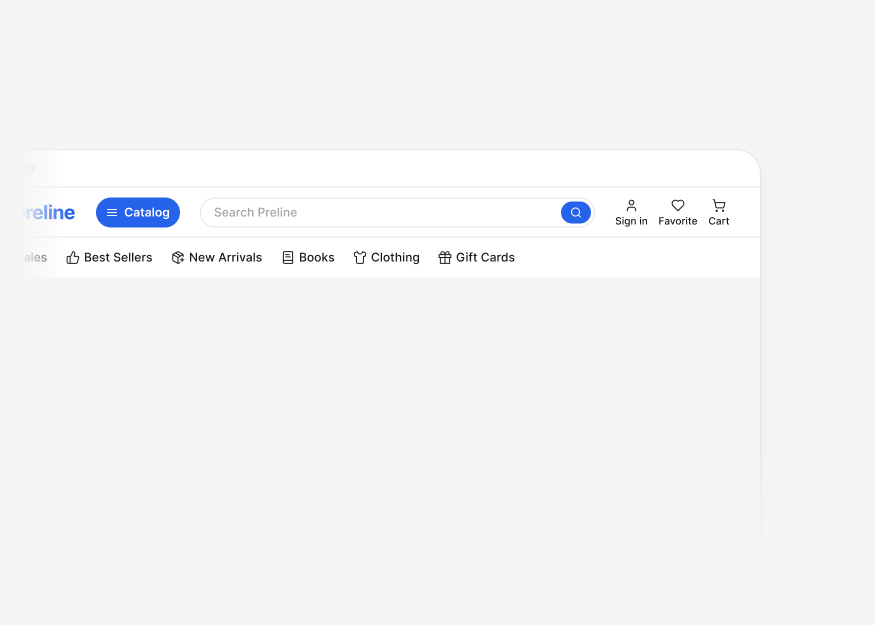
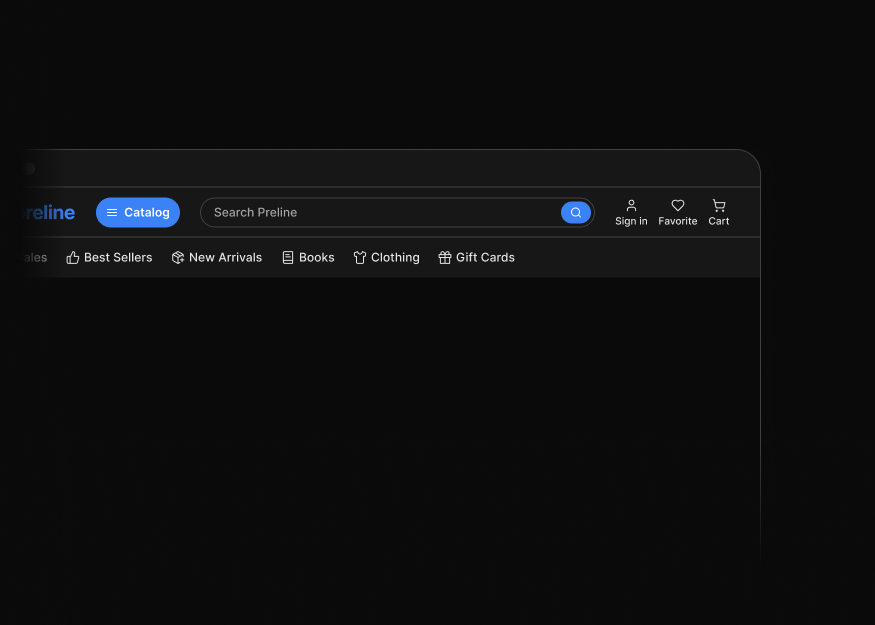
Ecommerce Headers
4 components
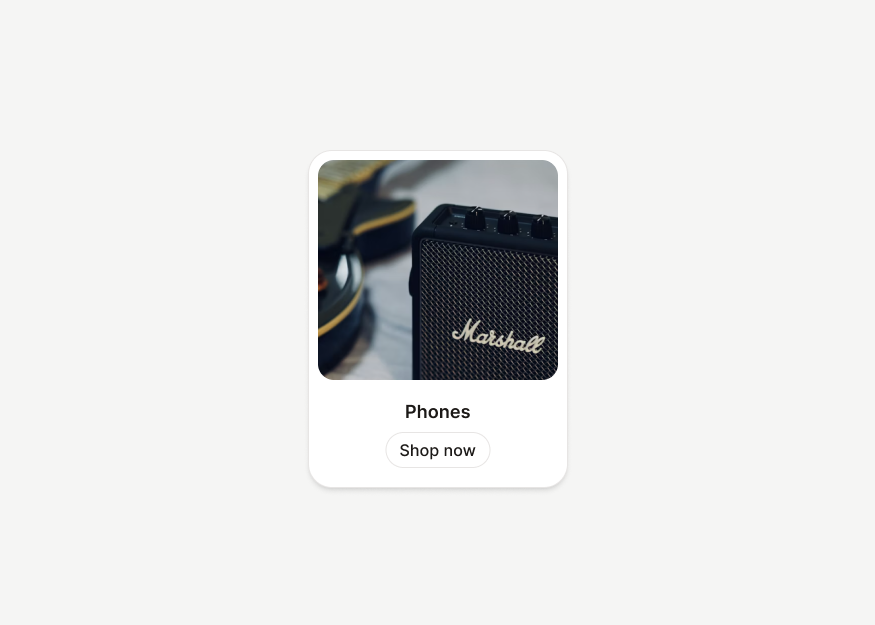
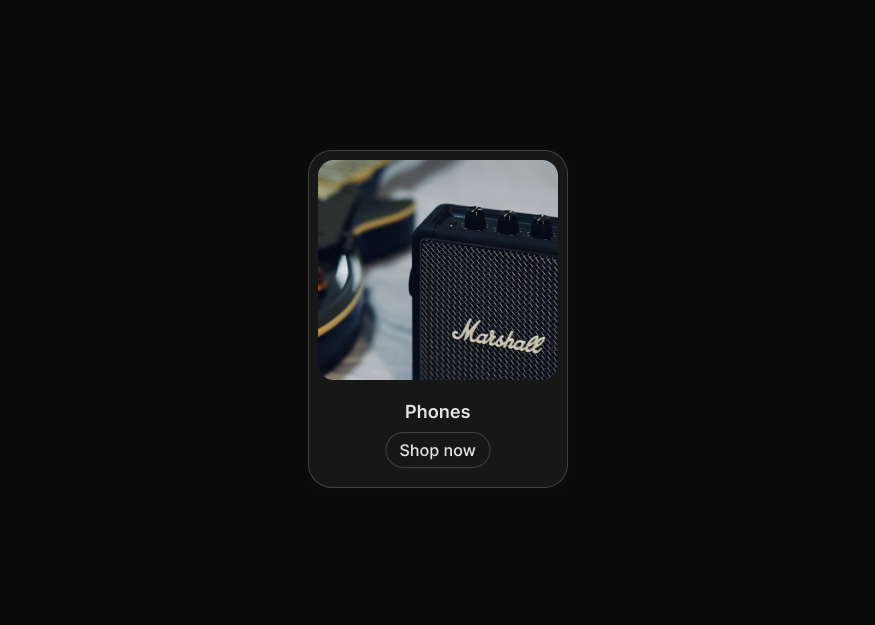
Product Listing Cards
9 components


Product Carousels
2 components
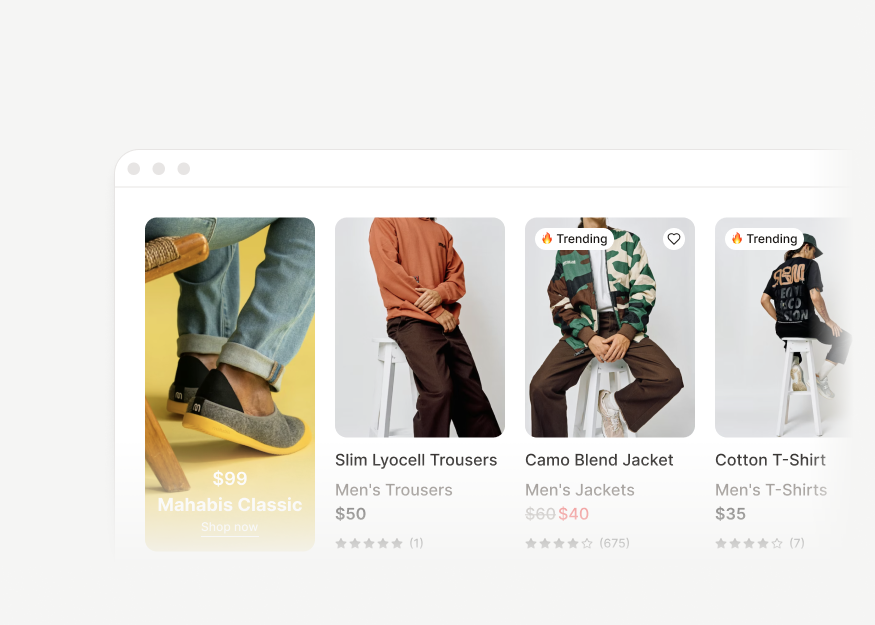
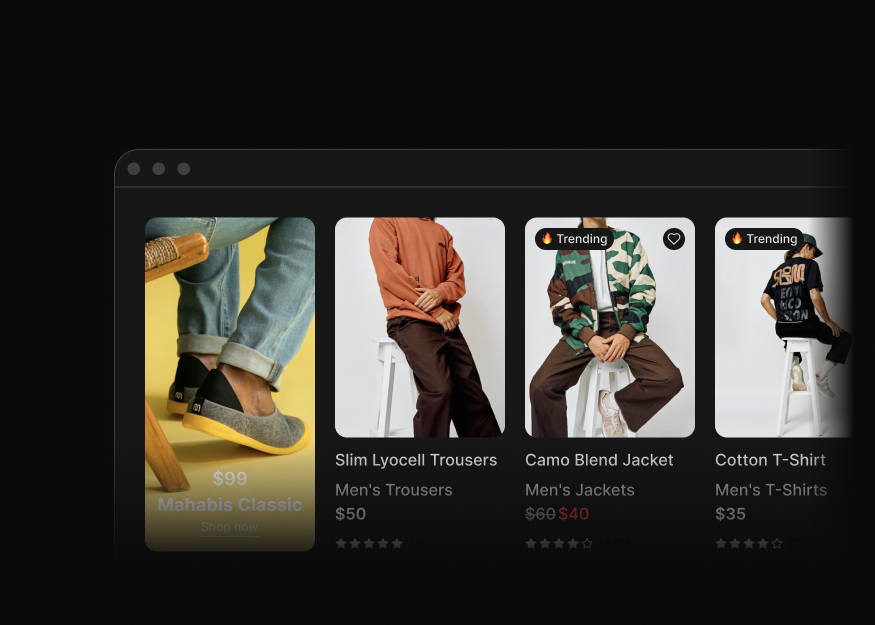
Product Grids
2 components
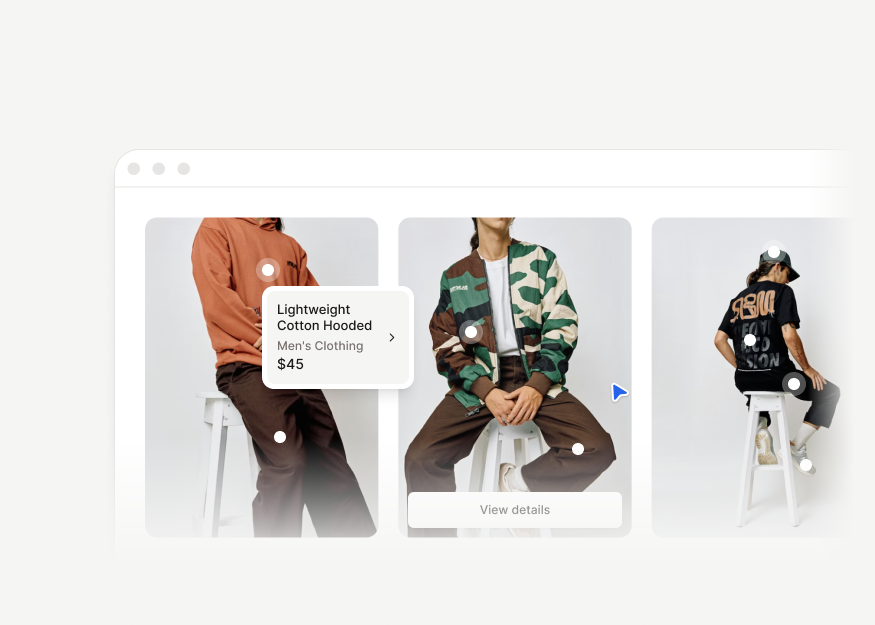
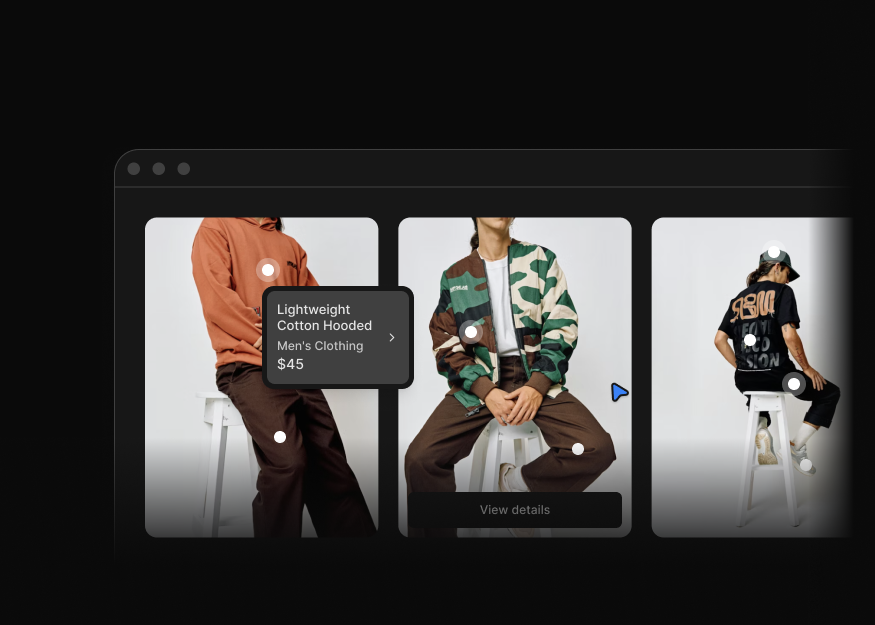
Product Discovery Sections
3 components
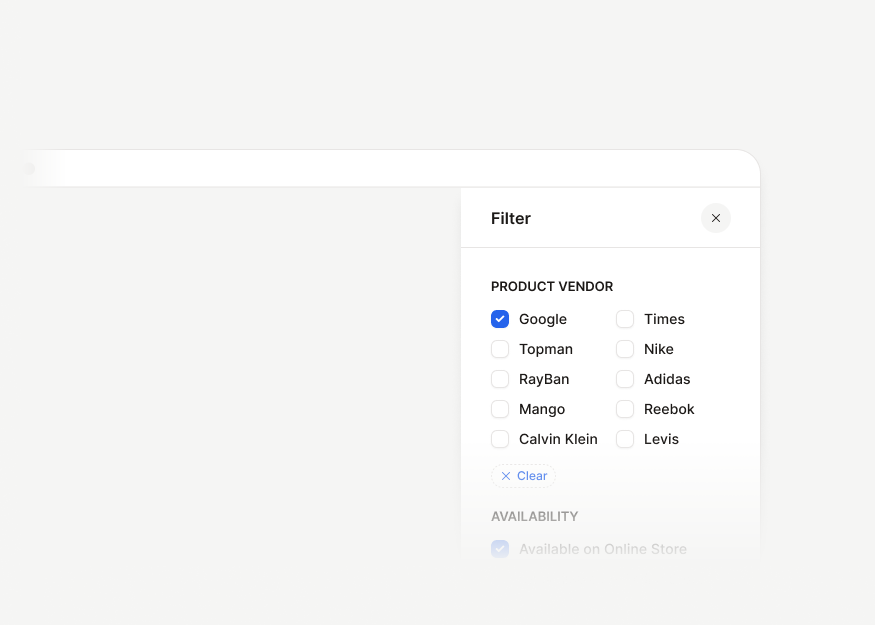
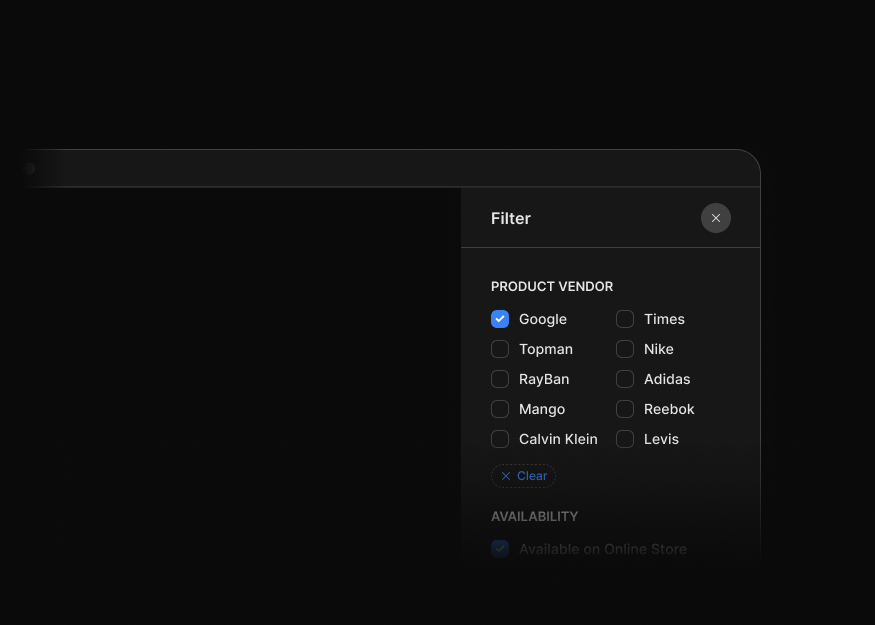
Filter Drawers
2 components
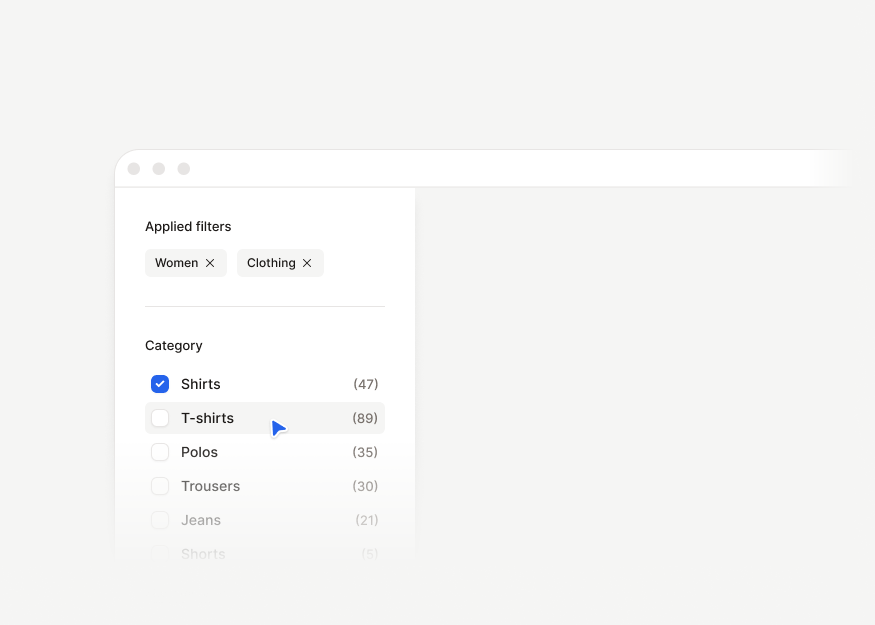
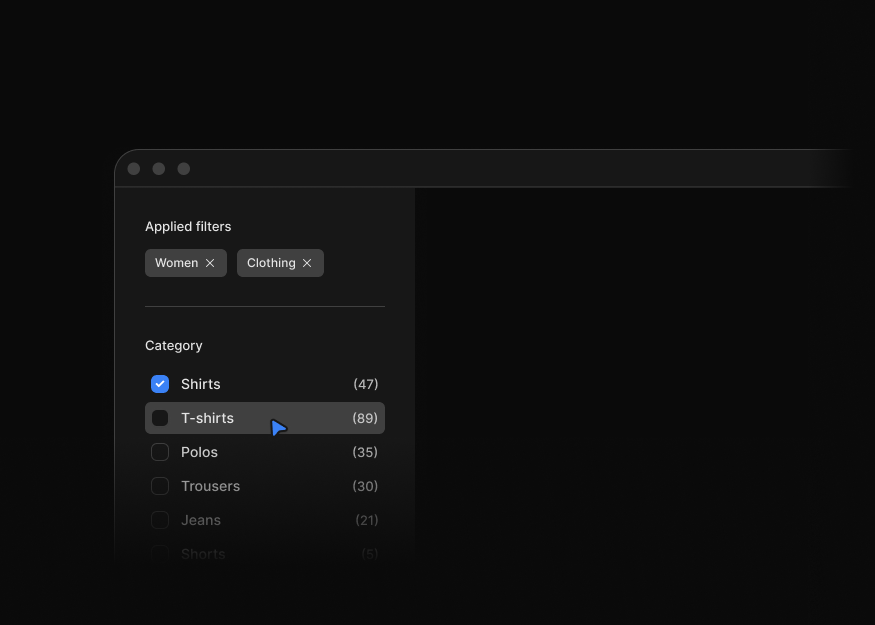
Listing Filter Panels
3 components
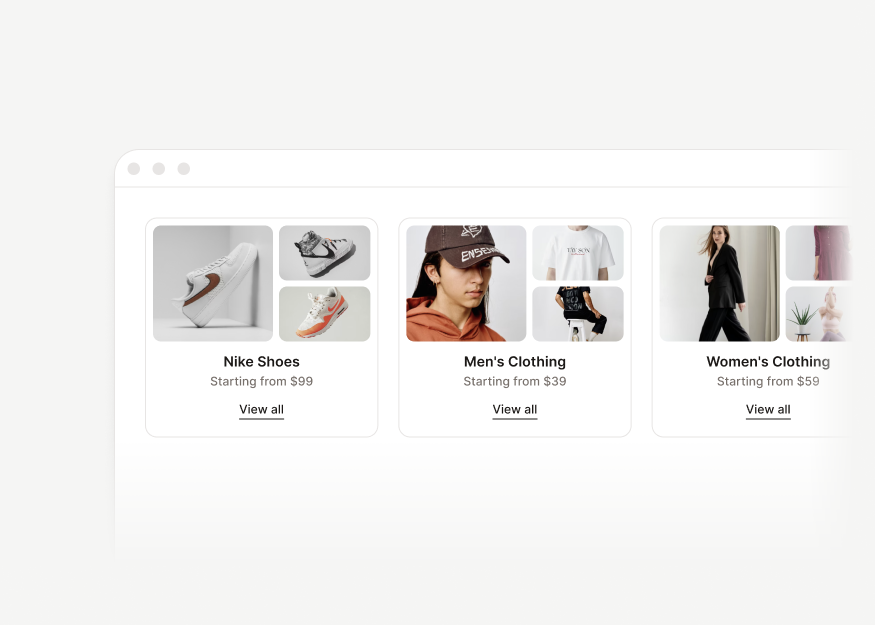
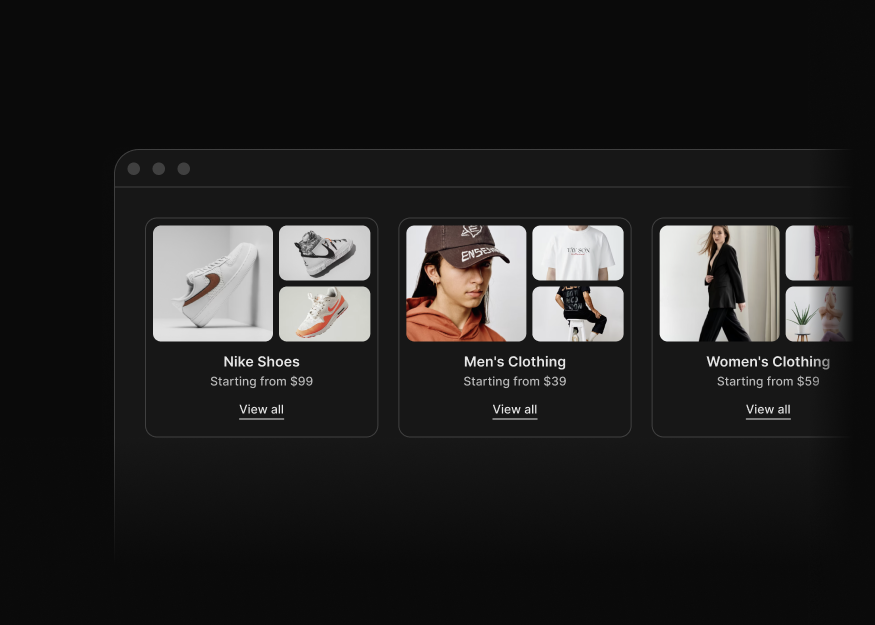
Category Discovery Cards
9 components
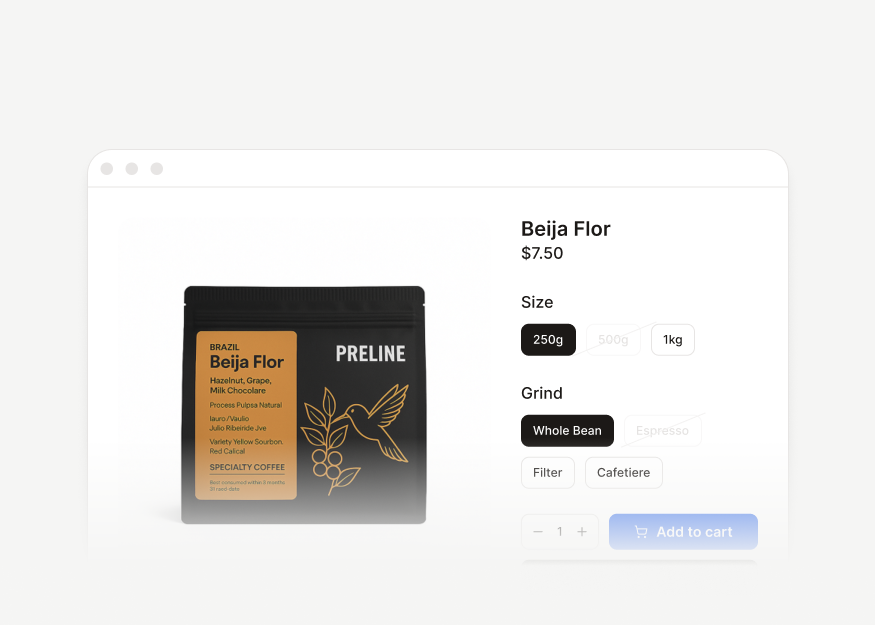
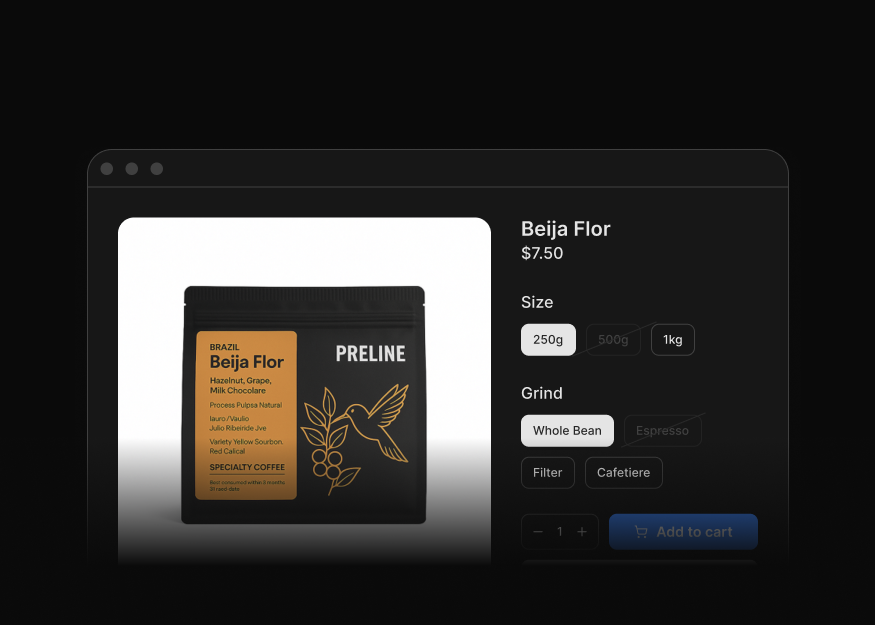
Product Detail Pages
4 components
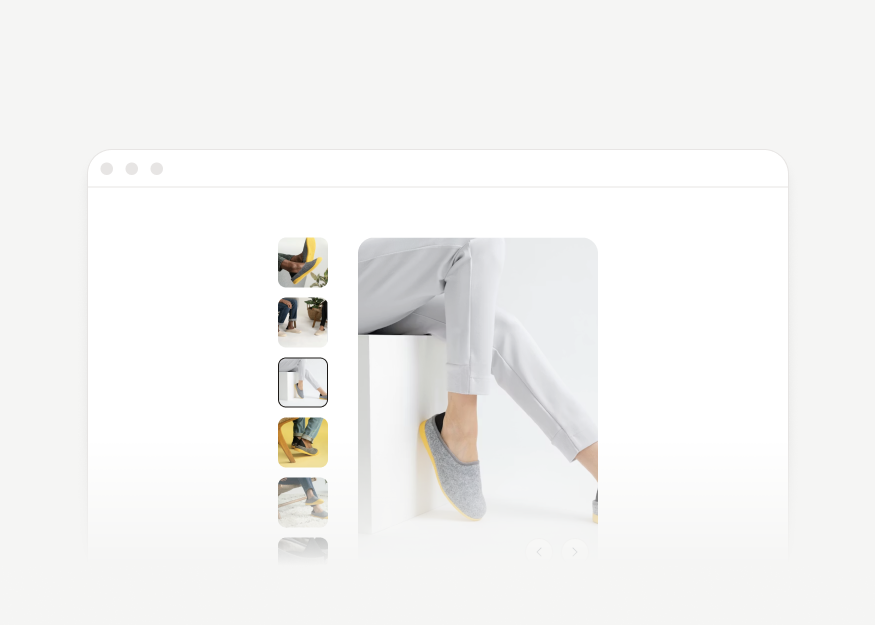
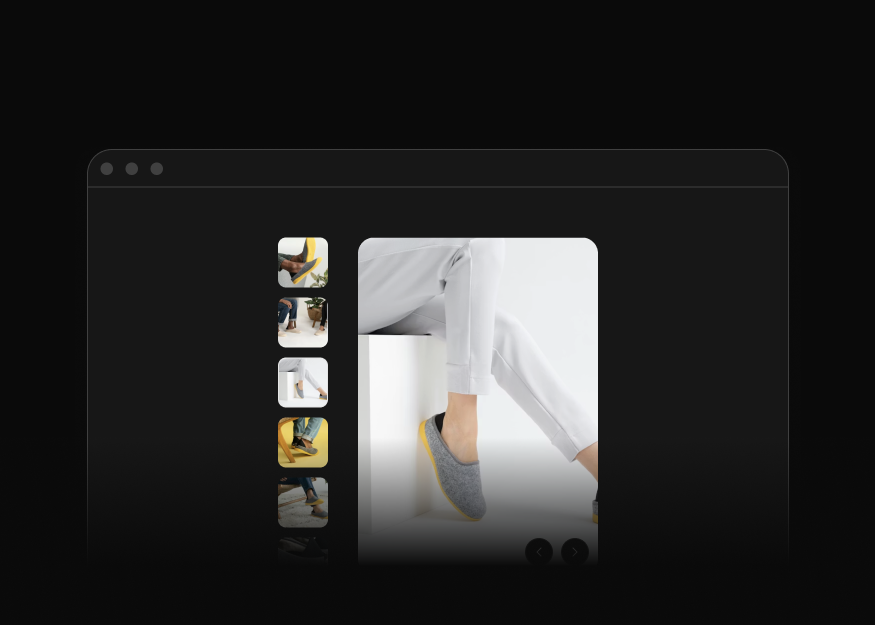
Product Media Galleries
4 components
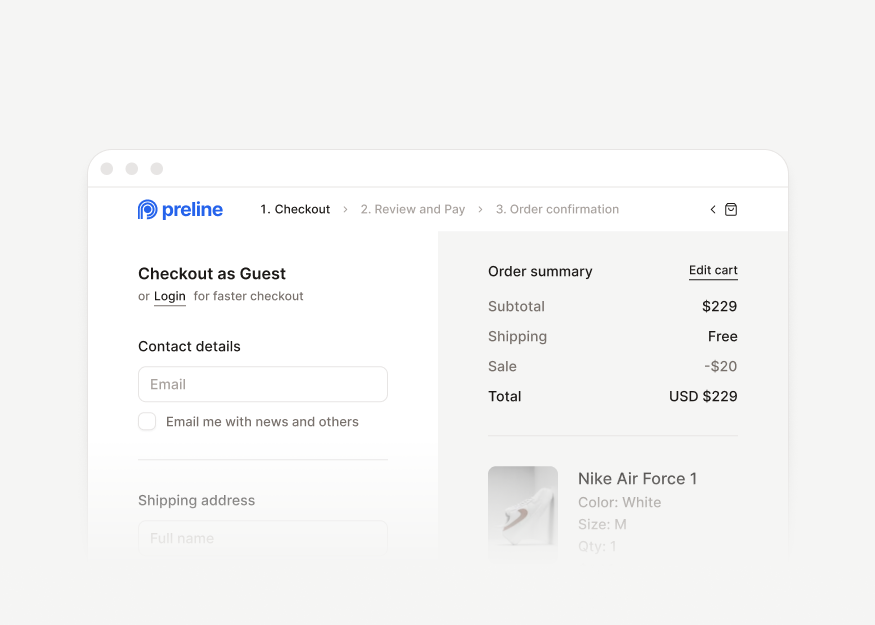
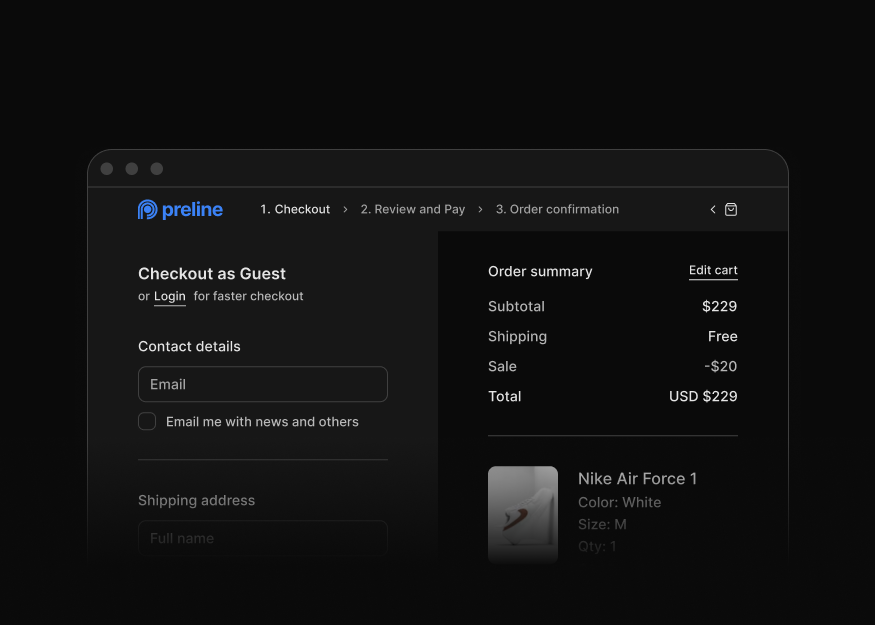
Checkout Flow Pages
8 components


Gift Card Purchase Forms
1 components


Comparison Tables & Size Guides
2 components
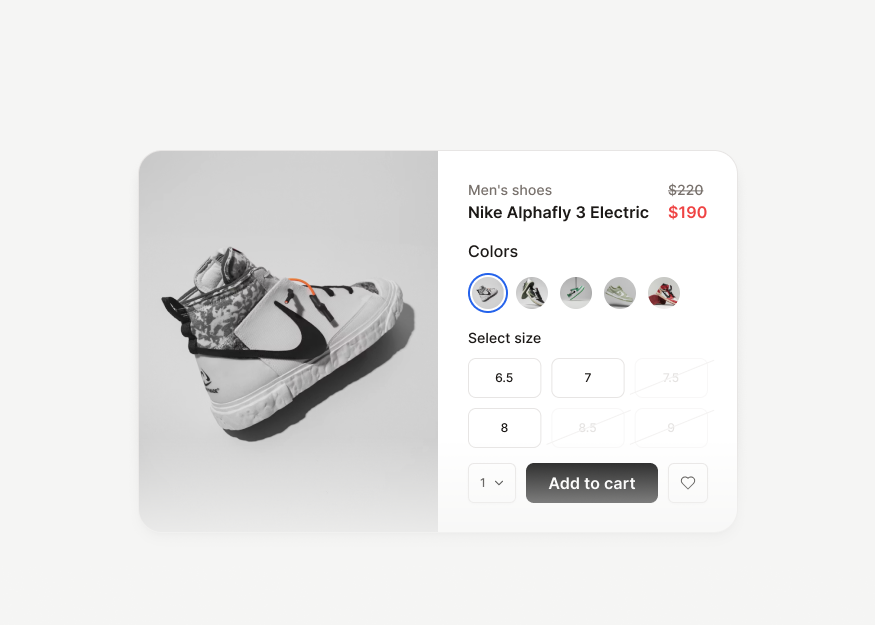
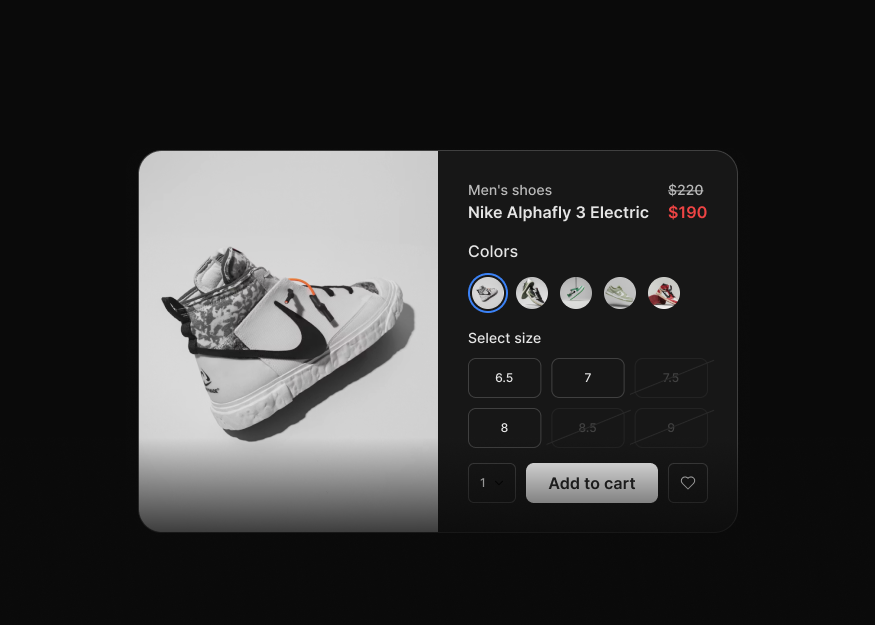
Product Modals
4 components
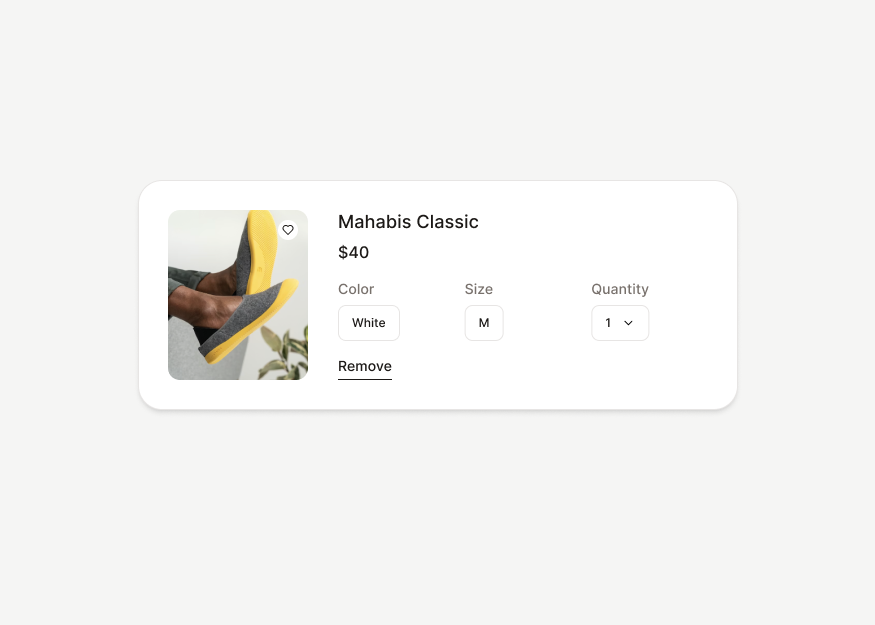
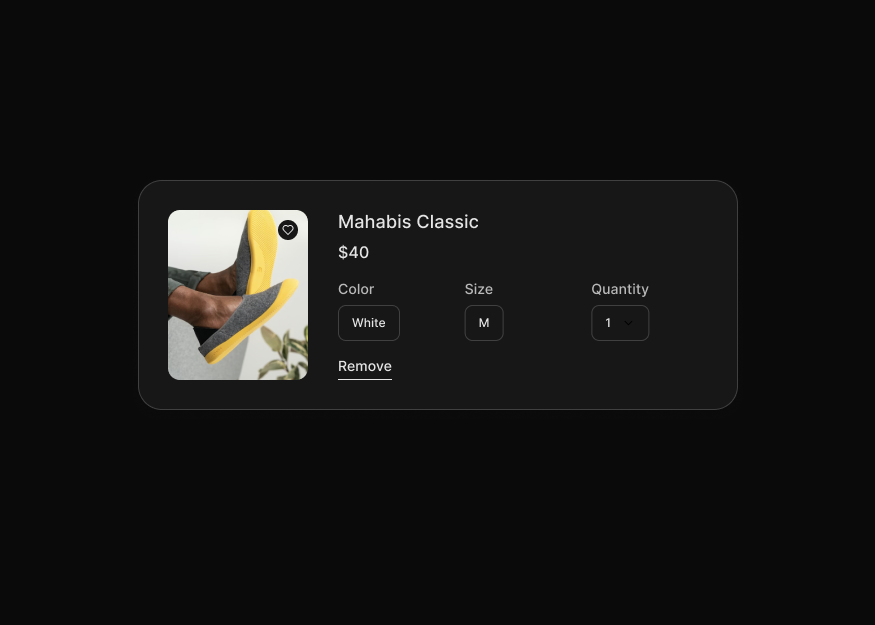
Cart & Order Line Items
3 components
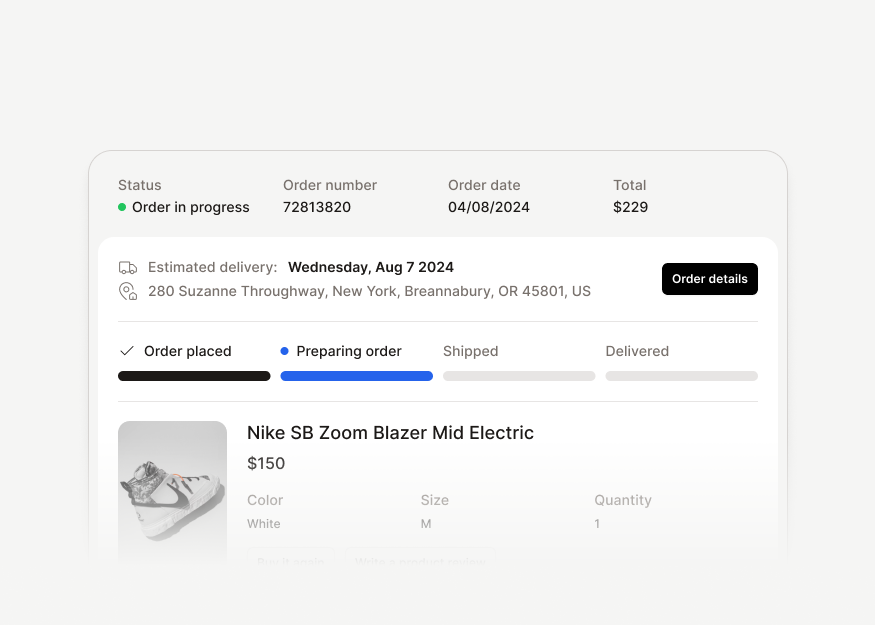
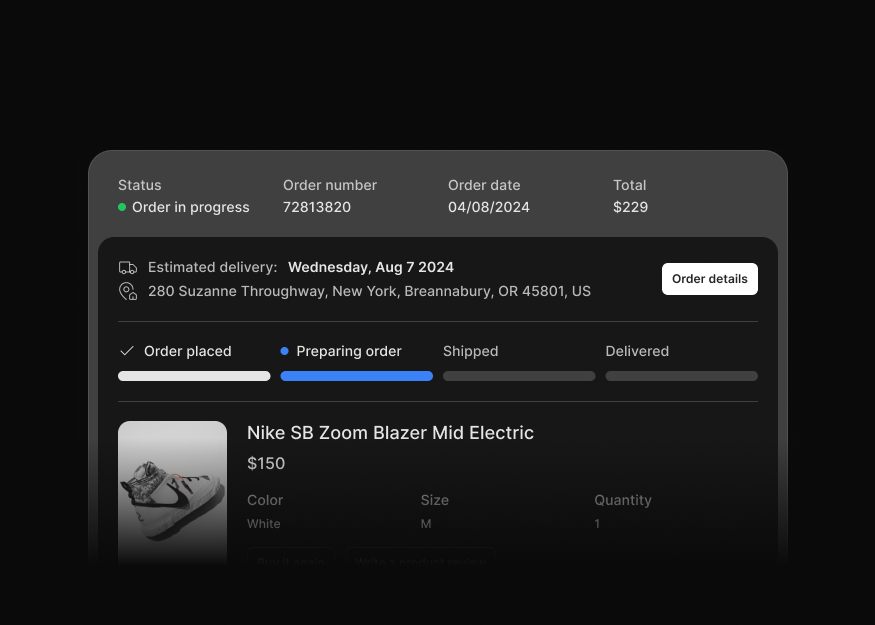
Order Tracking & Details
2 components


Returns & Exchanges
3 components
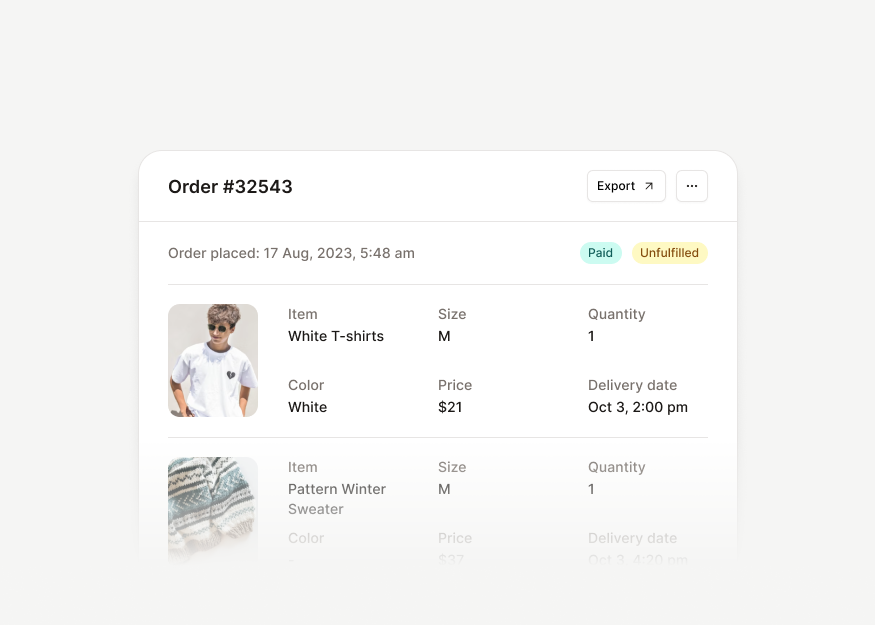
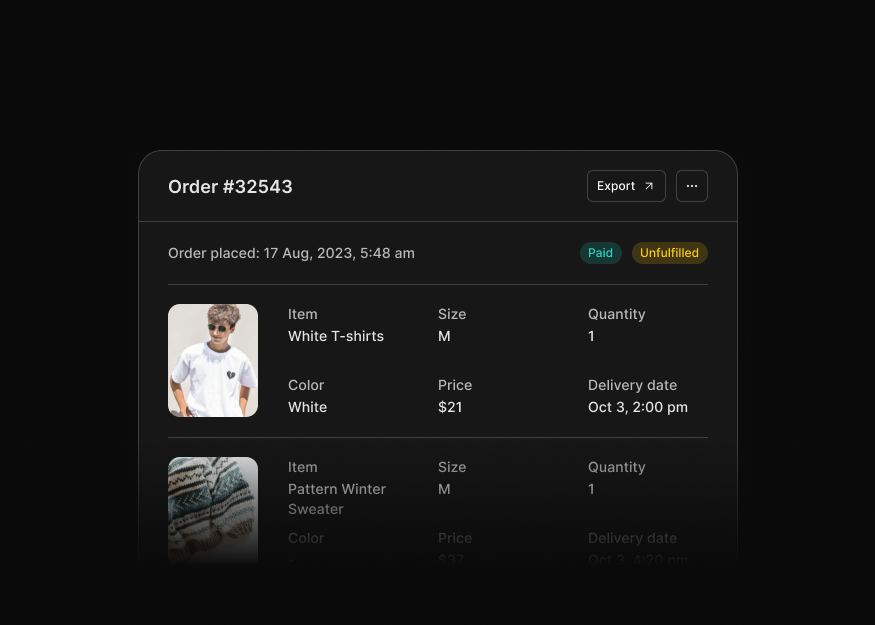
Order Summary Cards
2 components


Cart Drawers
1 components
Communication
Tailwind CSS communication blocks for chat, inbox, messaging, voice and video calls, contacts, and conversation interfaces.
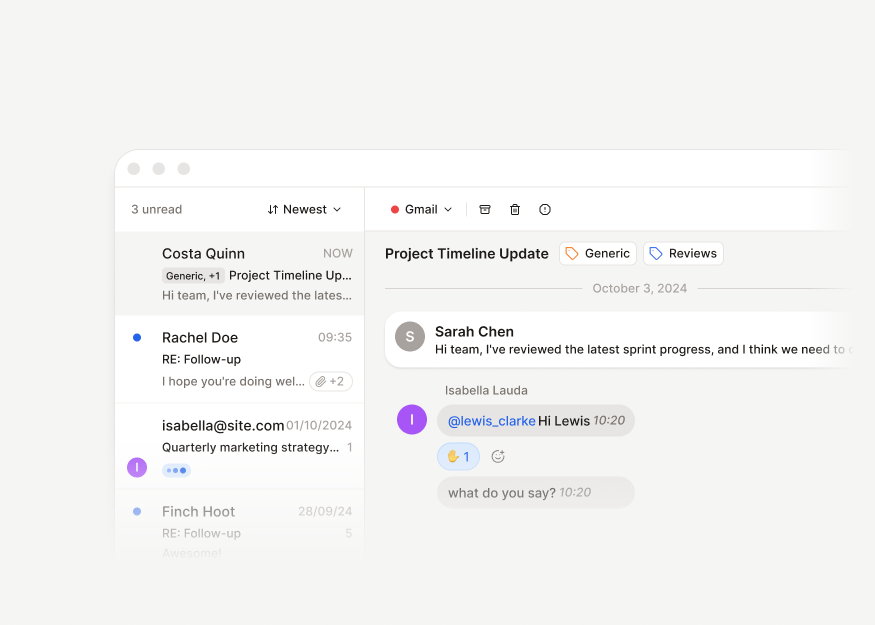
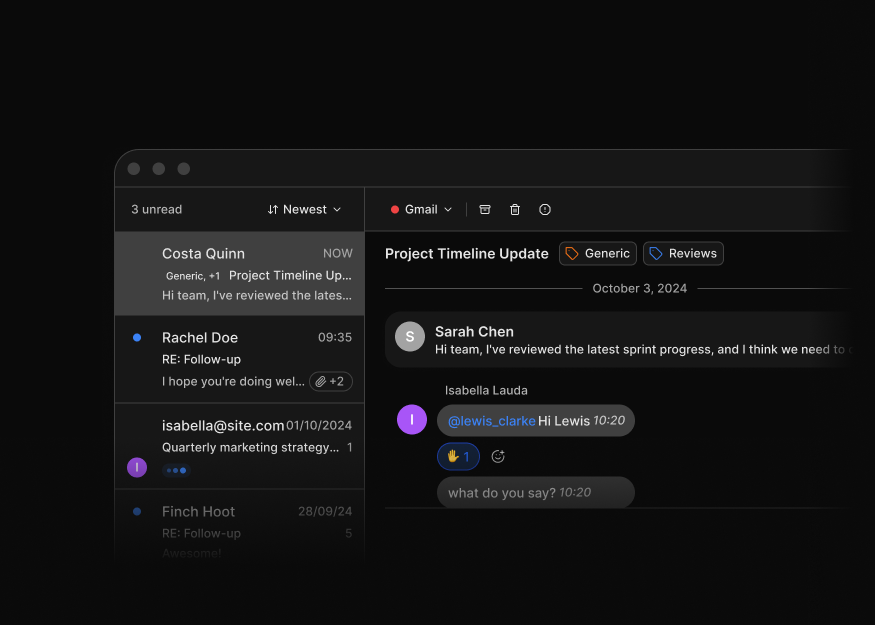
Inbox Layouts
1 components
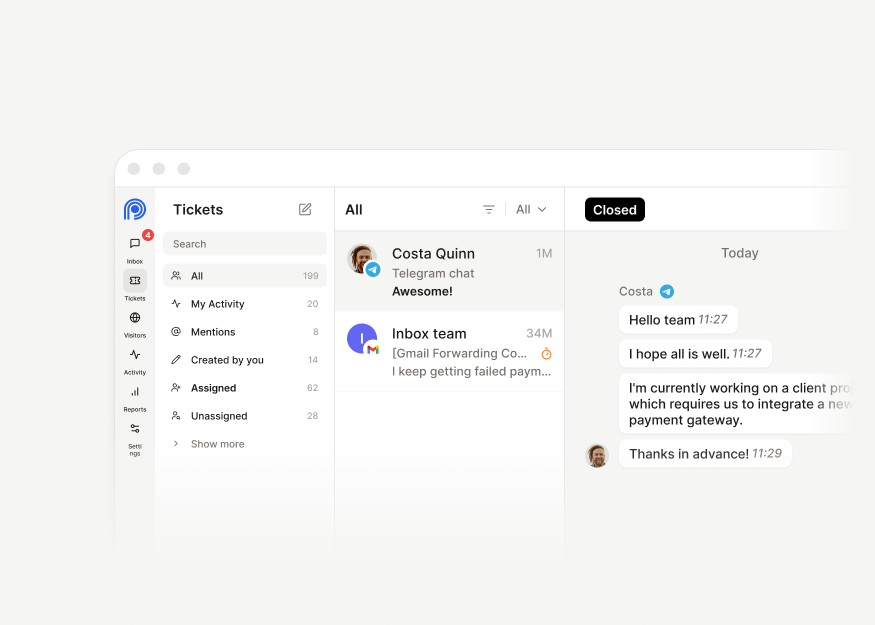
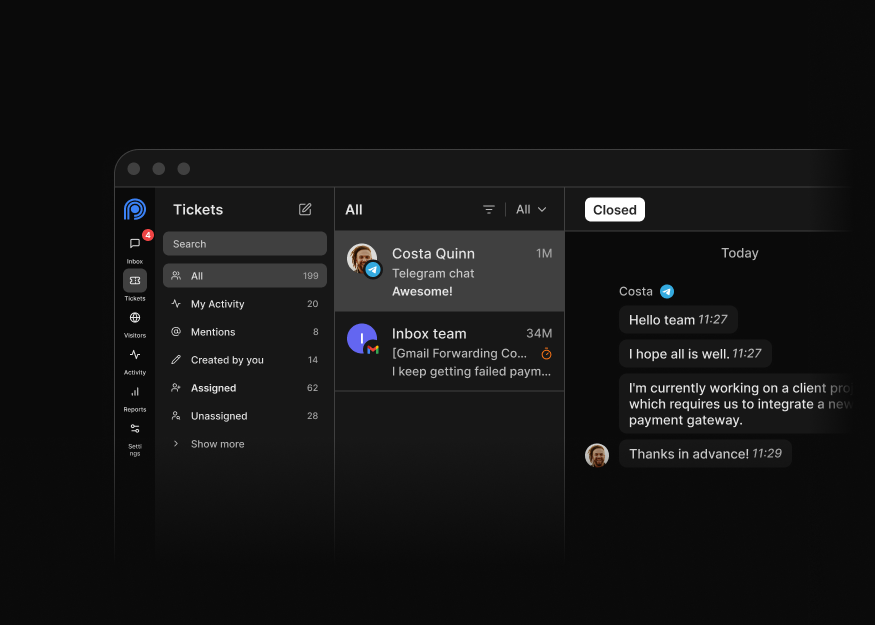
Chat Workspace Layouts
6 components
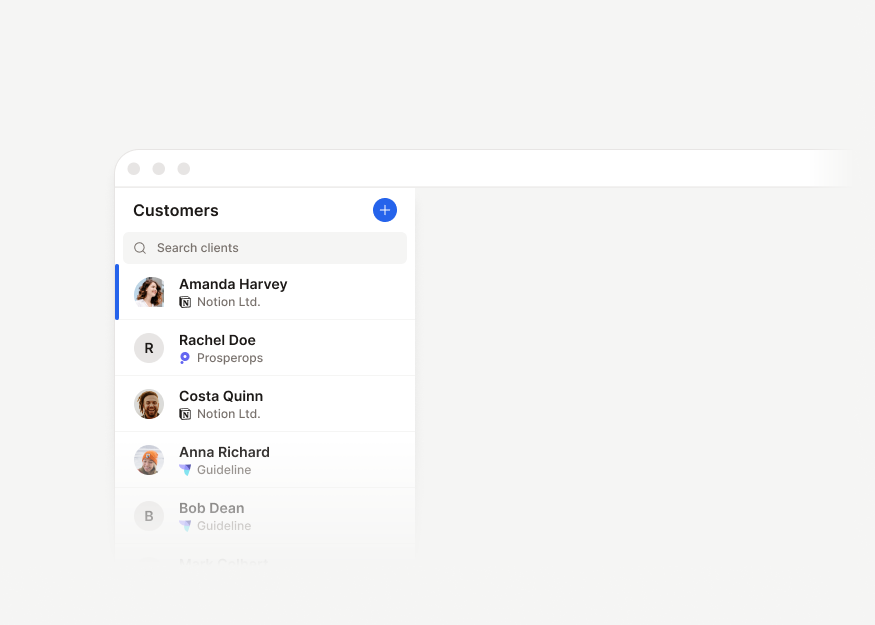
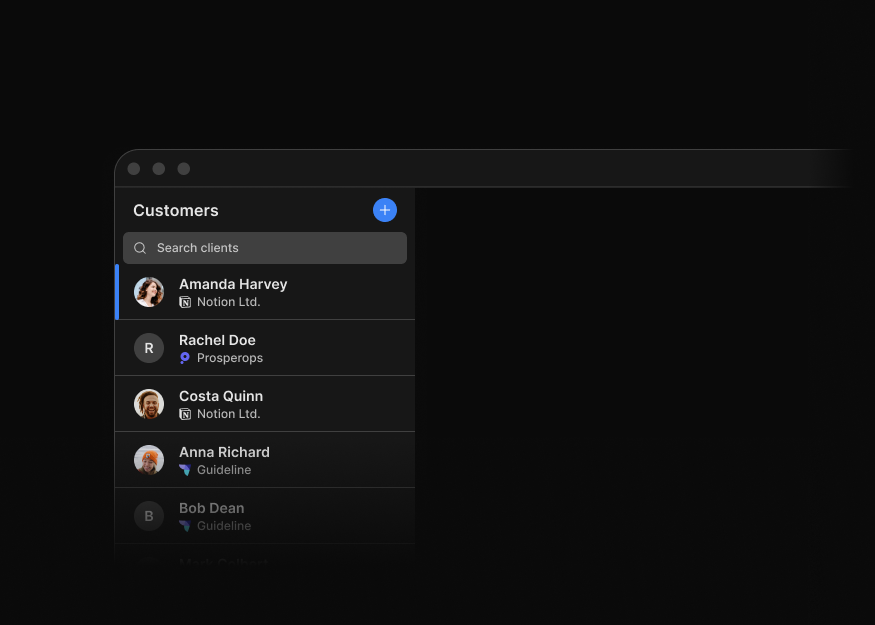
Customer Detail Layouts
1 components


AI Chat Layouts
2 components
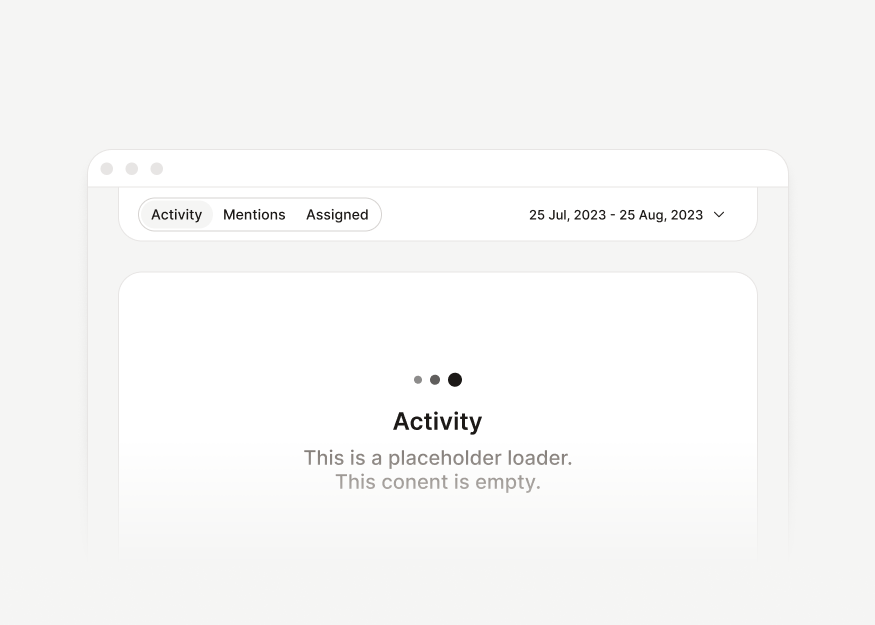
Chat Toolbars
2 components
Message Bubbles
4 components


Media & Attachment Bubbles
6 components
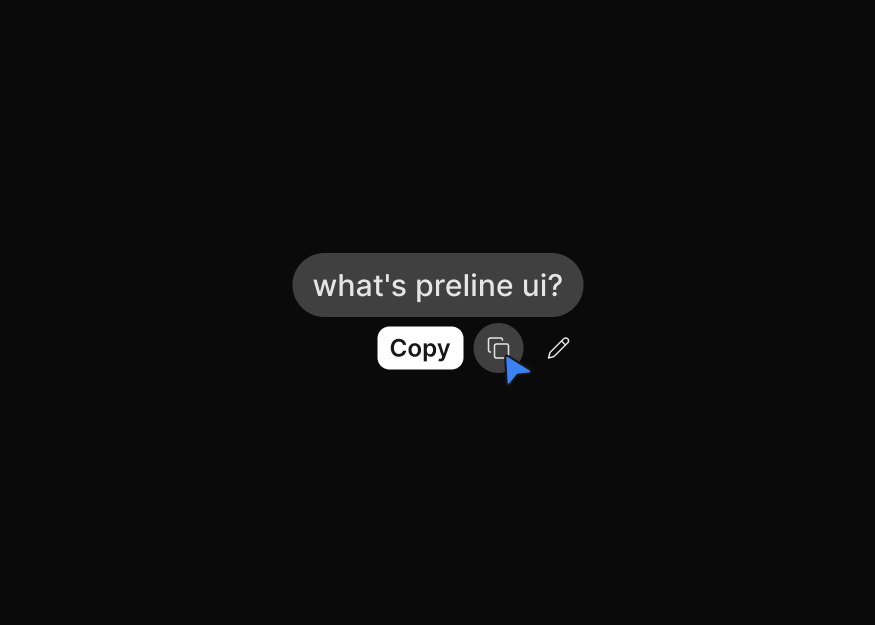
AI Chat Bubbles
2 components
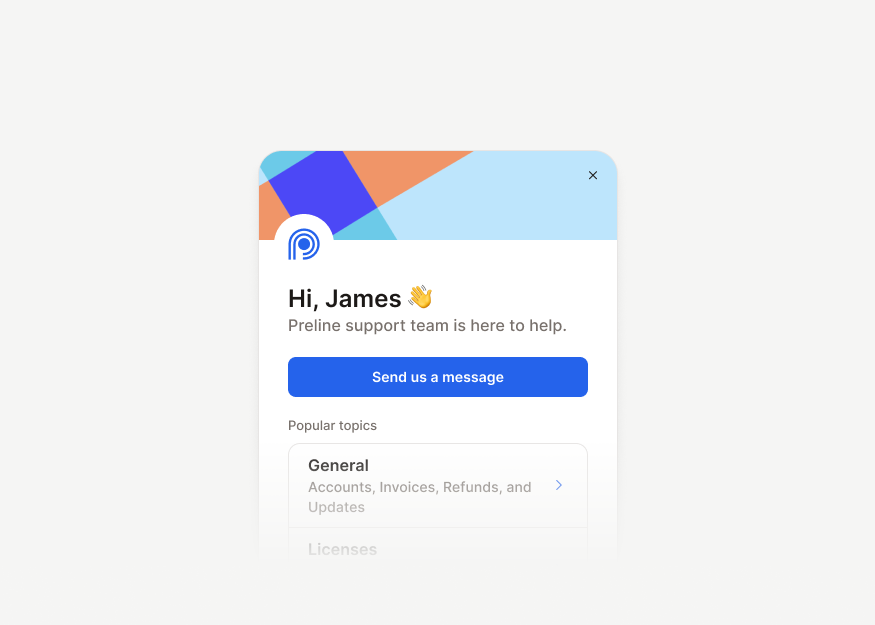
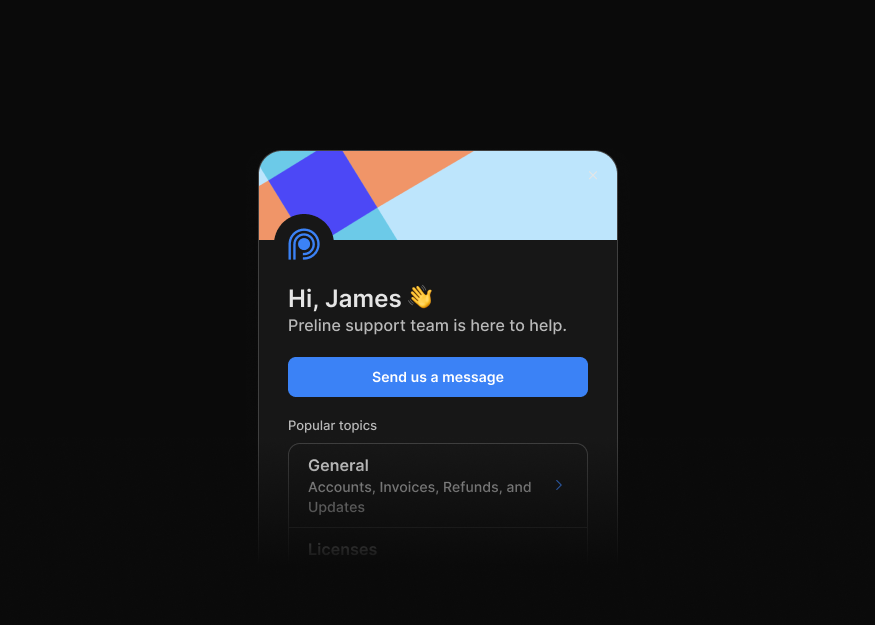
Support Chat Widgets
6 components


Support Chat Sidebars
1 components
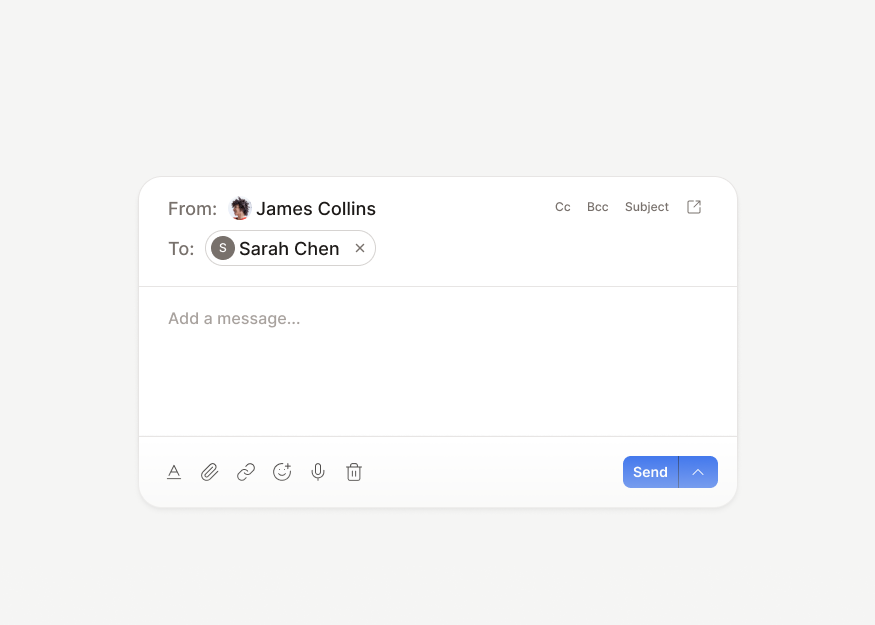
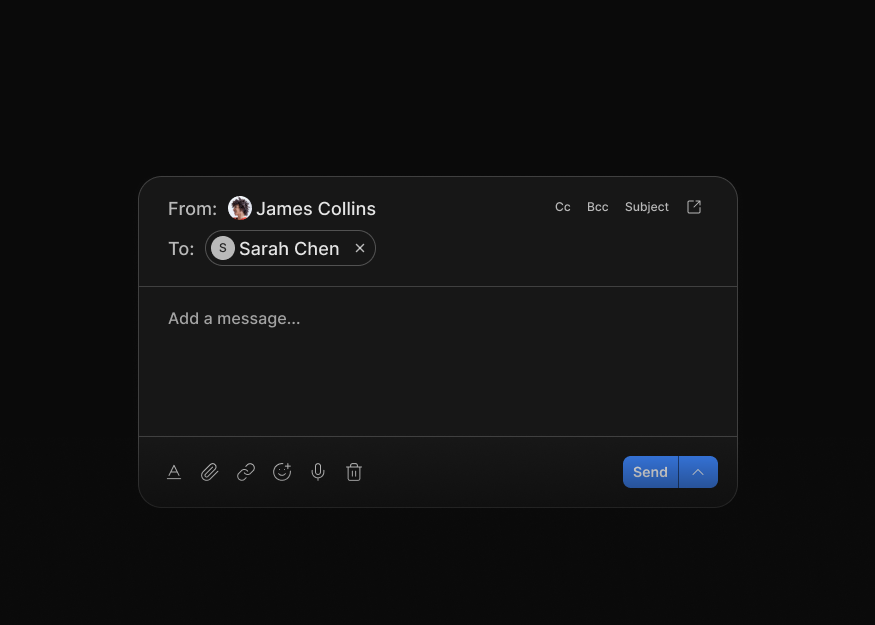
Inbox Threads
2 components
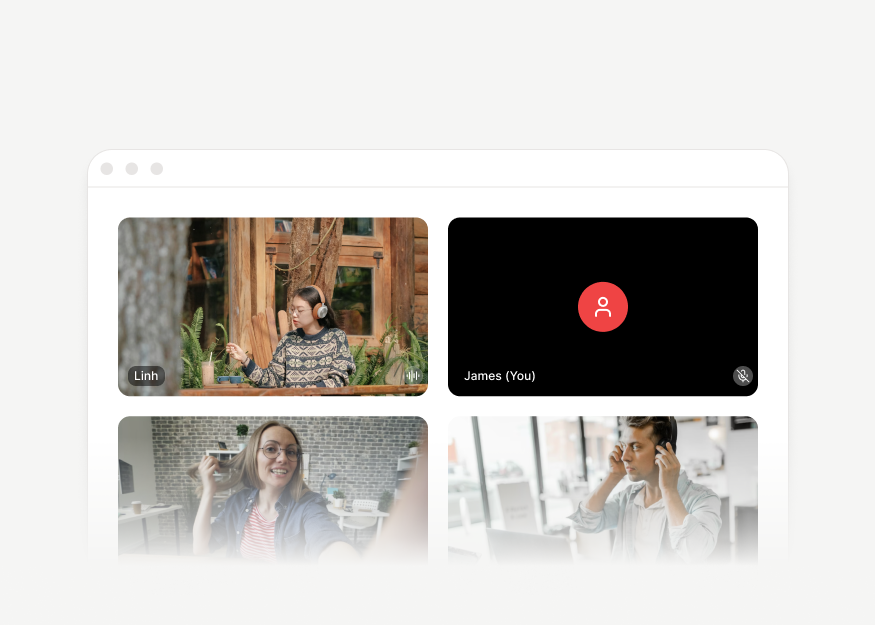
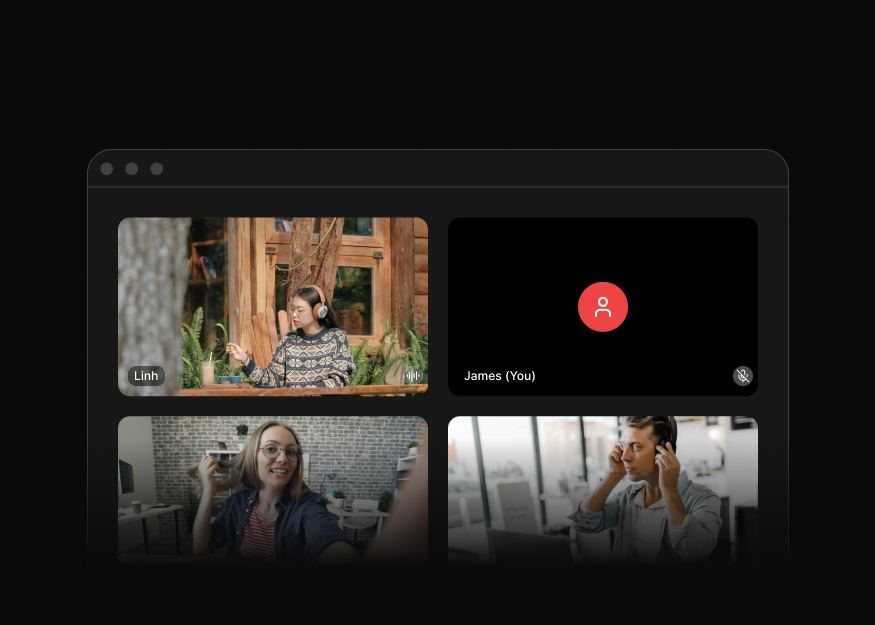
Video Call Layouts
4 components
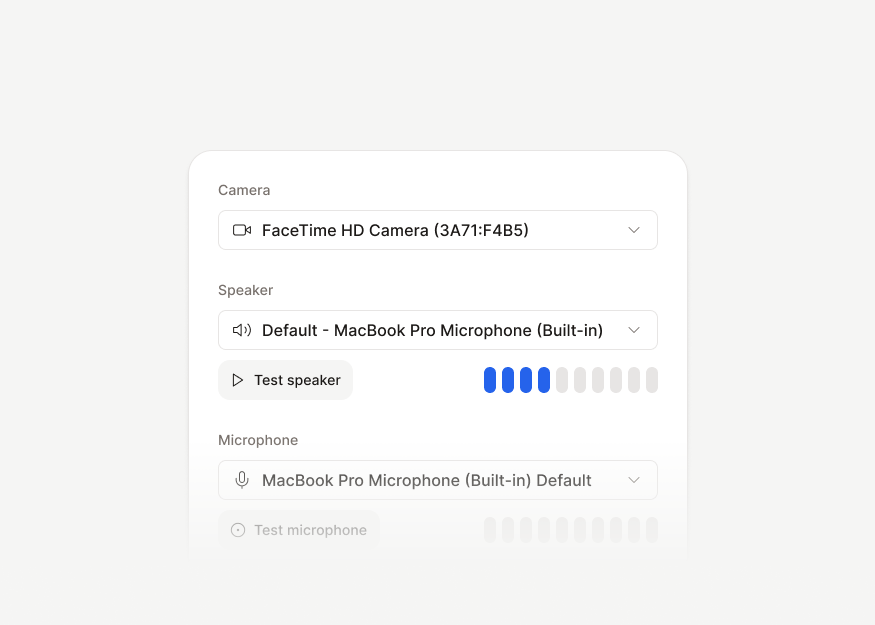
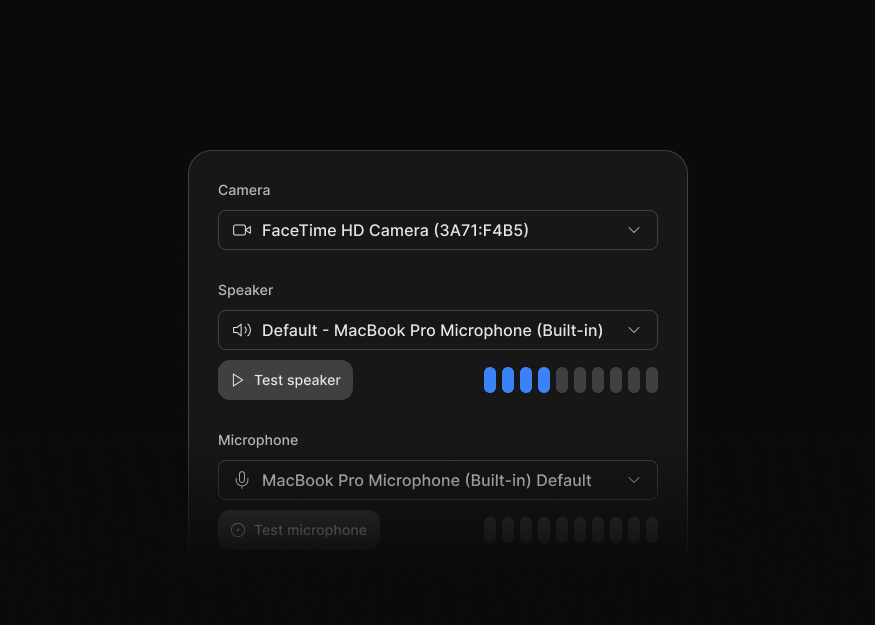
Call Device Settings
1 components
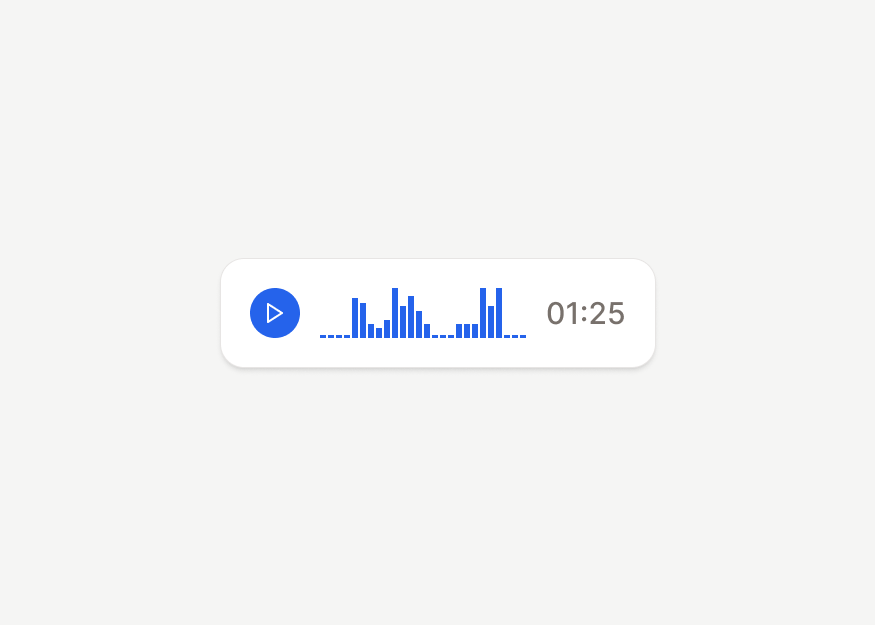
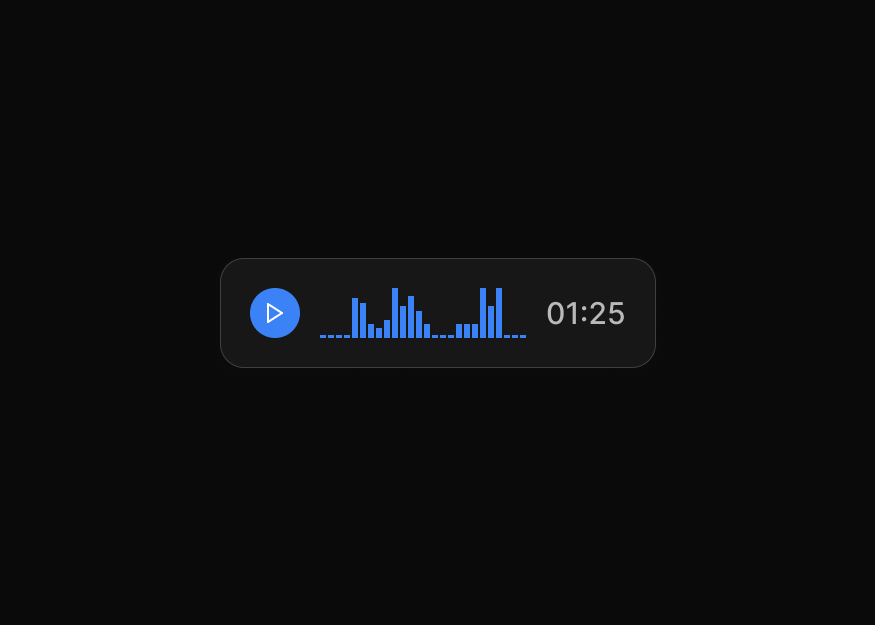
Voice Messages
3 components


Contact Cards
3 components


Connections & Selectors
3 components
Productivity
Tailwind CSS productivity blocks for calendars, scheduling, kanban boards, task management, planning views, and workflow apps.


Blog & Articles
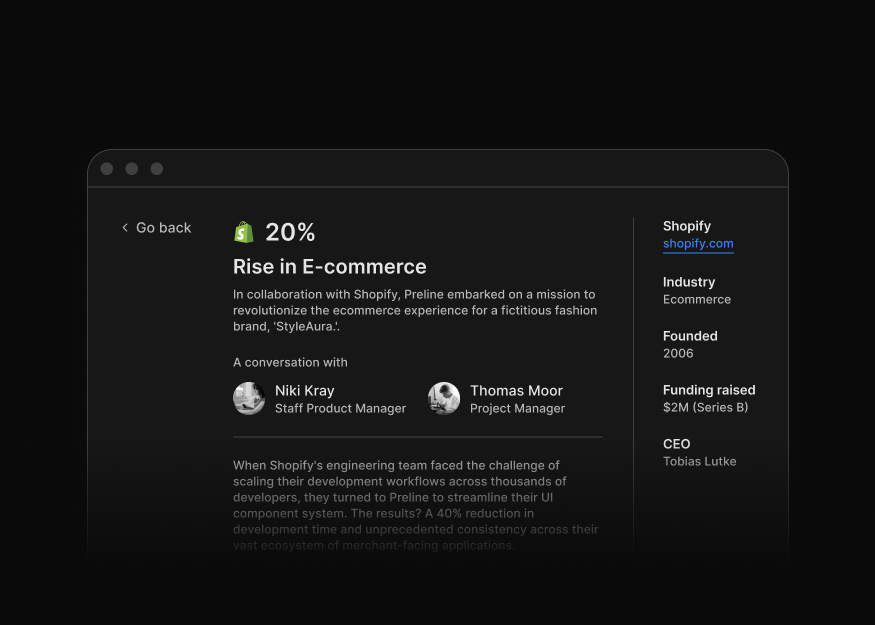
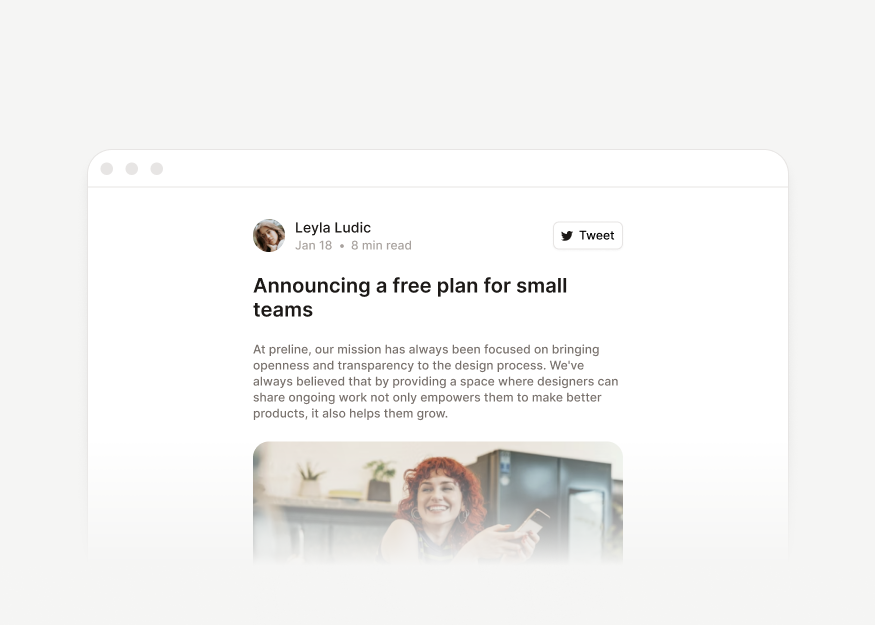
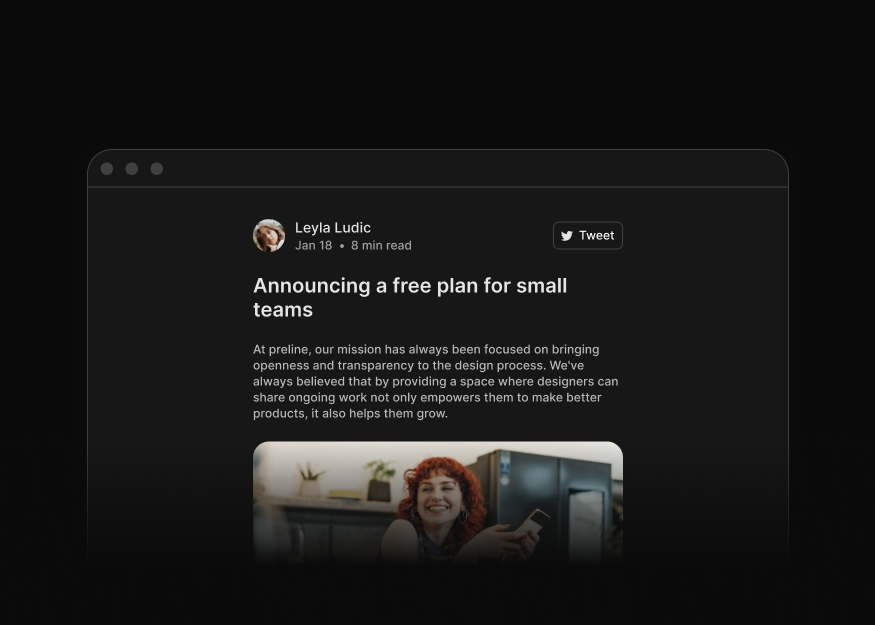
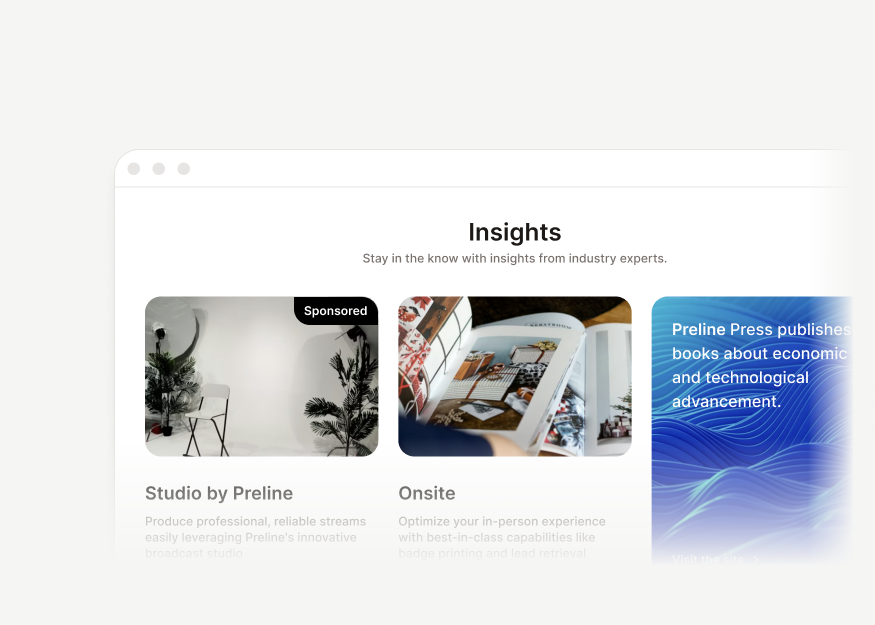
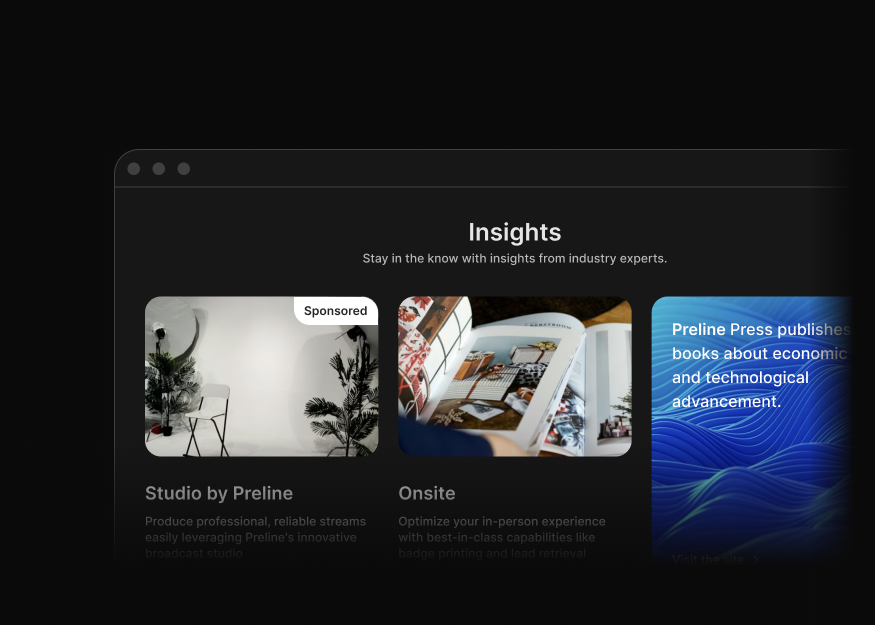
Tailwind CSS blog and article blocks for editorial layouts, post pages, content sections, company blogs, magazines, and publishing sites.
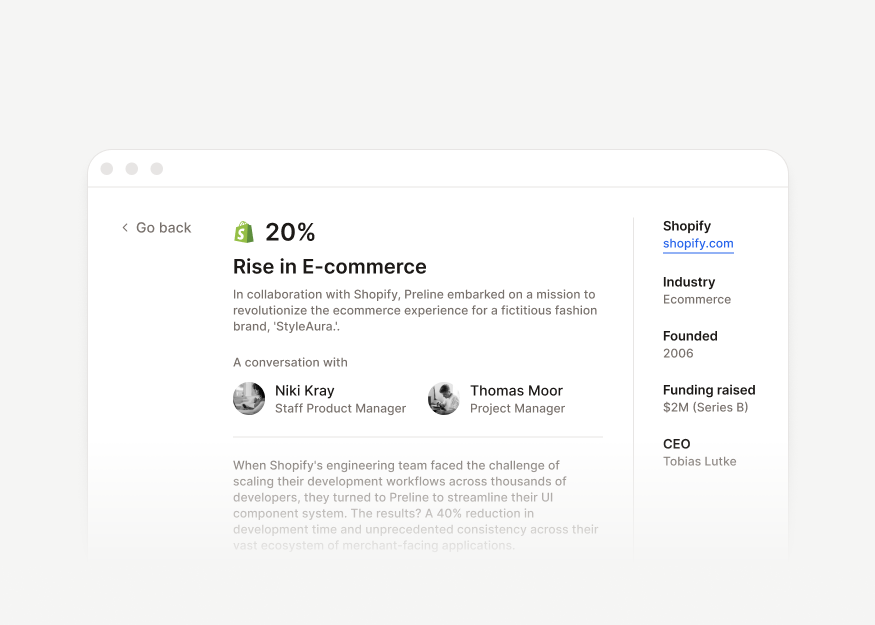
Application Pages
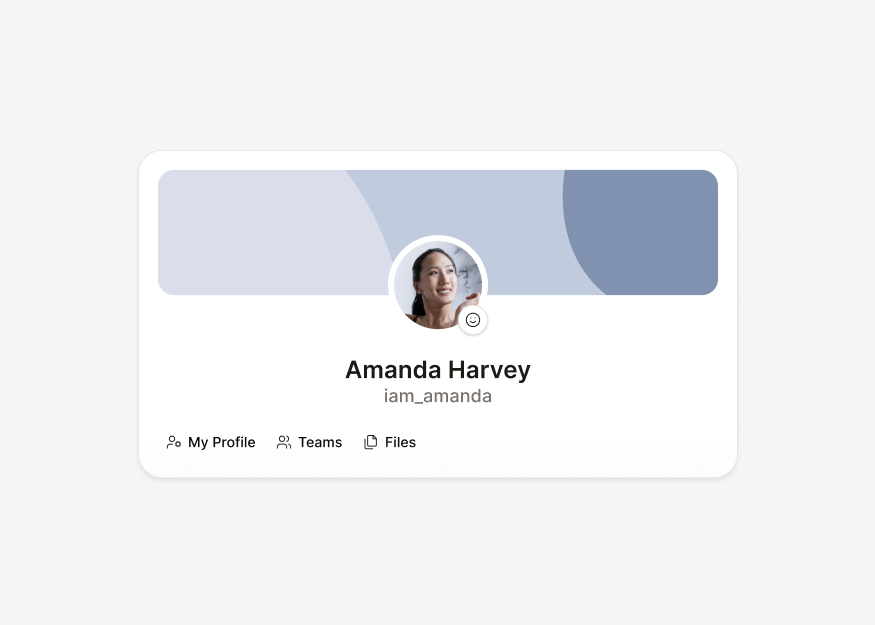
Tailwind CSS application page blocks for SaaS products and admin dashboards, including profiles, settings, AI screens, account summaries, and workspace pages.


Billing & Payments
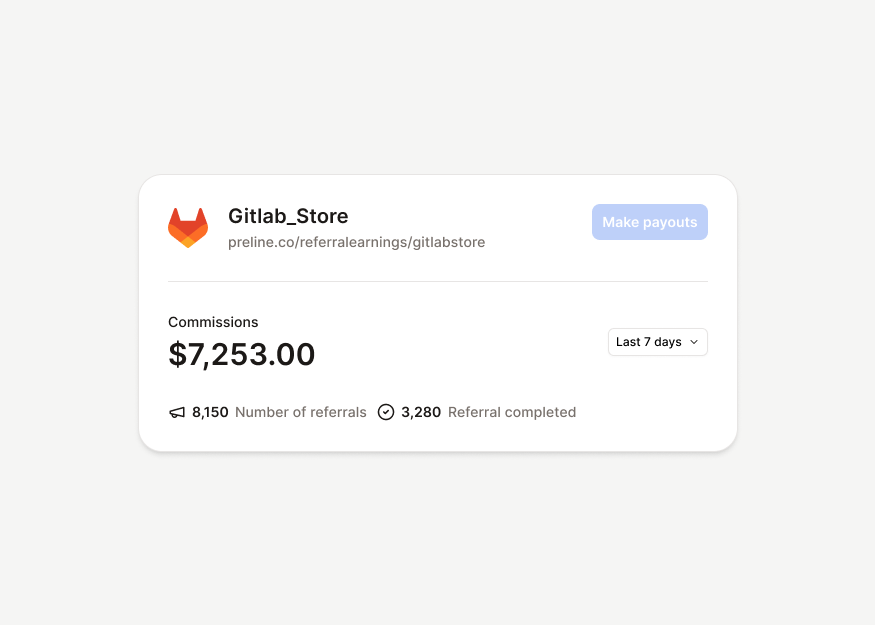
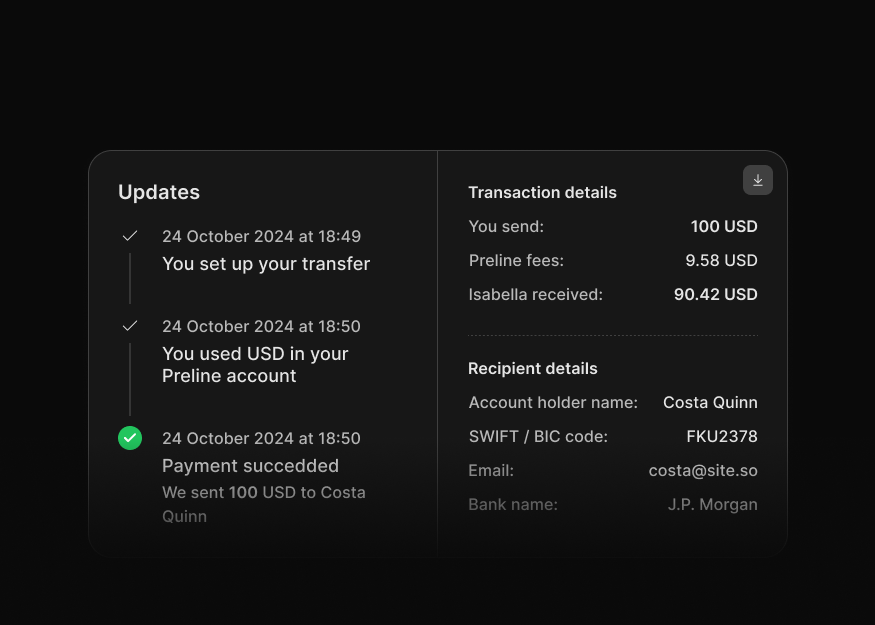
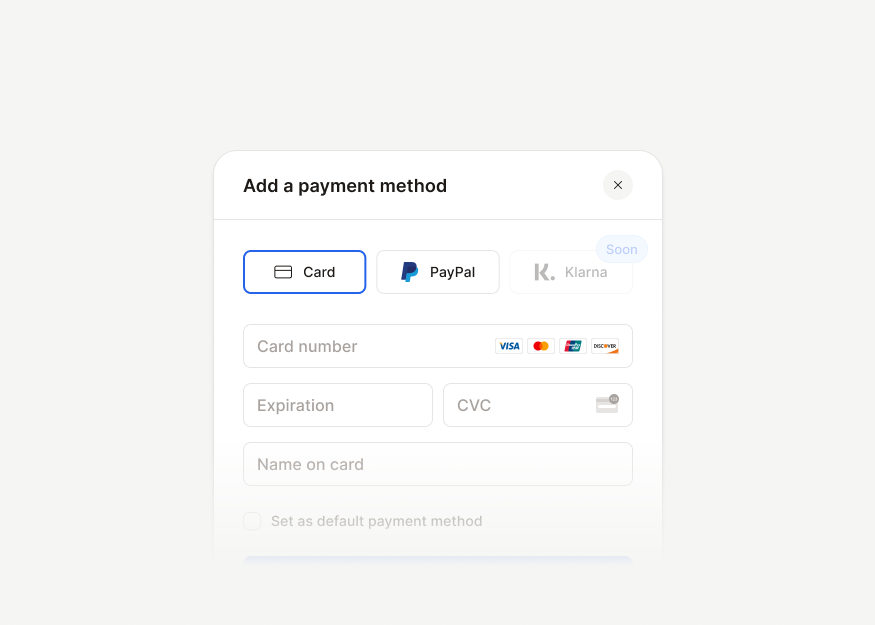
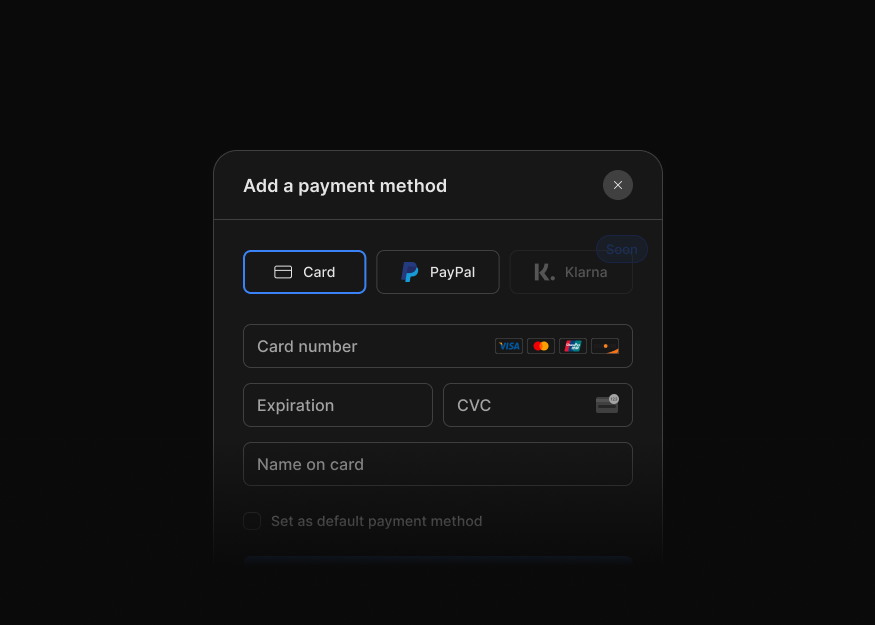
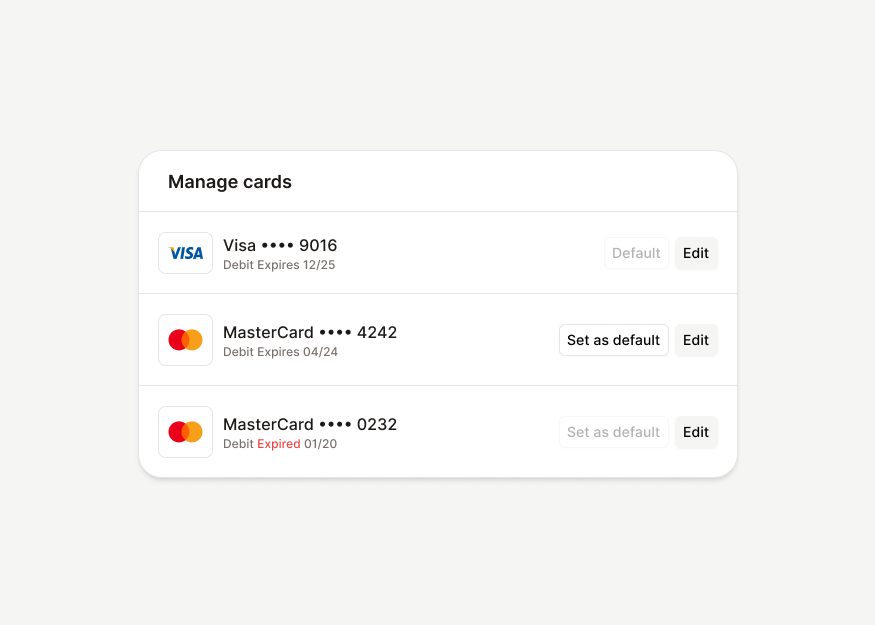
Tailwind CSS billing and payments blocks for invoices, subscription plans, payment methods, billing dialogs, and transaction detail flows across SaaS and finance products.


Feedback & States
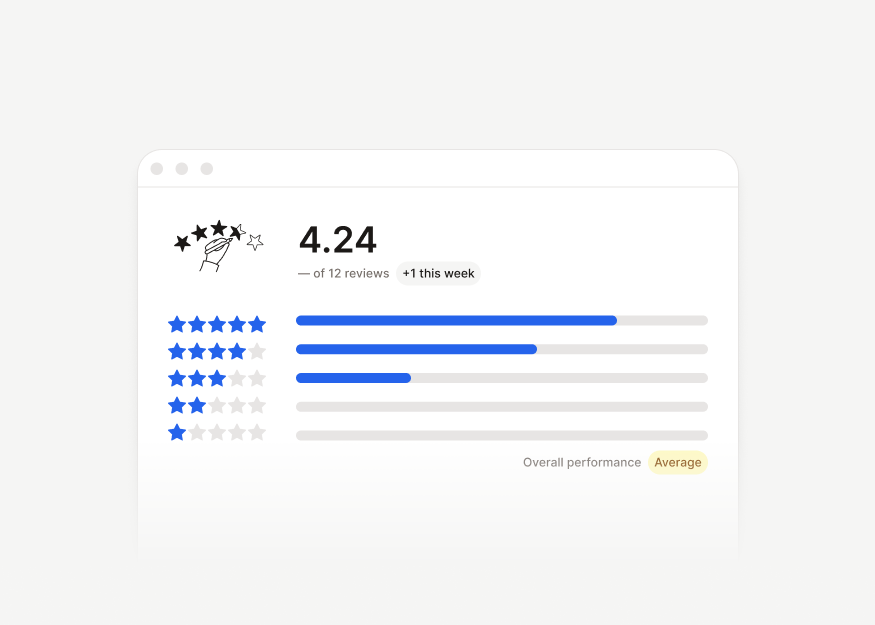
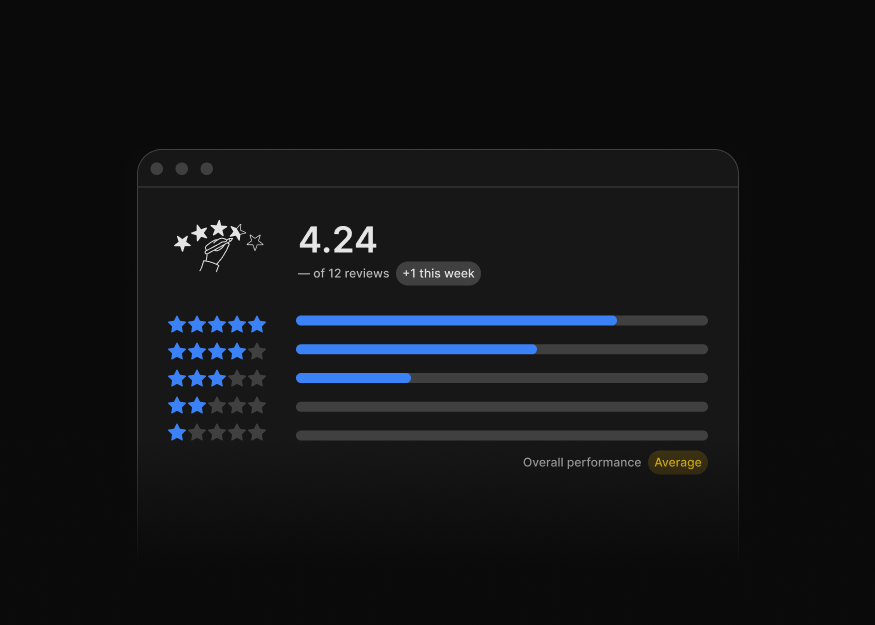
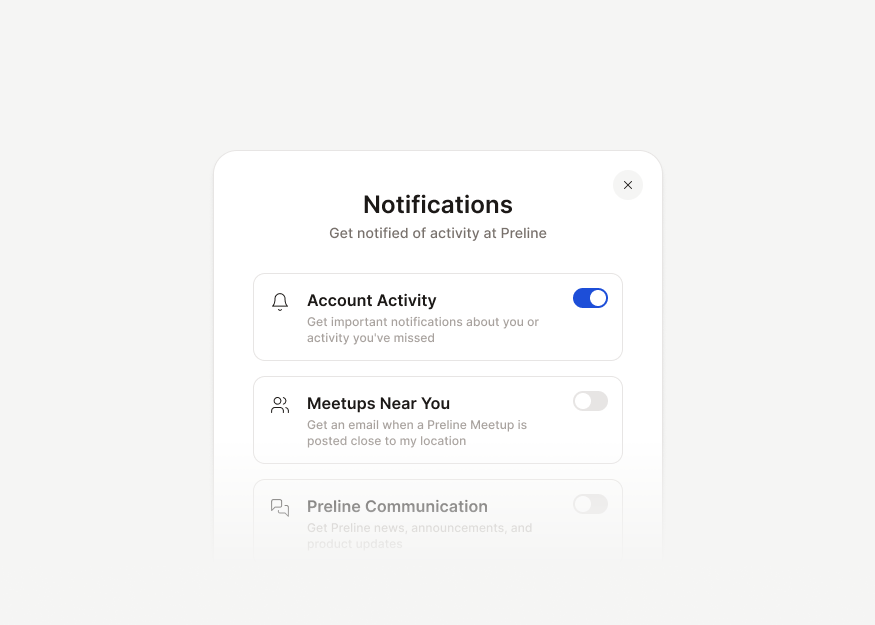
Tailwind CSS feedback and state blocks for empty states, notifications, banners, success messages, reviews, action cards, and product feedback.




Search & Command Palettes
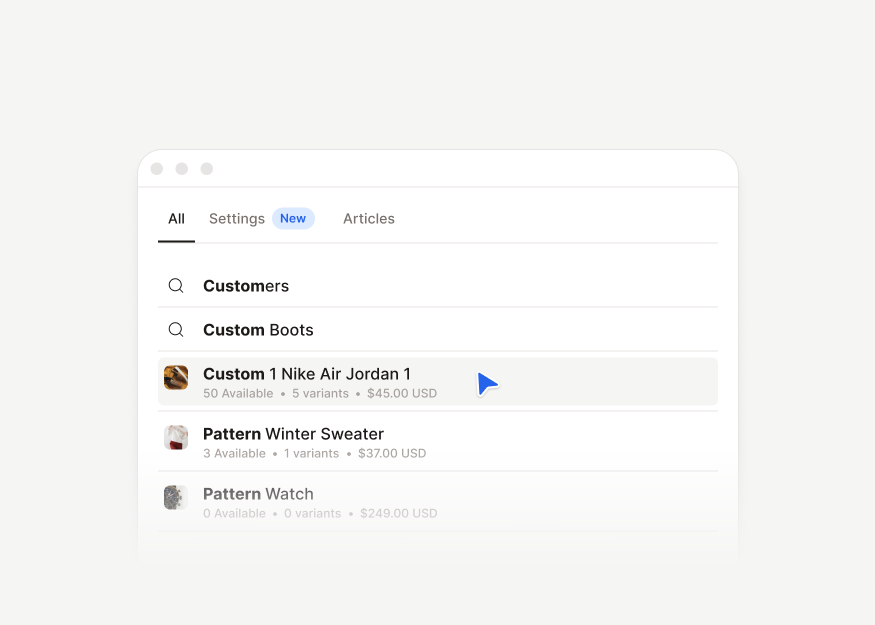
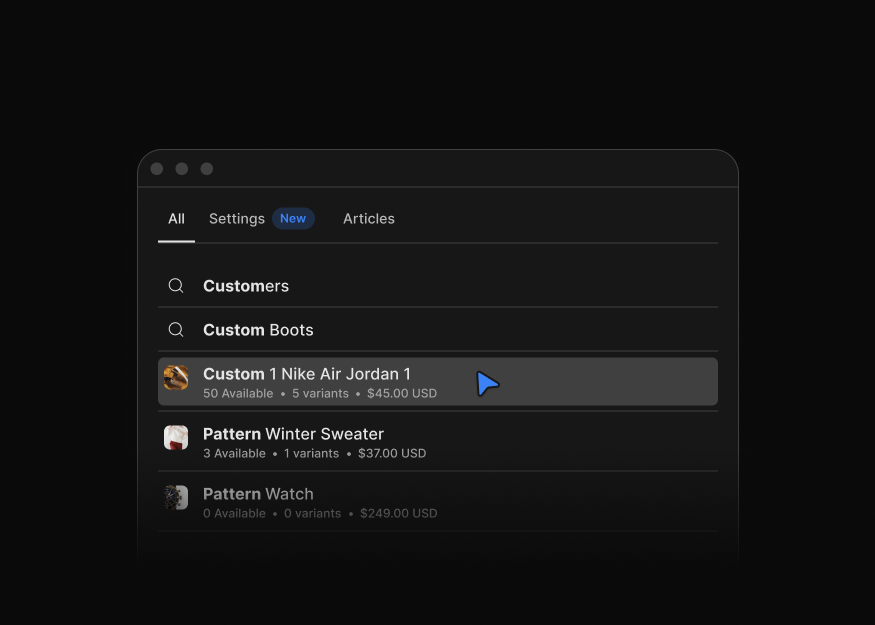
Tailwind CSS search and command palette blocks for search results, quick actions, and keyboard-first interaction flows.
Navigation & Layout
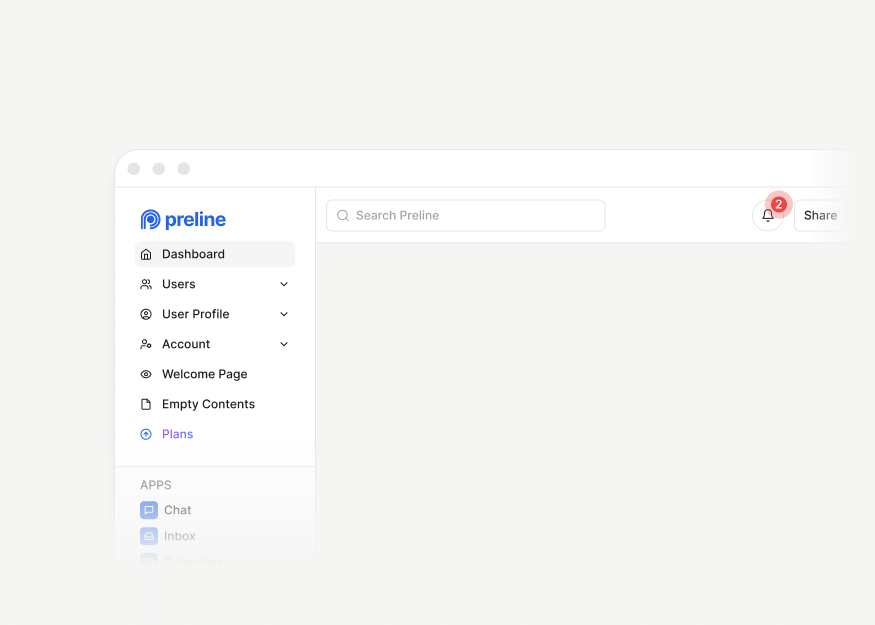
Tailwind CSS navigation and layout blocks for dashboards and SaaS apps, including headers, navbars, sidebars, title bars, footers, and application shell layouts.
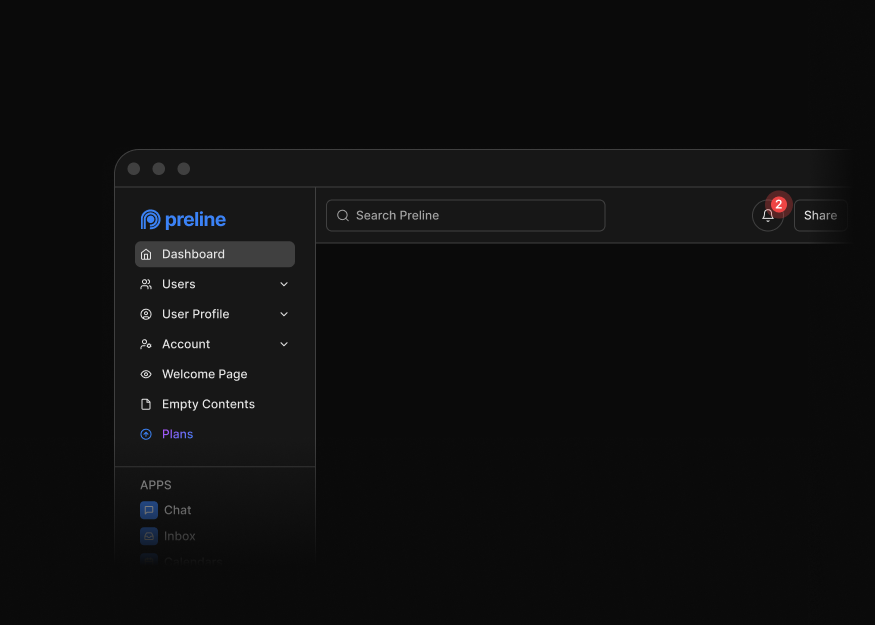
Dashboard Headers
7 components


Workspace Headers
12 components
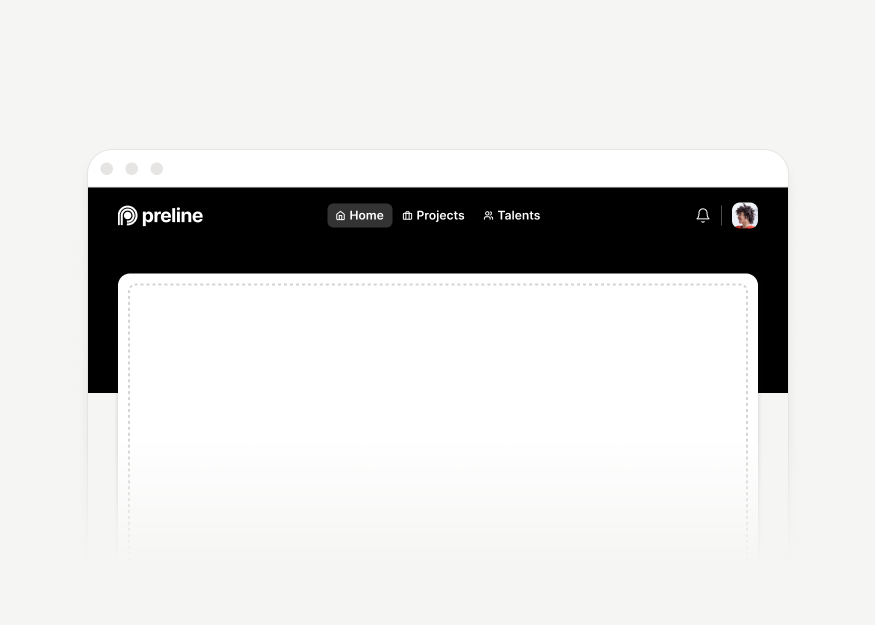
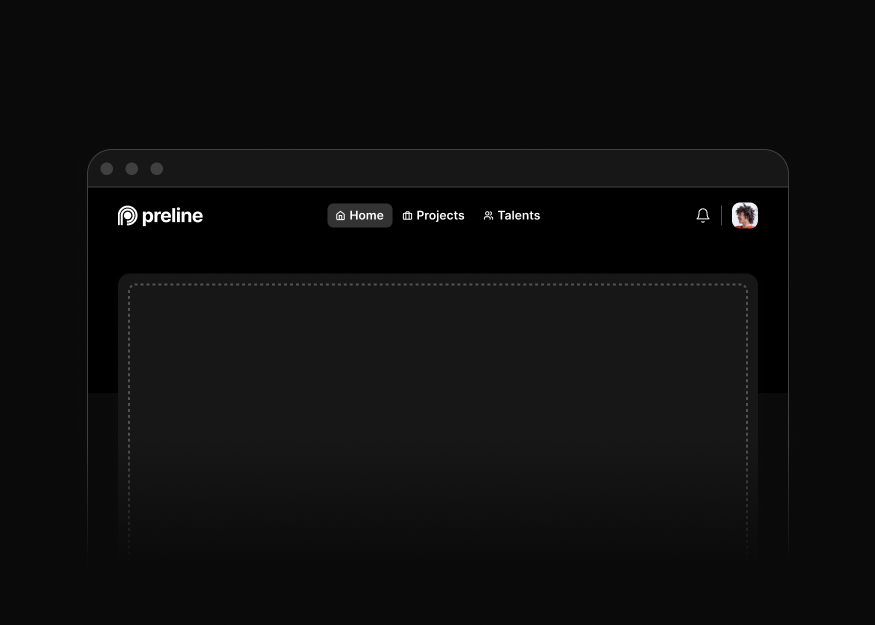
Application Navbars
6 components


Flow Headers
1 components


Secondary Navs
4 components


Scroll Navigation
2 components


Card Tabs
11 components


Dashboard Sidebars
6 components


Application Sidebars
5 components
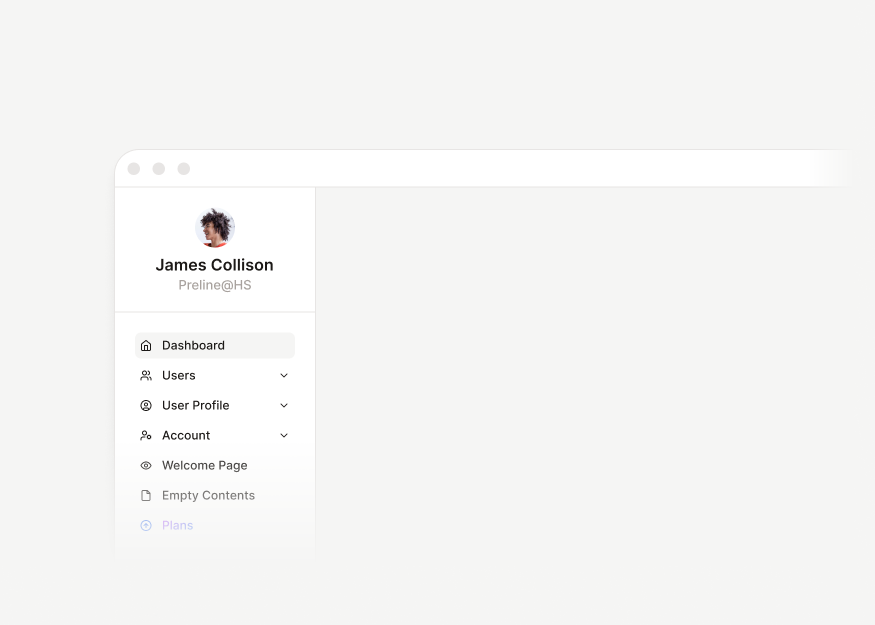
Dashboard Sidebar Modules
5 components
Sidebar Navigation
2 components


Multi-Panel Layouts New
7 components


Detached Sidebar Layouts
2 components


Dashboard Demo Layouts
4 components


Title Bars
17 components


Dashboard Footers
1 components


Stacked Footers
2 components


Blank & Error Pages
4 components


Sticky Layouts
2 components
Simple pricing
Preline Pro Pricing
Get lifetime access to downloadable Preline Pro blocks, templates, AI Prompts, and animated icons for unlimited Tailwind CSS projects, with free future updates. Preline MCP launch access is included through January 1, 2027.
Open Source
Free access to the open-source library for unlimited projects and developers.
- Unlimited Projects
- Unlimited Developers
- Lifetime access Lifetime access to all free downloadable components, blocks, templates, and AI Prompts
- Free Updates
- AI Prompts New
- Access to all free 640+ components
- Access to 189 Blocks
- Download 5 premium templates with 5 main pages
- Free Figma Design System
- Community Support
- Re-Distribution Redistribution is allowed under the MIT and Fair Use licenses when attribution and license notices are preserved.
Pro
Perfect for Solo Developers with unlimited personal and commercial projects.
- Unlimited Projects
- Single Developer
- Lifetime access Lifetime access to downloadable components, blocks, templates, AI Prompts, and Animated Icons
- Free Updates
- AI Prompts New
- Access to all free 640+ components
- Access to all 780+ Blocks
- Download all 21 premium templates with 207 pages
- 51 Built with Al demos New
- Free Figma Design System
- 100 Animated Icons New
- General Support Priority general support for account, license, and product guidance. Does not include technical support, debugging, or custom implementation.
- No Re-Distribution Redistribution, public sharing, and use in derivative themes or 'generators' are prohibited. For details, check our license page.
- Preline MCP New Included free through January 1, 2027 Preline MCP is a hosted AI service. Free access is included through January 1, 2027. A subscription is required afterward. Rate limits may apply.
Team
Ideal for small to medium teams for any number of commercial projects.
- Unlimited Projects
- Up to 15 Developers
- Lifetime access Lifetime access to downloadable components, blocks, templates, AI Prompts, and Animated Icons
- Free Updates
- AI Prompts New
- Access to all free 640+ components
- Access to all 780+ Blocks
- Download all 21 premium templates with 207 pages
- 51 Built with Al demos New
- Free Figma Design System
- 100 Animated Icons New
- General Support Priority general support for account, license, and product guidance. Does not include technical support, debugging, or custom implementation.
- No Re-Distribution Redistribution, public sharing, and use in derivative themes or 'generators' are prohibited. For details, check our license page.
- Preline MCP New Included free through January 1, 2027 Preline MCP is a hosted AI service. Free access is included through January 1, 2027. A subscription is required afterward. Rate limits may apply.
Enterprise
Built for Re-Distribution, perfect for teams and projects of all sizes.
- Single Project
- Unlimited Developers
- Lifetime access Lifetime access to downloadable components, blocks, templates, AI Prompts, and Animated Icons
- Free Updates
- AI Prompts New
- Access to all free 640+ components
- Access to all 780+ Blocks
- Download all 21 premium templates with 207 pages
- 51 Built with Al demos New
- Free Figma Design System
- 100 Animated Icons New
- SLA & Priority Support
- Re-Distribution In custom cases and under specific license terms and conditions, redistribution of Preline Pro may be permitted, depending on your project's specifics.
- Preline MCP New Included with Enterprise deployment
Standard local taxes and VAT may apply, following the laws of your country.
Tailwind CSS Blocks FAQs
What are Tailwind CSS blocks?
Tailwind CSS blocks are ready-made interface sections and page patterns, such as hero sections, forms, tables, dashboards, modals, ecommerce layouts, and application screens.
Are Preline blocks free to use?
Preline UI includes 200+ free Tailwind CSS blocks you can preview, copy, and use in your projects. Premium blocks are available with Preline Pro.
Do blocks support responsive layouts and themes?
Yes. Blocks are designed with responsive Tailwind CSS utilities and Preline UI theme classes, including dark mode, so you can preview how sections behave across screen sizes and color modes.
Can I use blocks with React, Vue, Laravel, Rails, or Django?
Yes. Preline UI blocks are HTML, Tailwind CSS, and JavaScript patterns that you can adapt into any stack where Tailwind CSS and browser JavaScript can run. They don't ship as framework-specific source files for React, Vue.js, or similar frameworks by default.
To help with integration, Preline includes framework guides for common setups, so you can bring the blocks into your project while keeping the source flexible and framework-agnostic.
How are blocks different from components and templates?
Blocks are composed UI sections and page patterns. Components are smaller building blocks, while templates are complete multi-page demos.
Can I customize blocks for production projects?
Yes. You can copy and customize block markup, Tailwind CSS classes, colors, spacing, content, and interaction patterns to match your product. Blocks are meant to be adapted into real layouts rather than used only as fixed examples.