Starter
Best for individual developers
$0USD
/month for one person
Get started 5 GB Cloud Storage 10 API Requests/min 2 Team MembersUpdate v5.0 - Preline MCP, AI Prompts, Animated Icons and more. Visit Changelog
Connect AI agents to Preline components, blocks, docs, and framework guidance so they can fetch real Tailwind CSS UI directly in the editor.
Prompt once, then let your agent search Preline, fetch the right UI, and wire it into your project.
“Add a pricing section with monthly/yearly toggle.”
The agent finds the best Preline match, then MCP returns its exact markup, scripts, and setup notes.
Your agent adapts the result to your files, theme, and dark-mode setup.
Start with your default UI, extend it with Preline advanced components, then apply or generate a theme without breaking the design system.
Use your existing interface as the baseline, preserving its structure, content, and behavior.
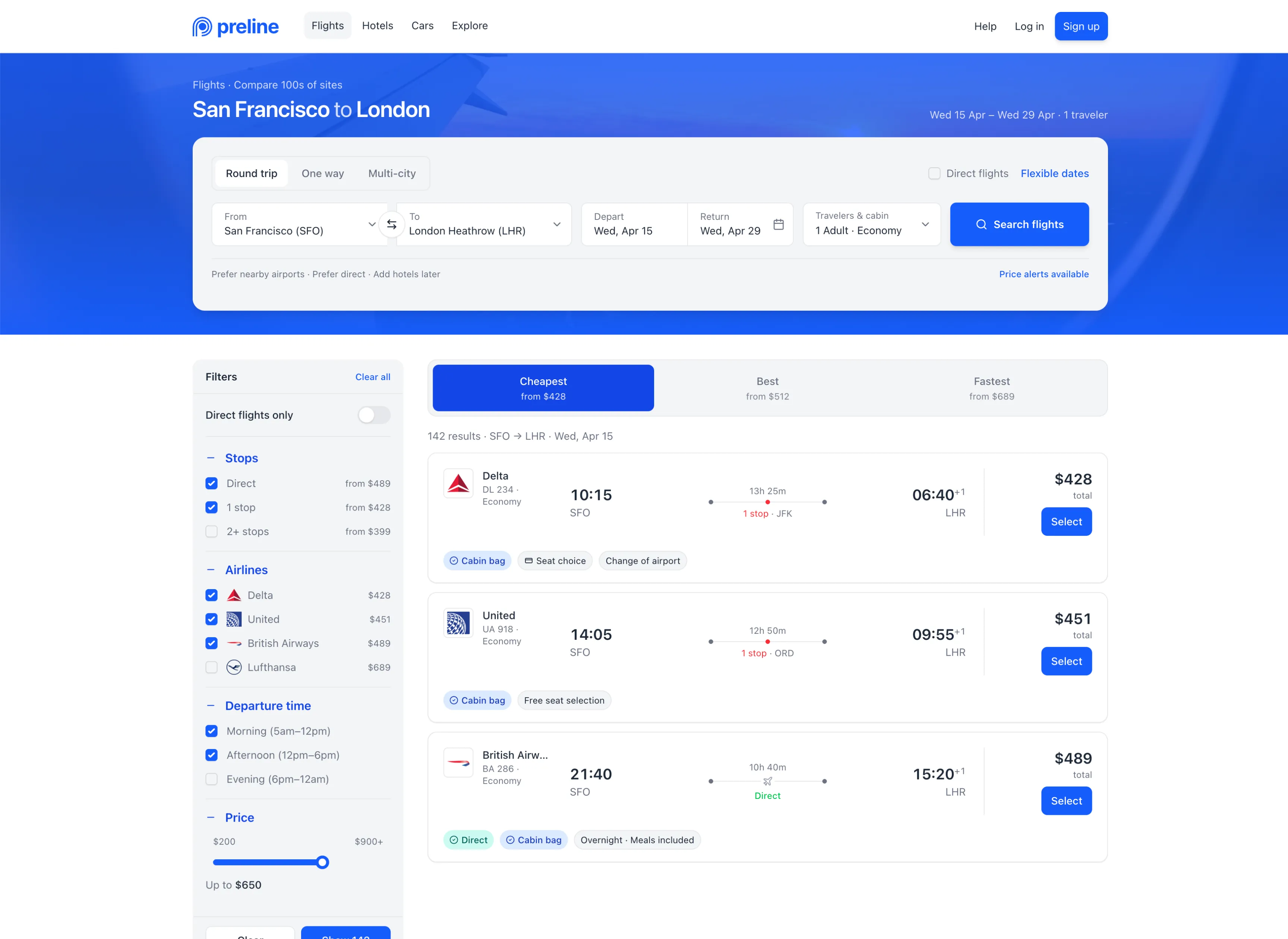
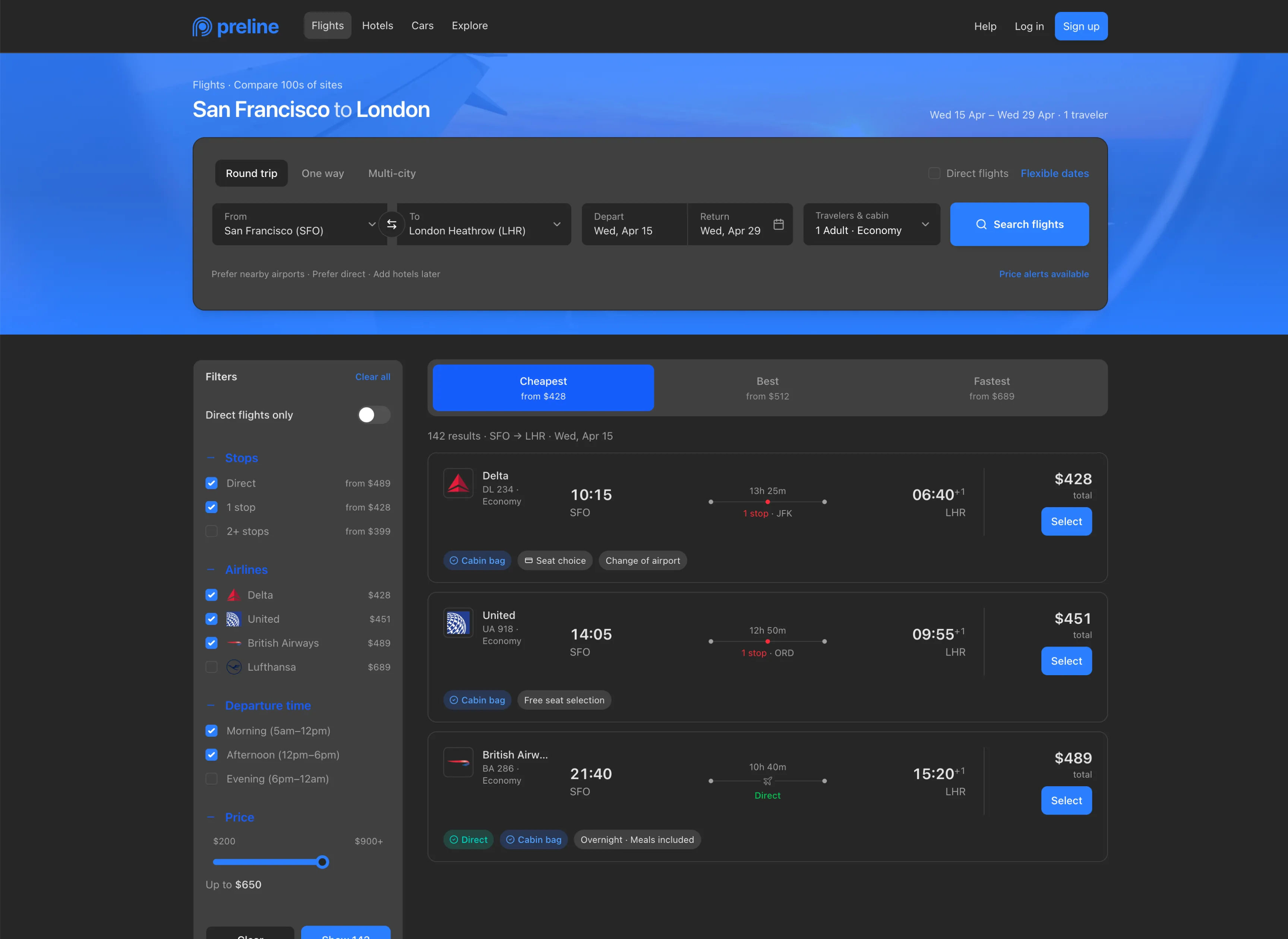
Adopt Preline selects, date pickers, input numbers, and other advanced components without rebuilding the page.
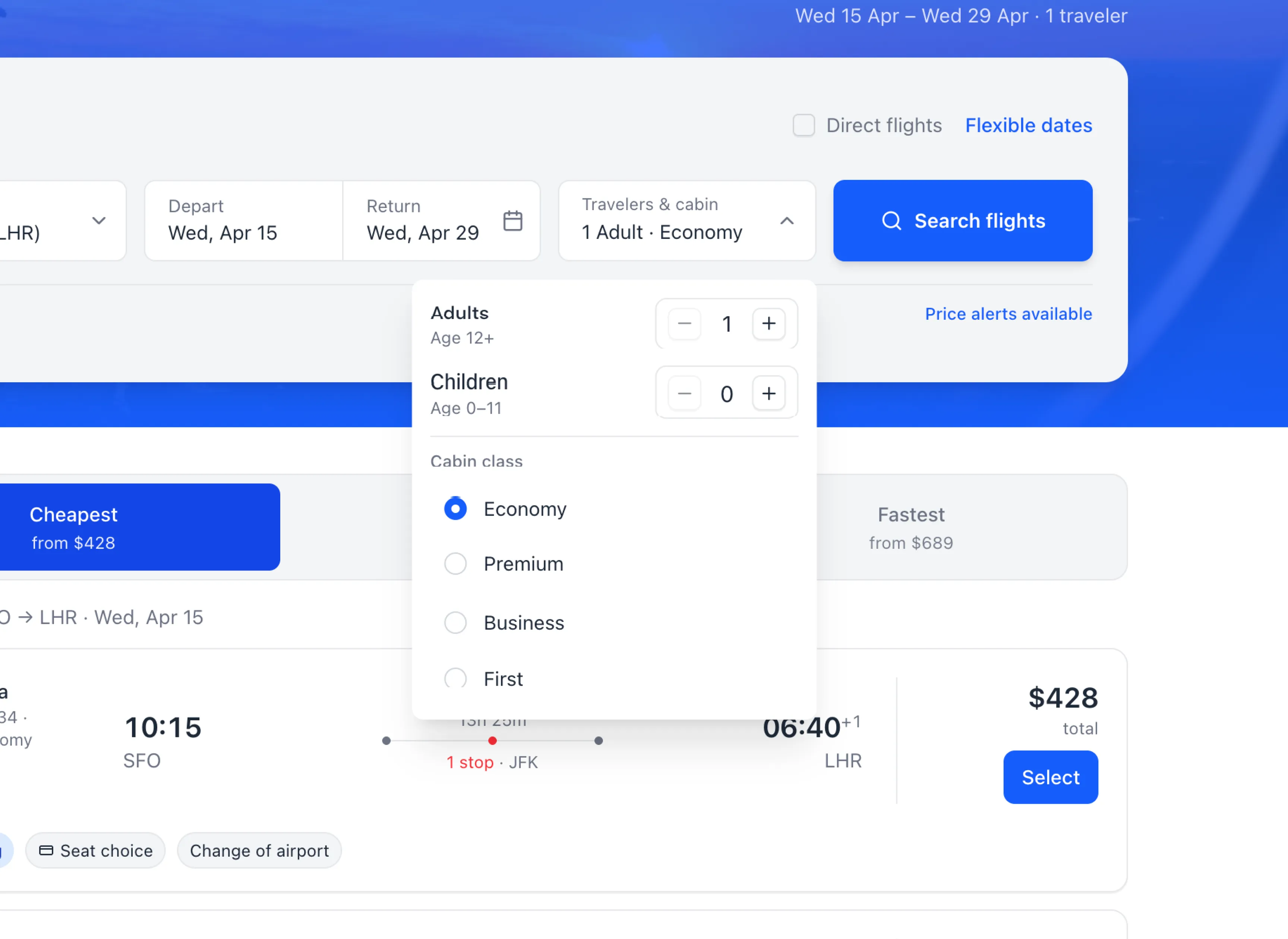
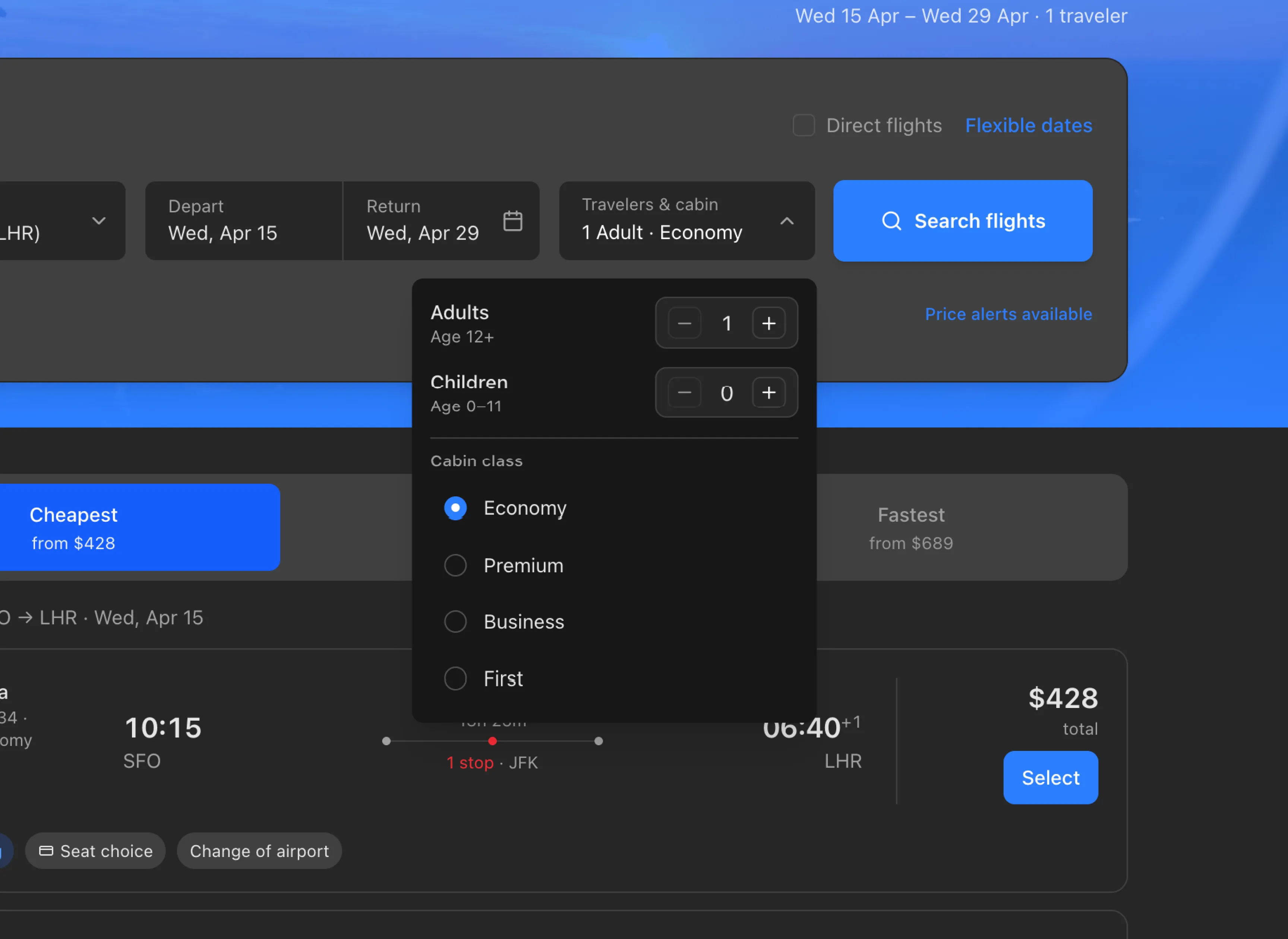
Use Preline skills to apply any ready-made theme or generate your own while keeping the entire interface in sync.
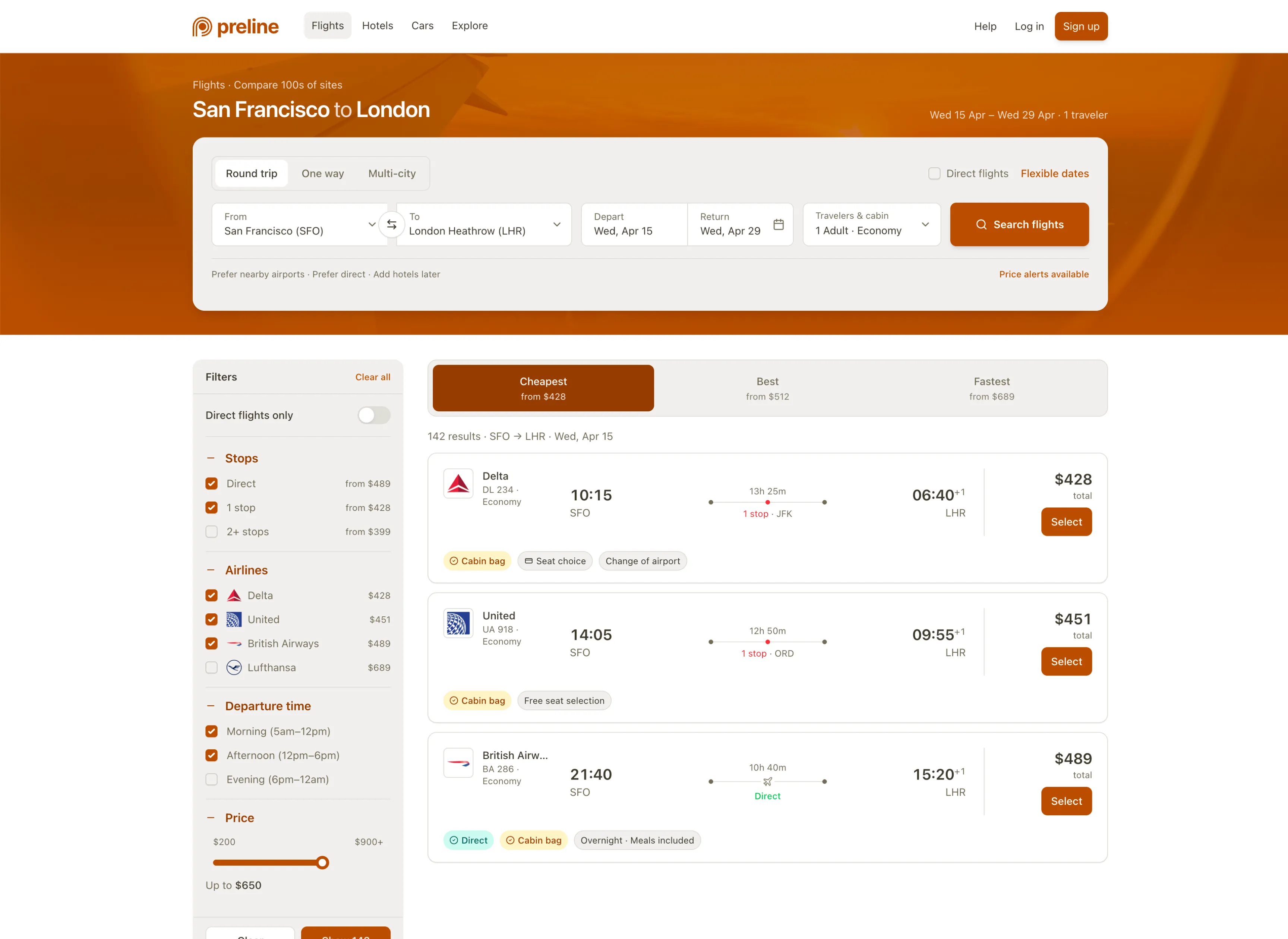
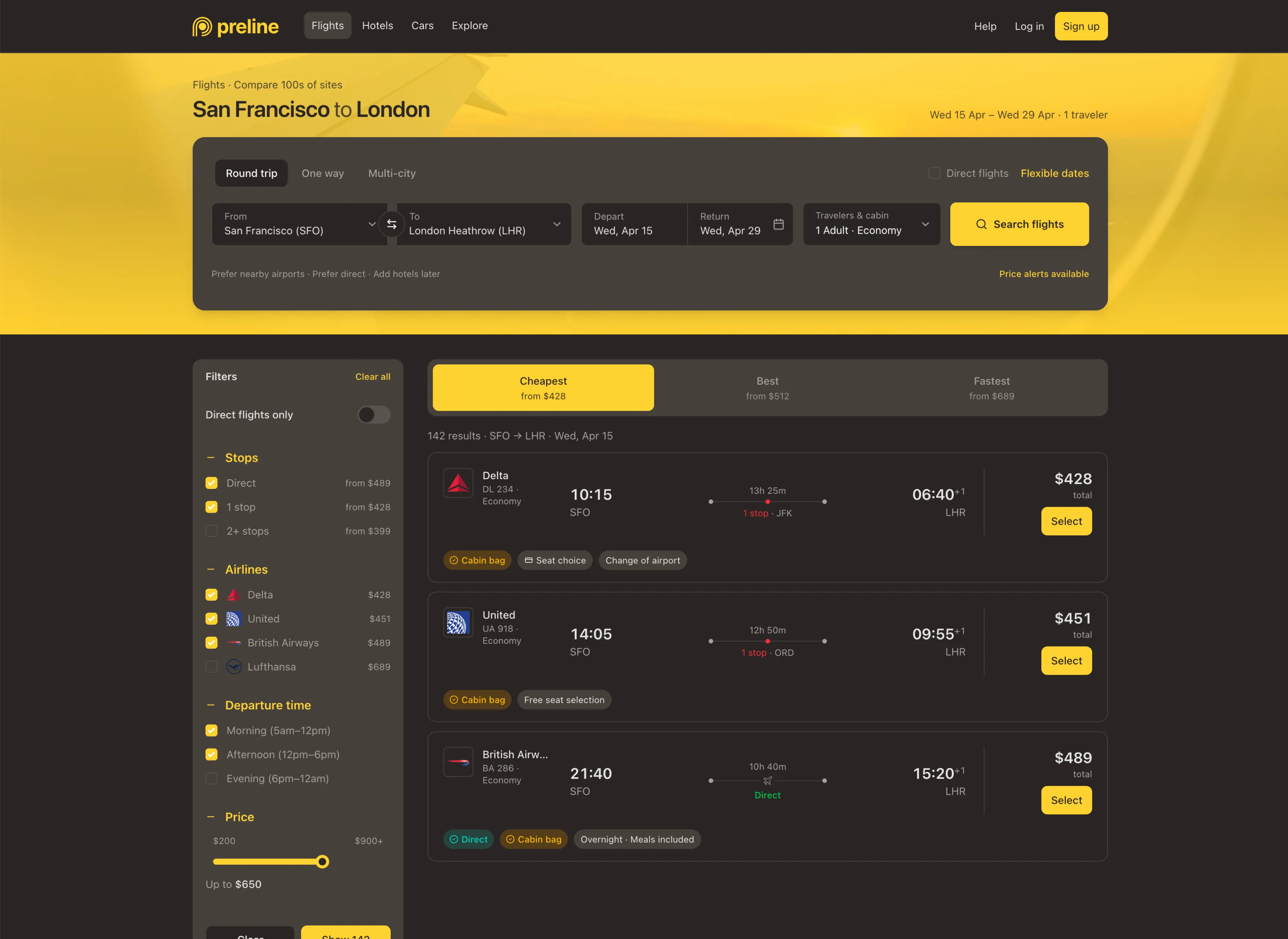
MCP handles the lookup across components, blocks, JavaScript APIs, and framework guidance, keeping output grounded in real source.
components_list
Lists component sections and exact component IDs inside one section.
single_component
Returns the code for one ready-to-integrate component.
blocks_categories
Lists the block hierarchy so the agent can choose the right content area.
blocks_in_category
Lists the exact block IDs inside one category before code is fetched.
single_block
Returns a complete block page with all its components.
component_documentation
Provides JavaScript API details, options, methods, and events for interactive plugins.
framework_documentation
Returns integration documentation for React, Next.js, Vue, Laravel, Rails, Django, and more.
preline_init
An MCP prompt for Preline tool usage, call order, integration, and code placement.
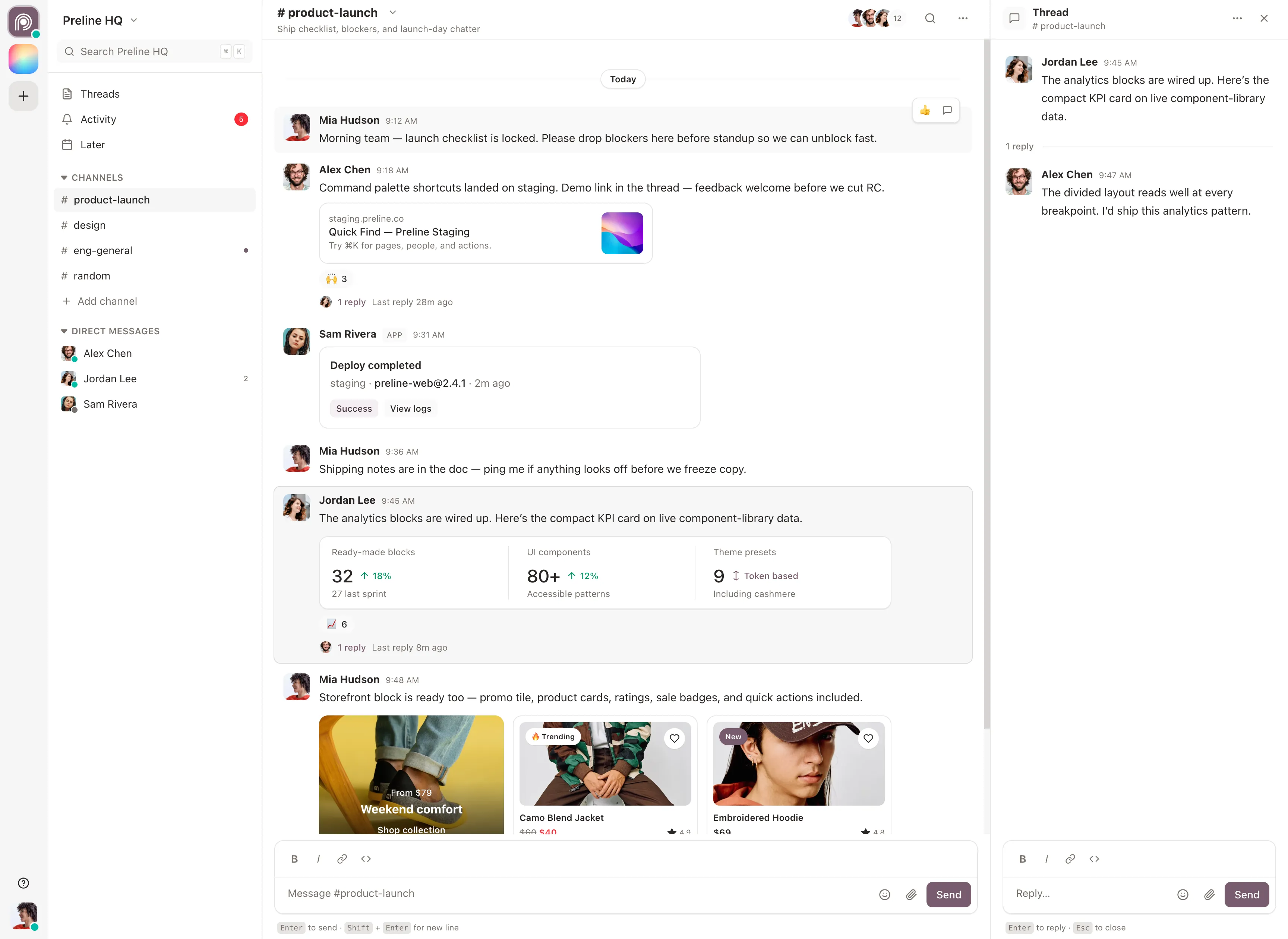
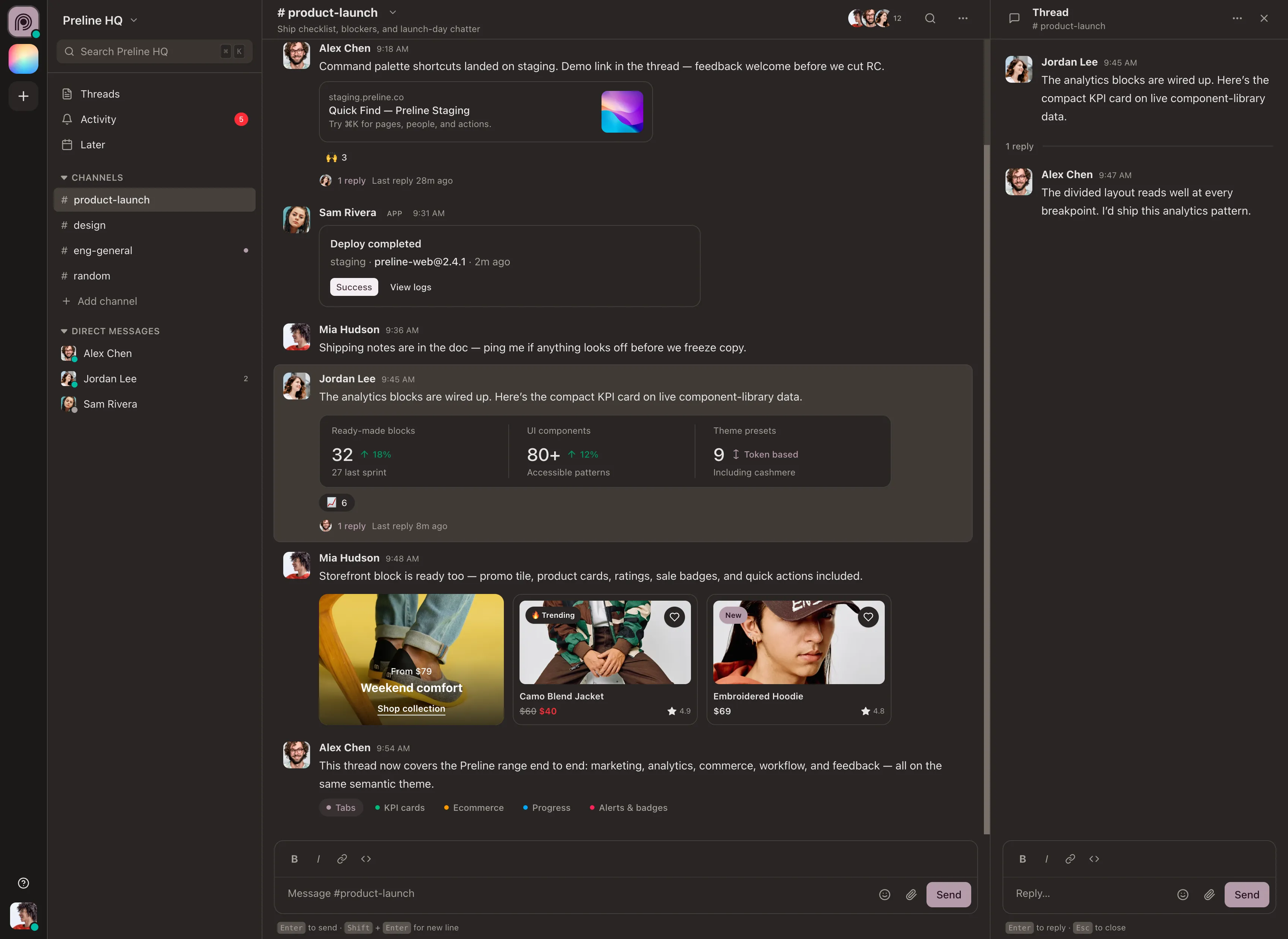
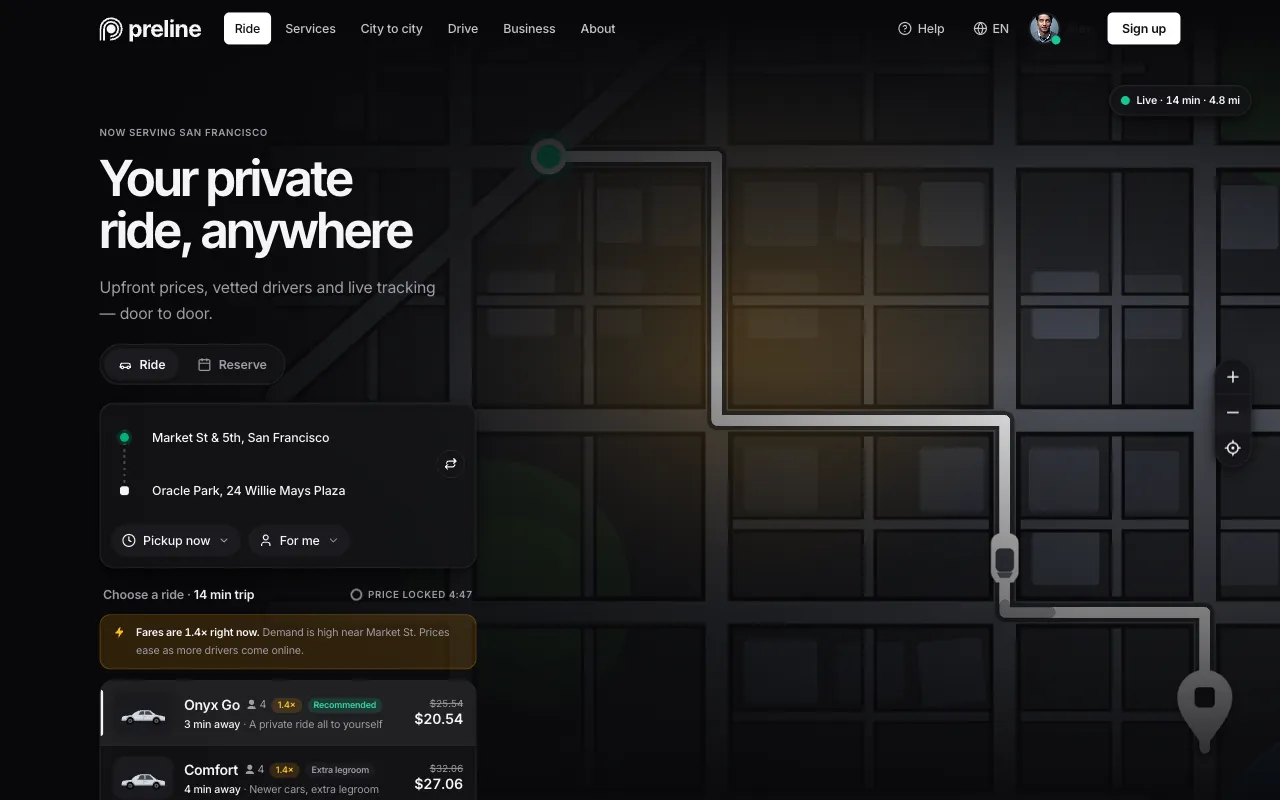
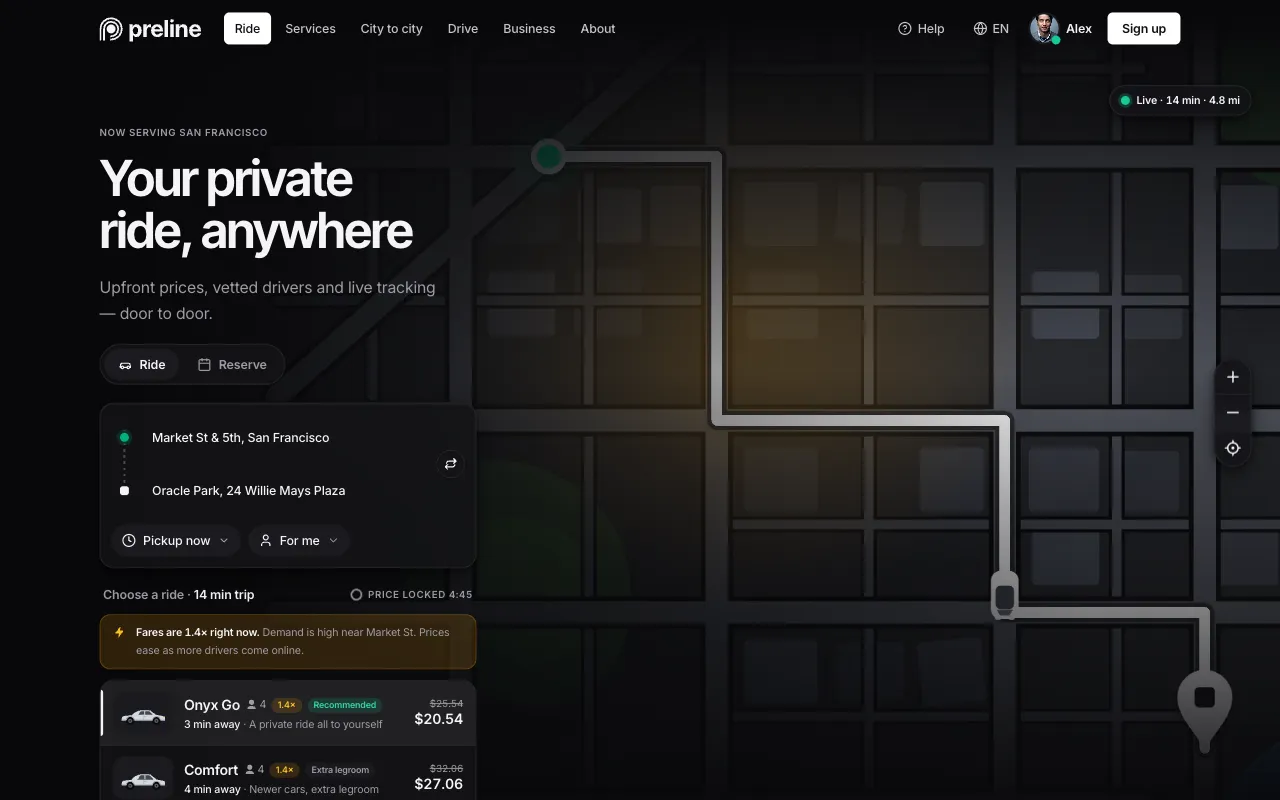
Explore complete UI demos assembled from real Preline components and blocks. Every demo is available in the download package.










MCP tools
7
ready to call
Ready to discover, fetch, document, and integrate Preline UI.
Components
640+
ready to use
Searchable Tailwind CSS components across Preline categories.
Blocks
972
ready to reference
Complete screens, sections, and layouts agents can learn from.
Compare plain AI output, manual copy-paste components, and Preline MCP for prompt-driven UI work.
Connect Preline MCP to the coding agent you already use, then add Preline UI Agent Skills for reliable, reusable workflows.
Connect Preline UI MCP to Cursor CLI and desktop, then add reusable Agent Skills.
Connect Preline MCP to Claude Code or Claude Desktop, then add skills for stronger workflows.
Use .codex/skills/ to make Preline workflows available in Codex.
Connect Preline MCP to VS Code agent mode, then add portable Agent Skills.
Use .opencode/skills/ for project-level OpenCode setup.
Connect Preline MCP to Kimi Code CLI and add shared Agent Skills.
Add Preline skills to .agents/skills/ for Devin workspaces.
Connect Preline MCP to Copilot CLI or VS Code, then add shared Agent Skills.
Connect Preline MCP to the Zed Agent and add project or global Agent Skills.
Connect Preline UI MCP to Gemini CLI and Google Antigravity, then add shared Agent Skills.
Connect Preline MCP to Kiro CLI or Kiro IDE, then add workspace skills.
Connect Preline UI MCP to TRAE IDE, then add reusable project or global Skills.
Get lifetime access to downloadable Preline Pro blocks, templates, AI Prompts, and animated icons for unlimited Tailwind CSS projects, with free future updates. Preline MCP launch access is included through January 1, 2027.
Free access to the open-source library for unlimited projects and developers.
Perfect for Solo Developers with unlimited personal and commercial projects.
Ideal for small to medium teams for any number of commercial projects.
Built for Re-Distribution, perfect for teams and projects of all sizes.
Standard local taxes and VAT may apply, following the laws of your country.
Preline MCP connects your coding agent directly to Preline UI. Your request guides the agent, which searches the catalog, fetches ready-to-integrate HTML, CSS, and JavaScript, and adds the result to your project.
Read the MCP guideIt can discover and return individual components, complete blocks, interactive plugin APIs, and framework guidance for stacks including React, Next.js, Vue, Laravel, Rails, and Django.
AI Prompt gives you block-specific instructions to copy into an AI tool. Preline MCP is a live connection that lets supported agents search and fetch the source and documentation they need while working.
Learn about AI PromptPreline MCP works with coding agents that support MCP connections. Preline Agent Skills also provide guided workflows for Claude, Cursor, Codex, Devin, Gemini CLI, Kiro, OpenCode, and Trae.
The fetched markup uses Tailwind CSS and Preline behavior, so Preline UI and any required dependencies should be available in the target project. Your coding agent can handle missing setup during integration.
Yes. Your agent can place fetched source into your files and adapt it to your framework, theme, dark mode, and application structure while preserving the required Preline markup and interactions.