Responsive intent
Mobile stacking, desktop ordering, truncation, overflow, and breakpoint behavior are part of the brief.
Update v5.0 - Preline MCP, AI Prompts, Animated Icons and more. Visit Changelog
One prompt. Any coding agent. Paste it wherever you build.
Every AI Prompt is written around source details that are easy for agents to miss when they only see a screenshot or a block title.
Mobile stacking, desktop ordering, truncation, overflow, and breakpoint behavior are part of the brief.
Wrapper hierarchy, grid proportions, spacing, alignment, responsive order, and breakpoints stay explicit.
Primary, muted, surface, border, and dark-mode roles map to the destination theme instead of fixed colors.
Logos, imagery, SVG marks, badges, and icon mappings stay tied to their real source paths and shapes.
Menus, modals, tabs, tooltips, charts, and other behaviors keep their source states and runtime expectations.
Every prompt ends with concrete visual, responsive, interaction, and accessibility checks for the agent to run.
Choose a block, copy its prompt, and let your agent turn source-aware guidance into a working interface for your project.
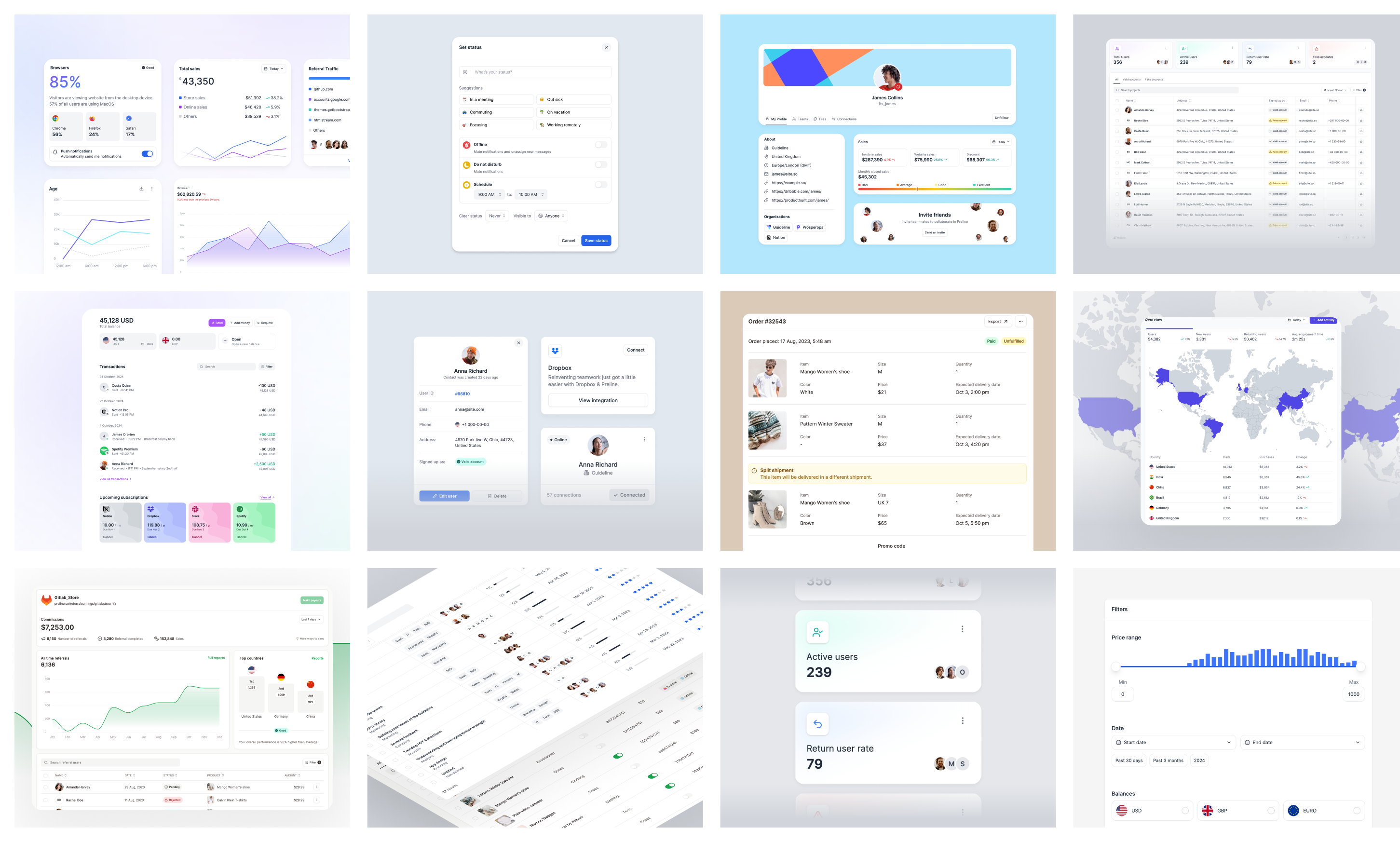
Browse Preline Blocks and pick the exact composition you want to bring into your app.
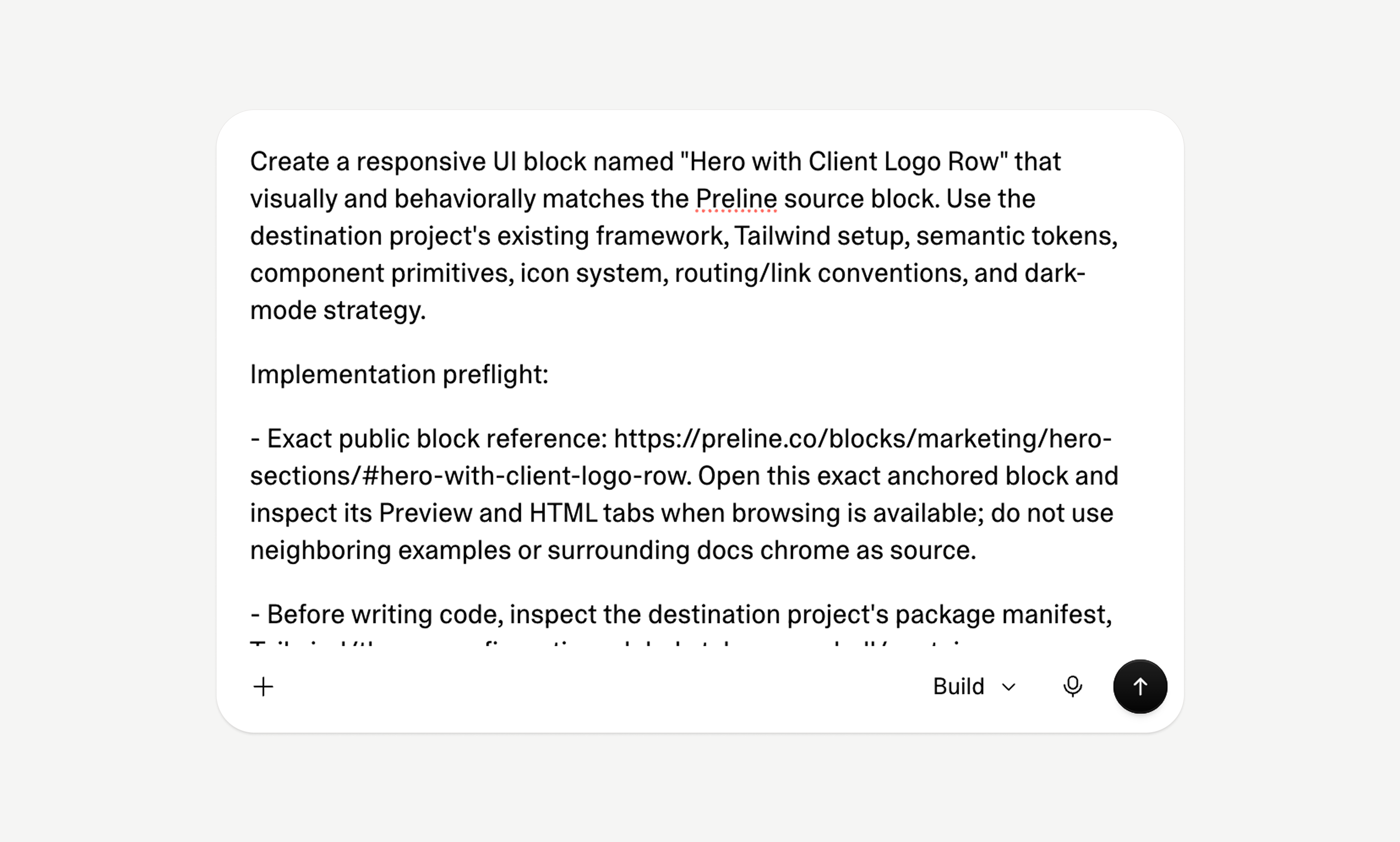
Switch to the AI Prompt tab and copy guidance written for that block’s real source.
Let your agent inspect the app, implement the block, and verify its work against a focused checklist.
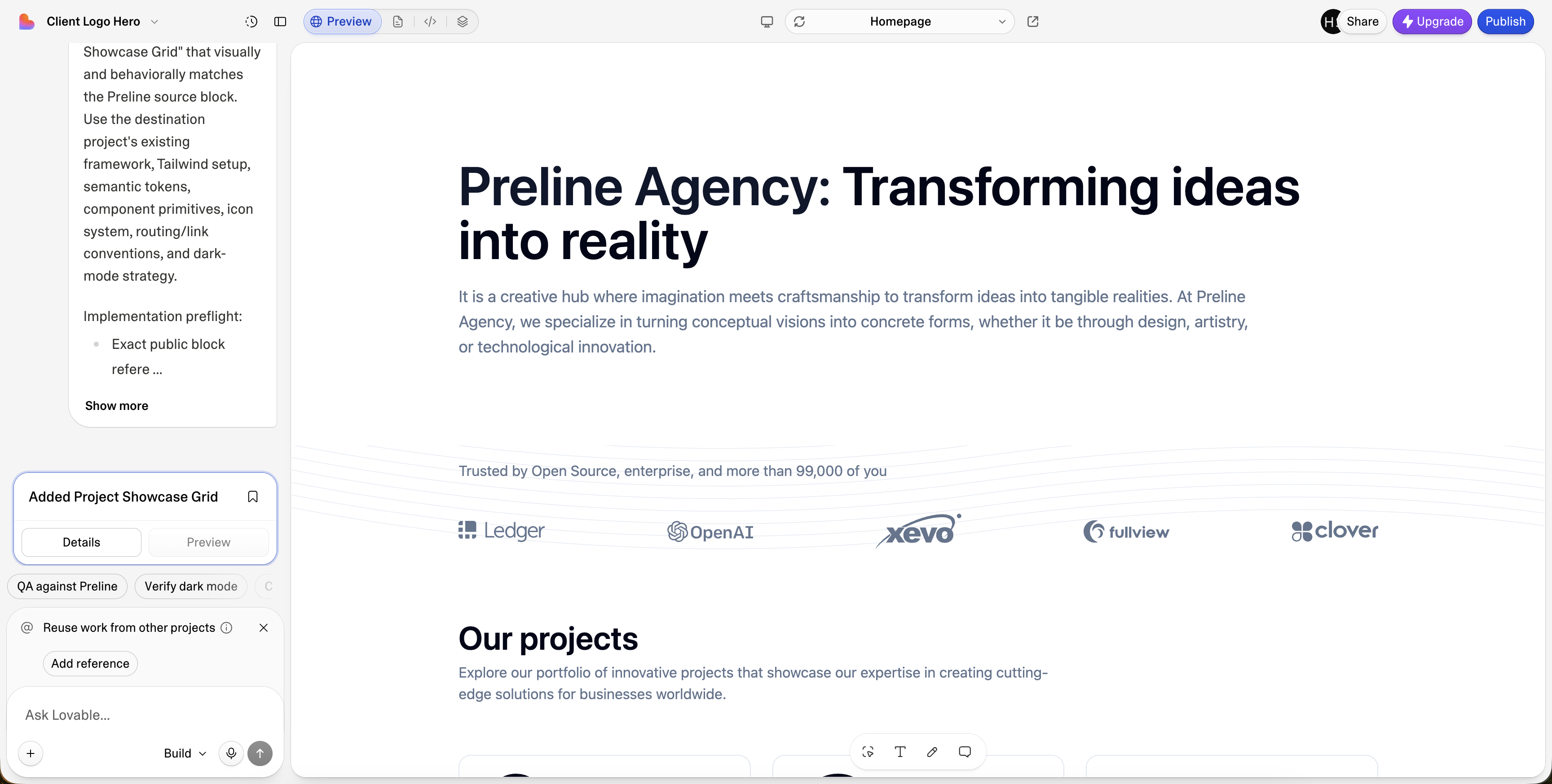
Each AI Prompt tells your agent to inspect your framework, Tailwind setup, theme tokens, existing components, routing, icons, and dark-mode strategy before writing code.
The same block request becomes much clearer when your agent gets source-aware guidance.
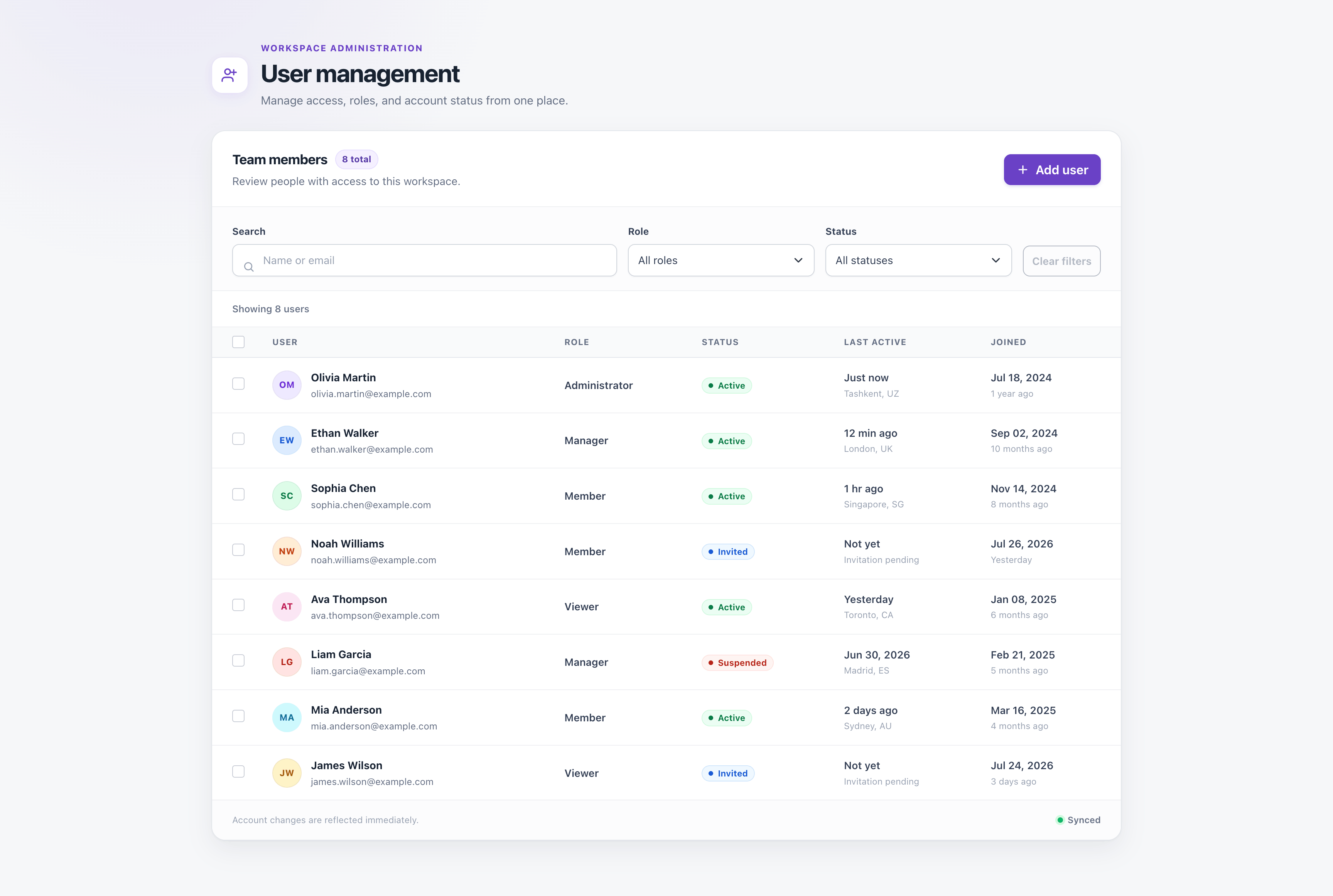
A plain request leaves the agent guessing structure, responsive behavior, tokens, assets, interactions, and QA details.
AI Prompt gives the agent a block-specific brief with layout, tokens, assets, interactions, responsive notes, and final checks.
Choose a block, copy its prompt, and let your agent turn source-aware guidance into a working interface for your project.
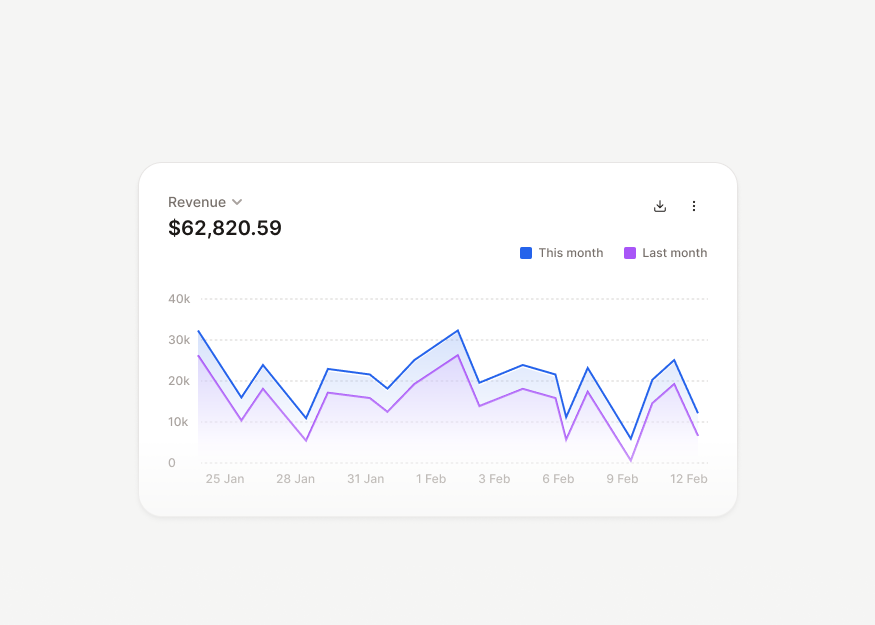
10 components
7 components
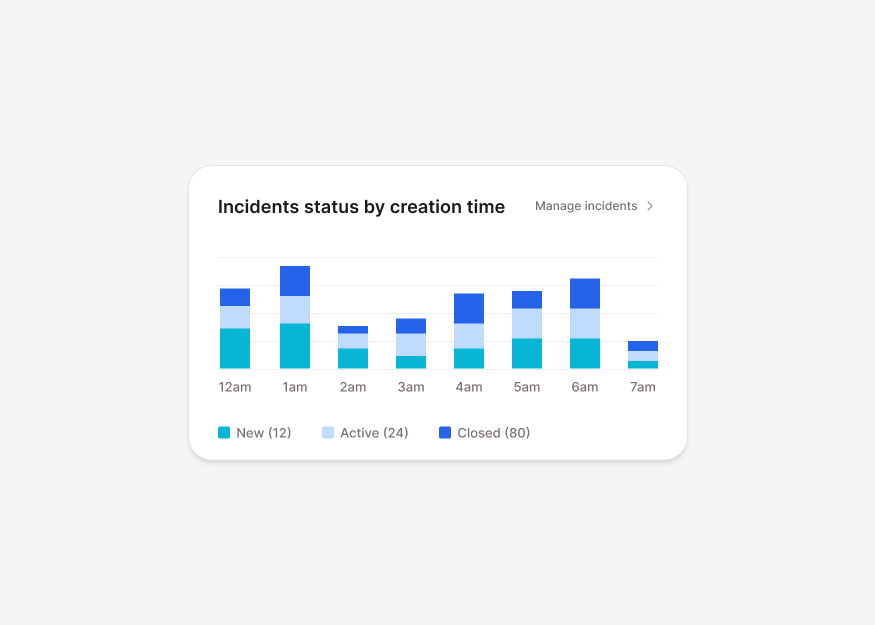
9 components
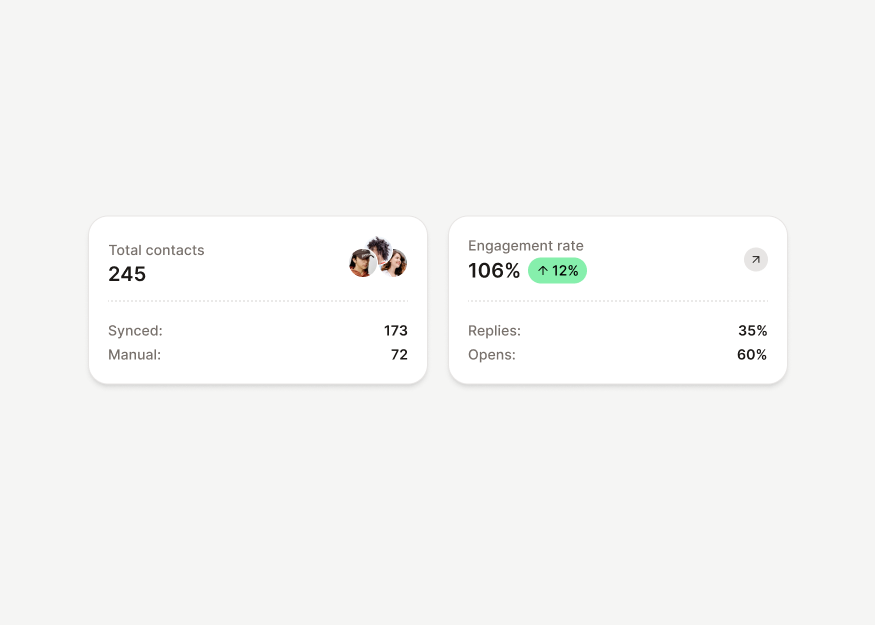
17 components
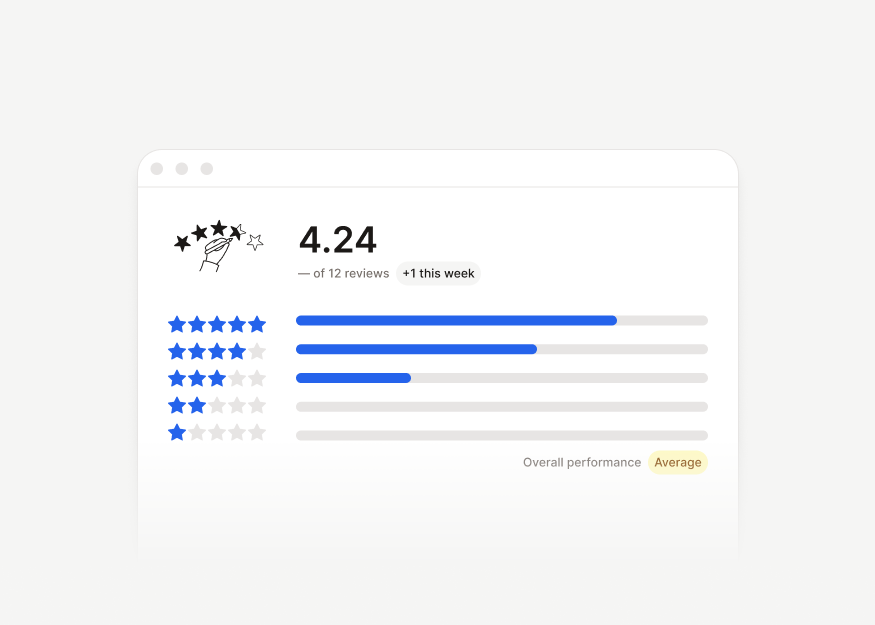
3 components
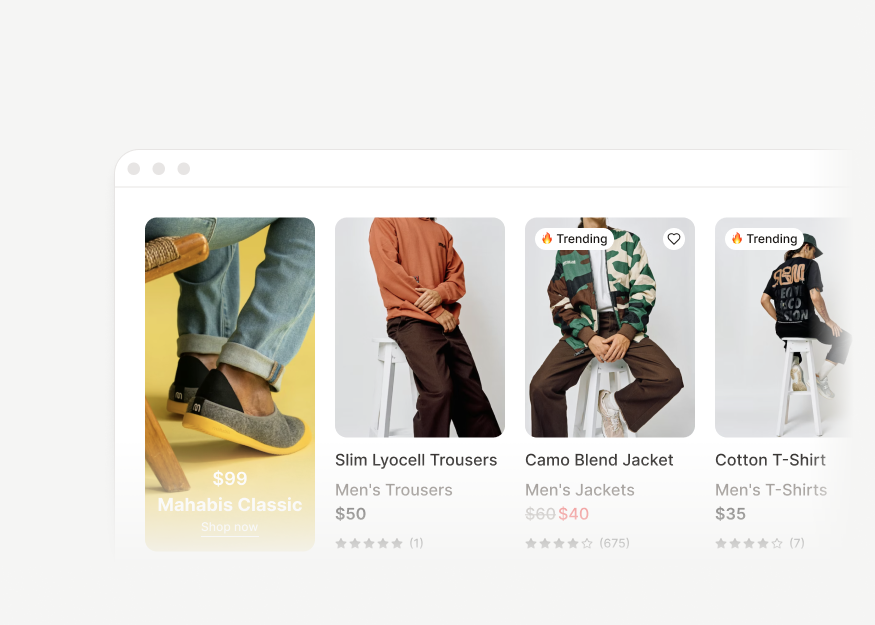
2 components
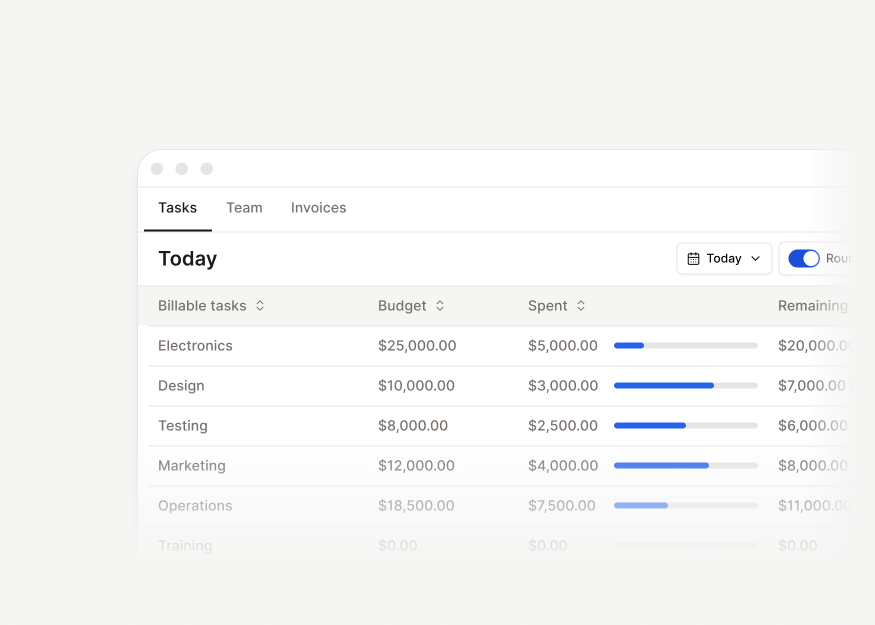
3 components
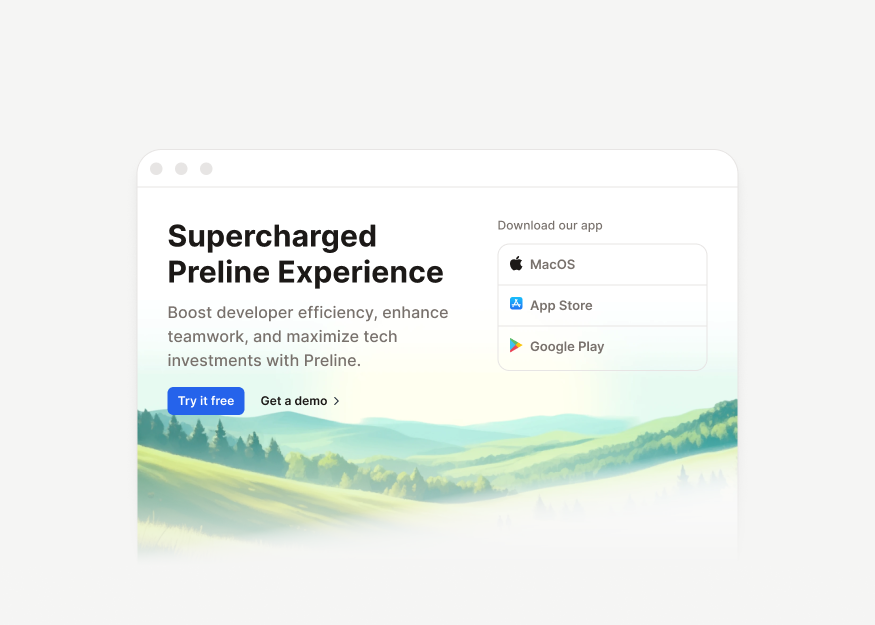
15 components
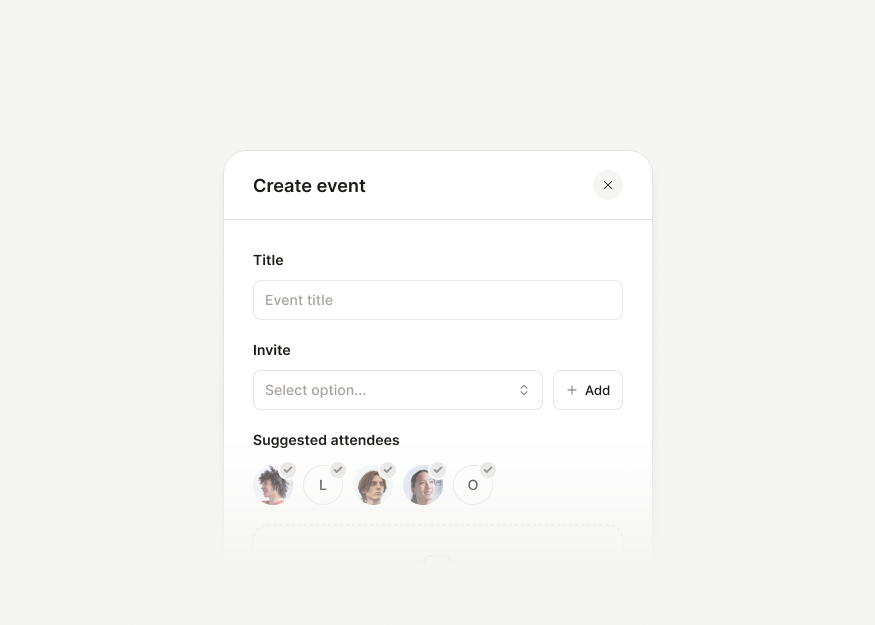
10 components
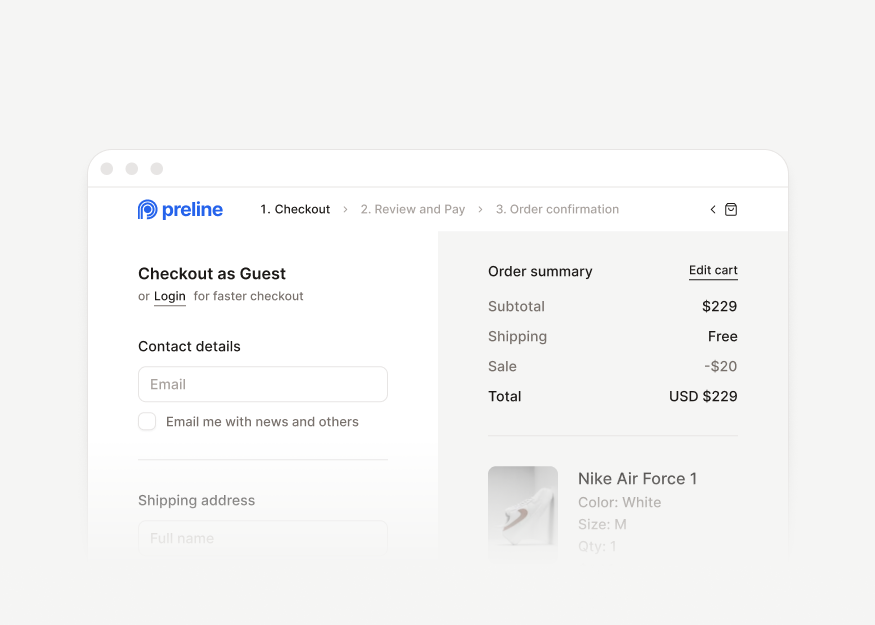
8 components
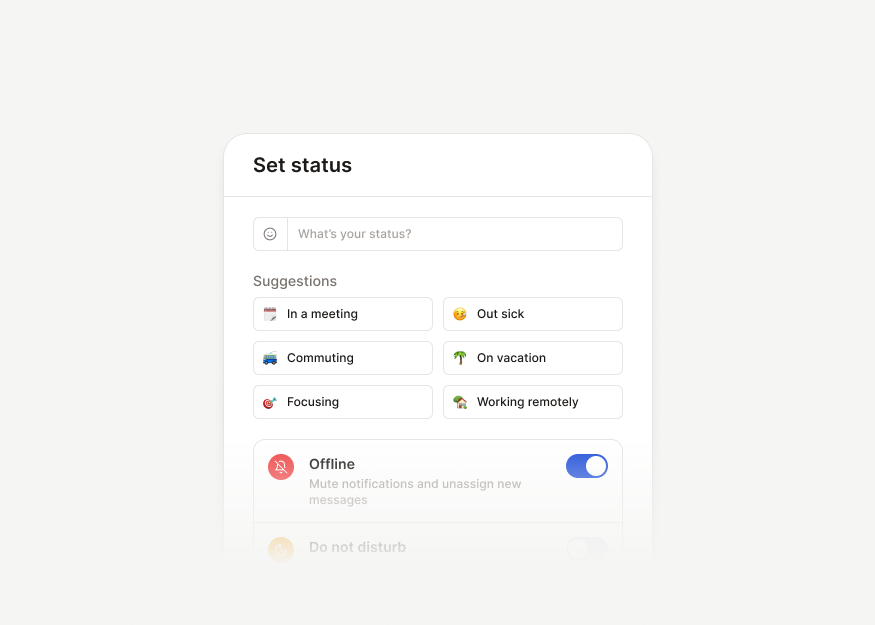
5 components
6 components
Get lifetime access to downloadable Preline Pro blocks, templates, AI Prompts, and animated icons for unlimited Tailwind CSS projects, with free future updates. Preline MCP launch access is included through January 1, 2027.
Free access to the open-source library for unlimited projects and developers.
Perfect for Solo Developers with unlimited personal and commercial projects.
Ideal for small to medium teams for any number of commercial projects.
Built for Re-Distribution, perfect for teams and projects of all sizes.
Standard local taxes and VAT may apply, following the laws of your country.
AI Prompt helps you bring Preline UI into your project using tools and platforms such as shadcn, Lovable, Replit, and others. Paste a block-specific prompt to recreate the UI with its structure, assets, tokens, interactions, responsive behavior, and QA guidance.
Learn moreAI Prompts are block-specific instructions you copy and paste into your preferred AI coding tool or platform. Preline MCP is a direct tool connection that lets supported agents search and fetch Preline's latest components, blocks, documentation, and framework guidance.
Learn moreHTML gives you markup. AI Prompt gives your coding agent the context needed to adapt that markup to your framework, theme, and application shell.
Any agent that accepts pasted prompts can use it, including Claude Code, Cursor, Codex, Gemini CLI, Kiro, OpenCode, Trae, and Windsurf.
Not always. Preline-specific behavior and tokens are easiest to preserve when Preline UI is installed or your project has equivalent primitives.
It is designed to keep the result close to the source, but your agent should still review project-specific assets, interactions, and constraints.
Yes. The prompt identifies semantic roles and relationships so your agent can map them to the tokens and primitives already used in your project.