World's largest free Figma design system
Preline UI Figma is the largest free design system for Figma, crafted with Tailwind CSS styles and Preline UI components with extra top-notch additions.
⚡️ 40k+
Downloads
⭐️ 5 stars
Rated on Gumroad
Design with power
Themes
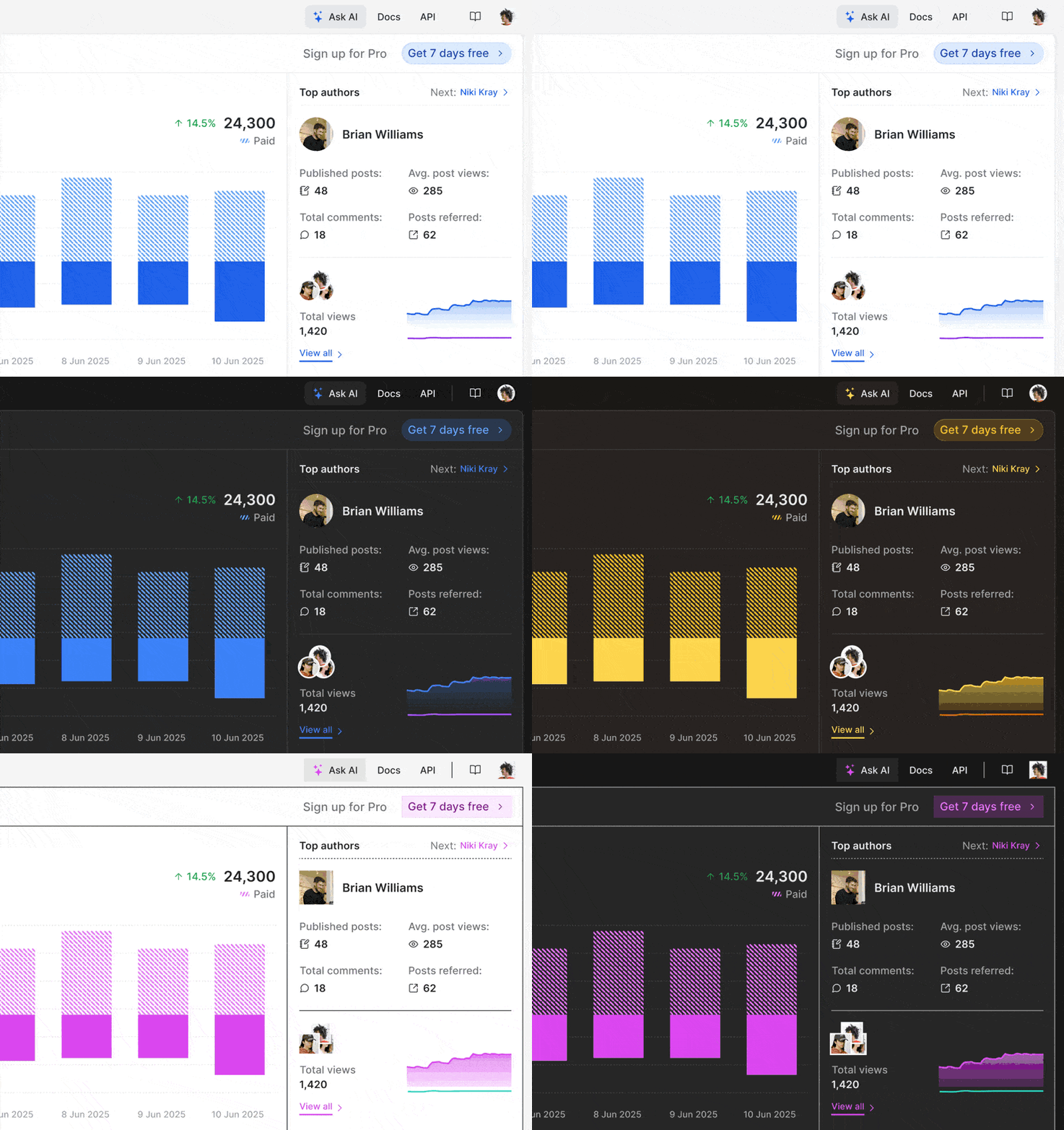
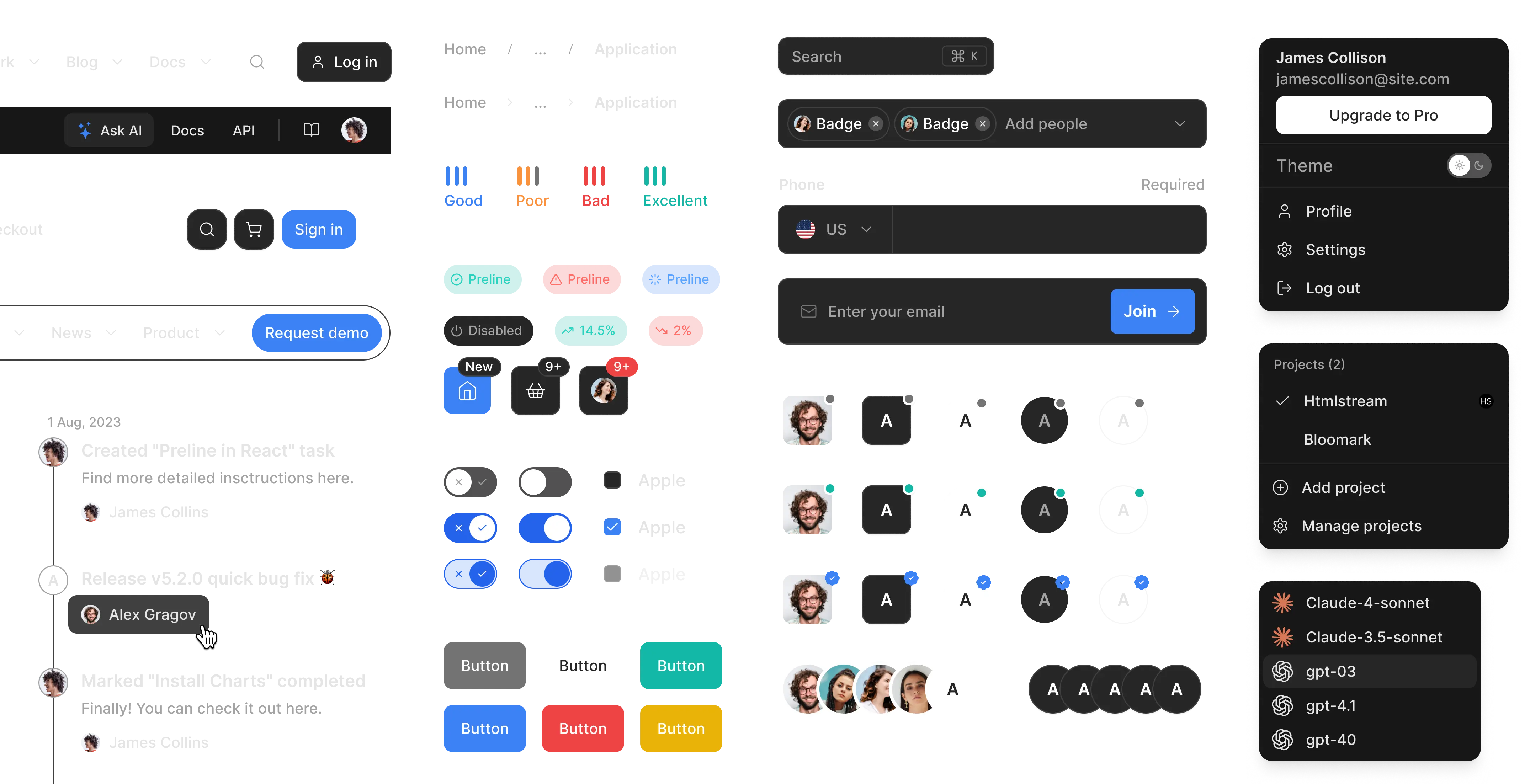
Switch between light, dark — default, harvest and retro themes to suit your project’s brand.
Variables
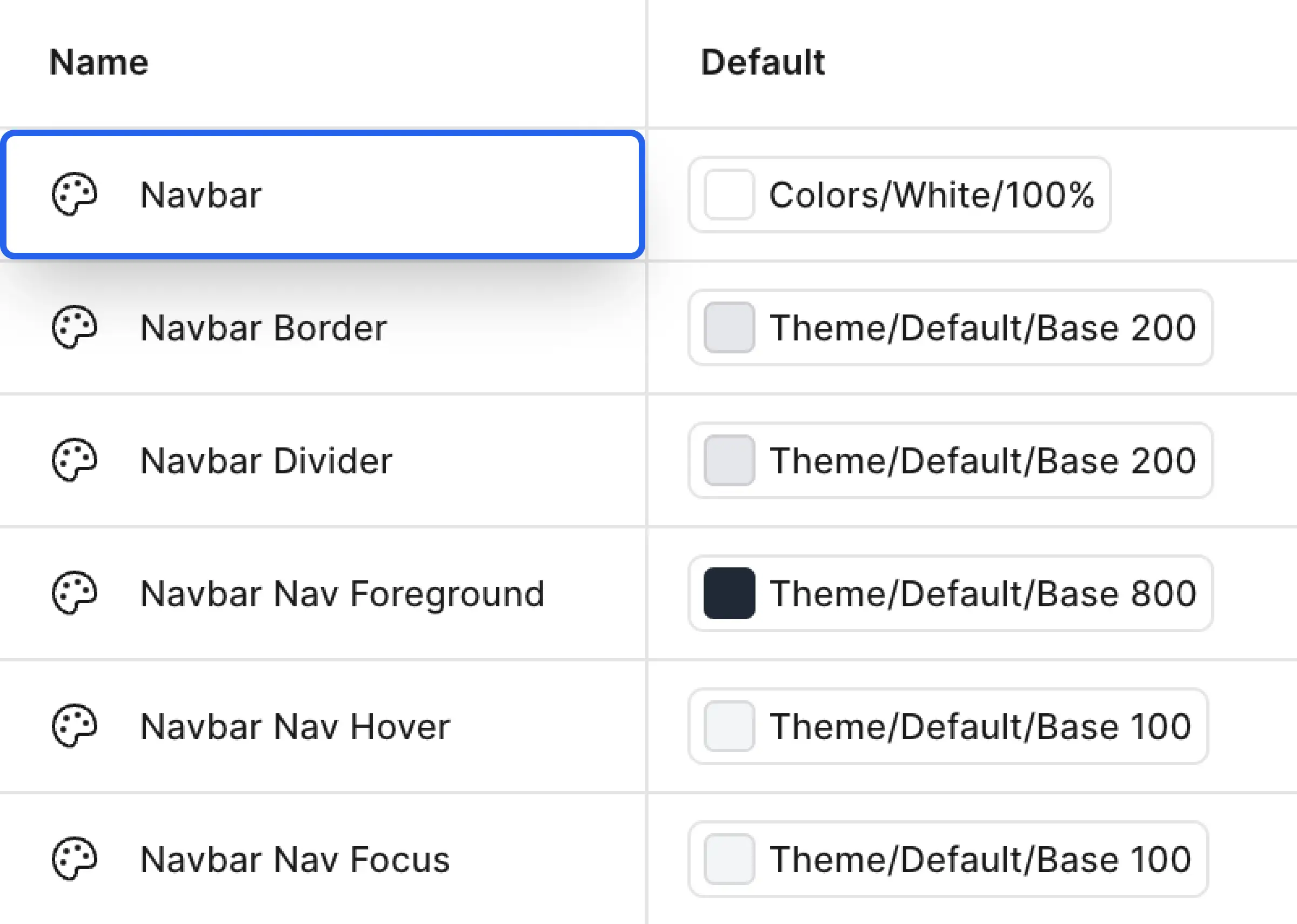
Use design variables for colors, spacing, and typography to easily maintain consistency and flexibility across your entire design system.
Variants and Properties
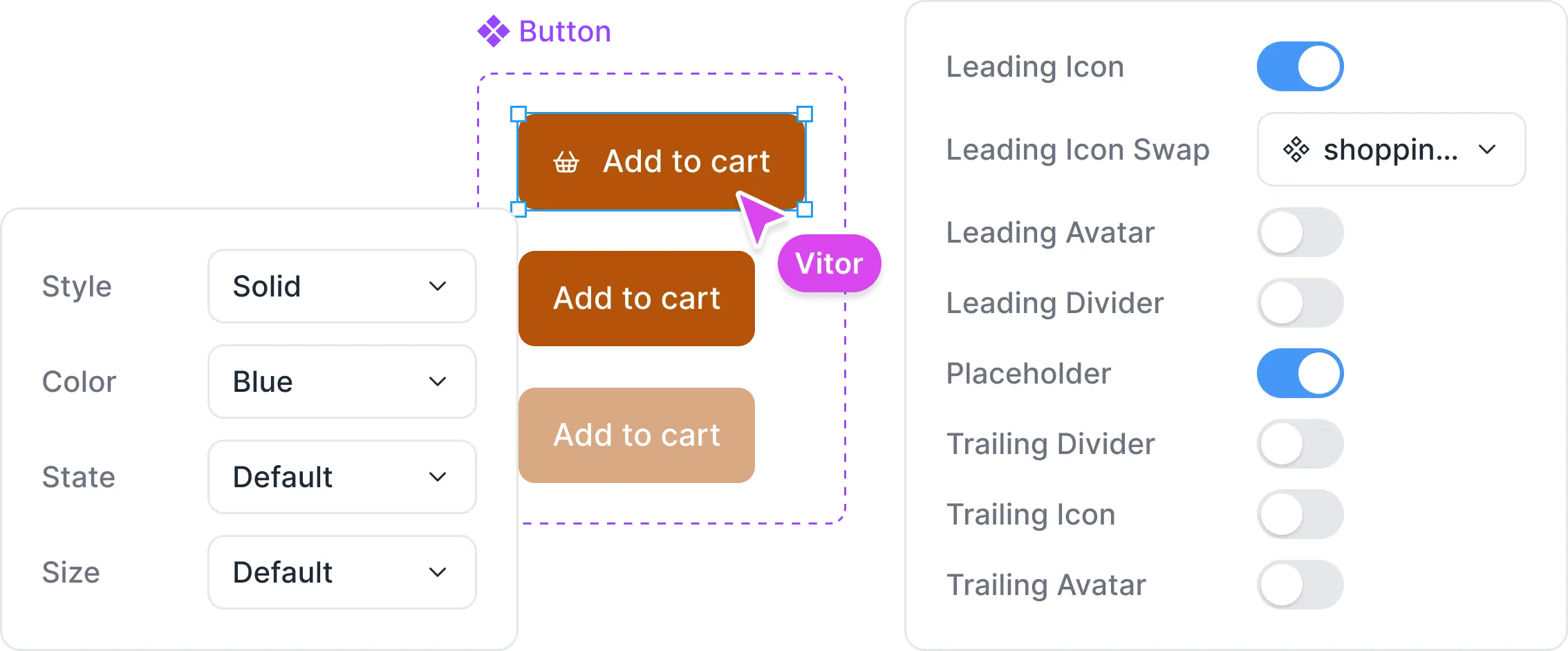
Best-in-class Figma variants allow you to alter certain predefined aspects of single components, to make any variant you like.
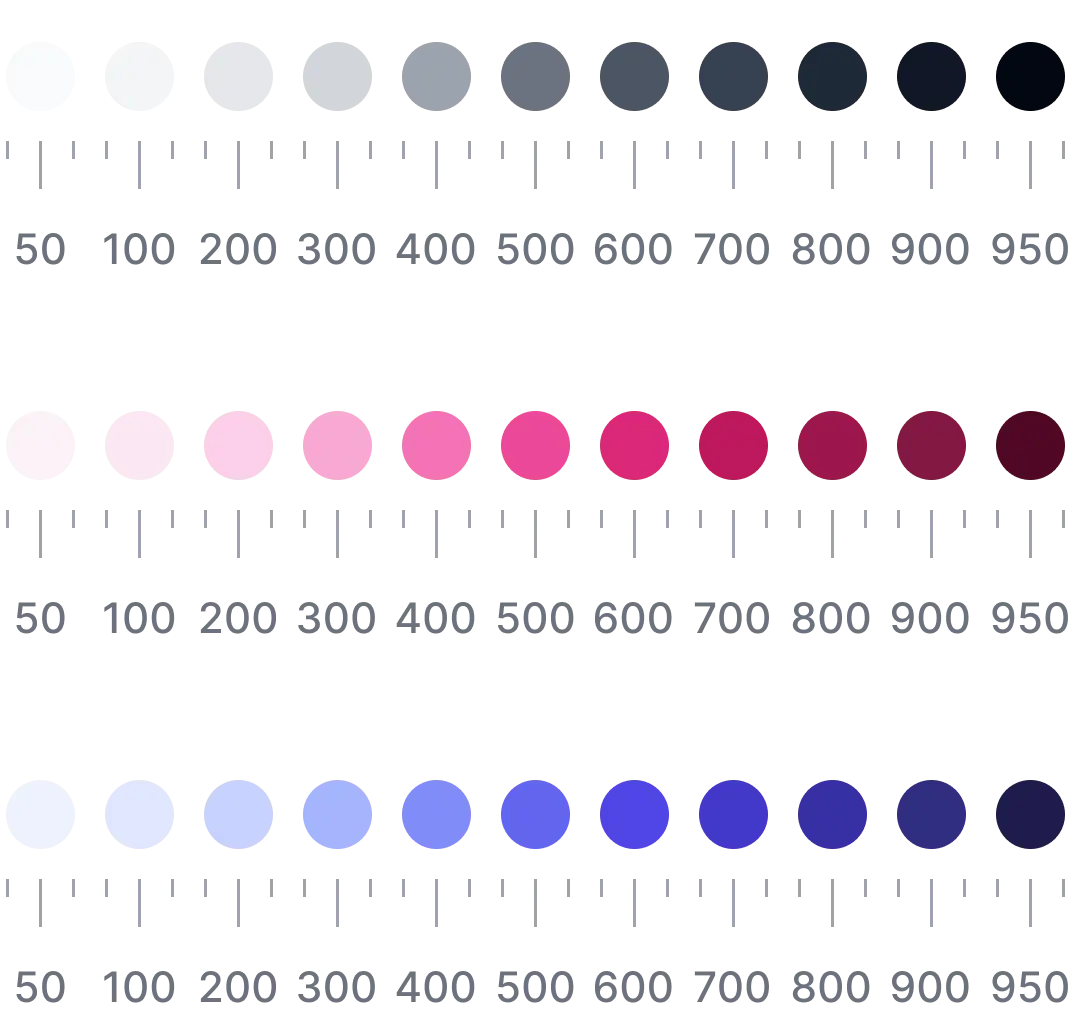
30 Color palettes
Slots
Slots are a feature that unlock dynamic components instances - from adding another menu option, button, or even an icon, slots lets you have the flexibility to make changes without detaching.

Auto layout and constraints
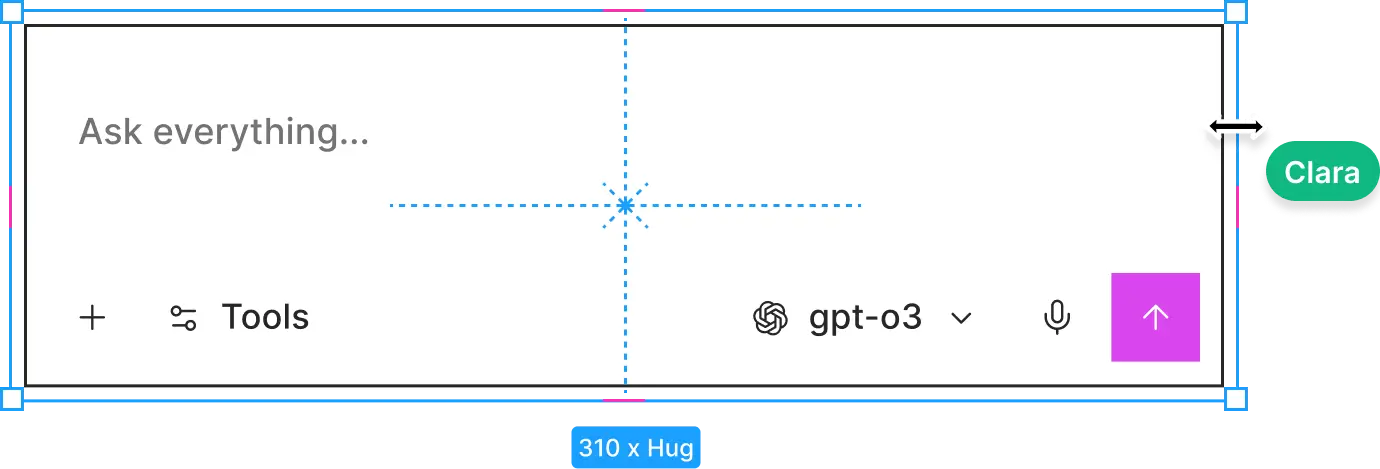
Components structured in a way that can automatically grow to fill or shrink to fit, and adapt to the size of its contents.
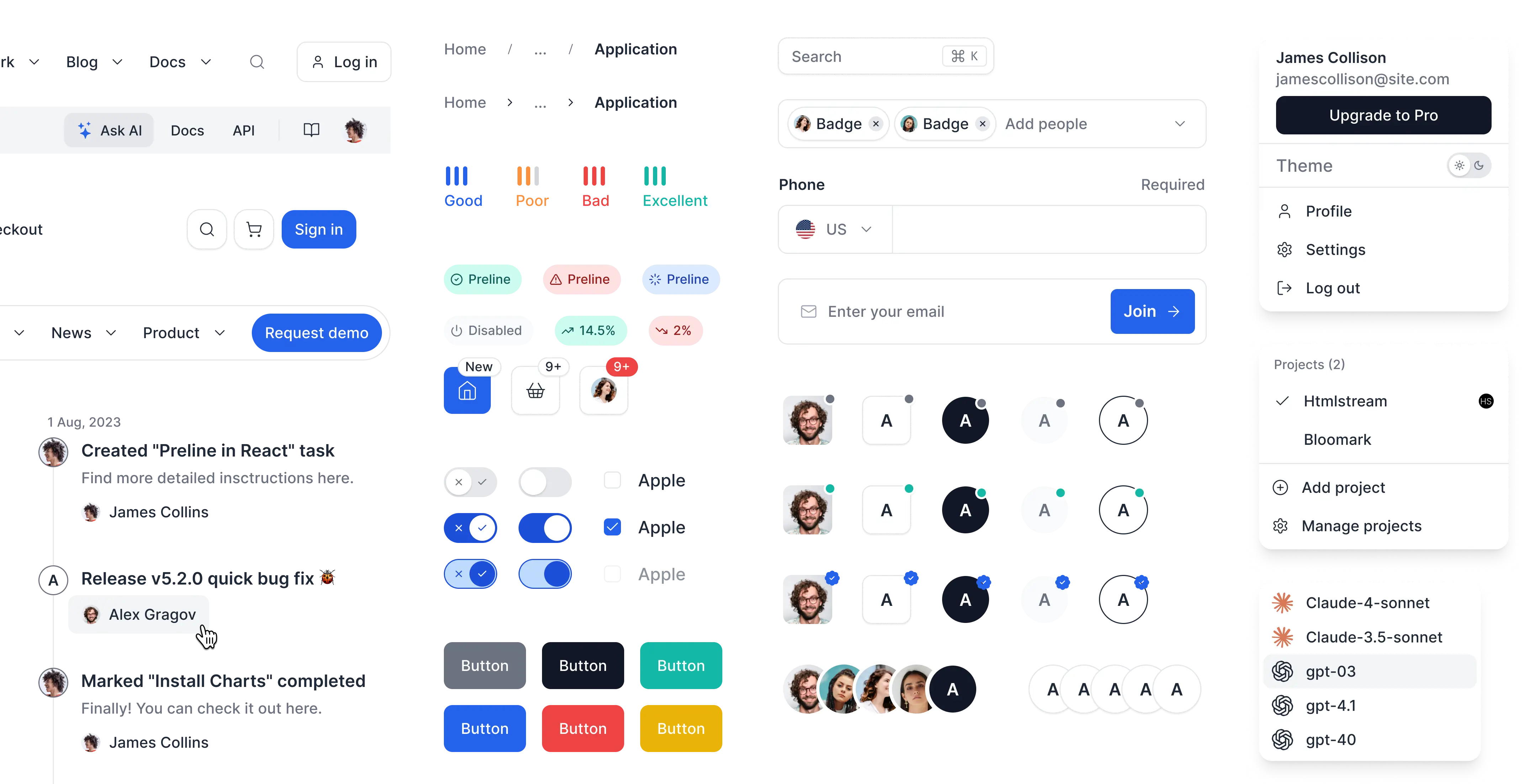
Components, Variants & Examples
When it comes to Preline UI components and options, there are no limits. From grid layouts to charts, navbars, advanced forms, base components and more.
5 new modern template designs
Get started quickly with a wide selection of professionally designed templates, each featuring distinct layouts and components.
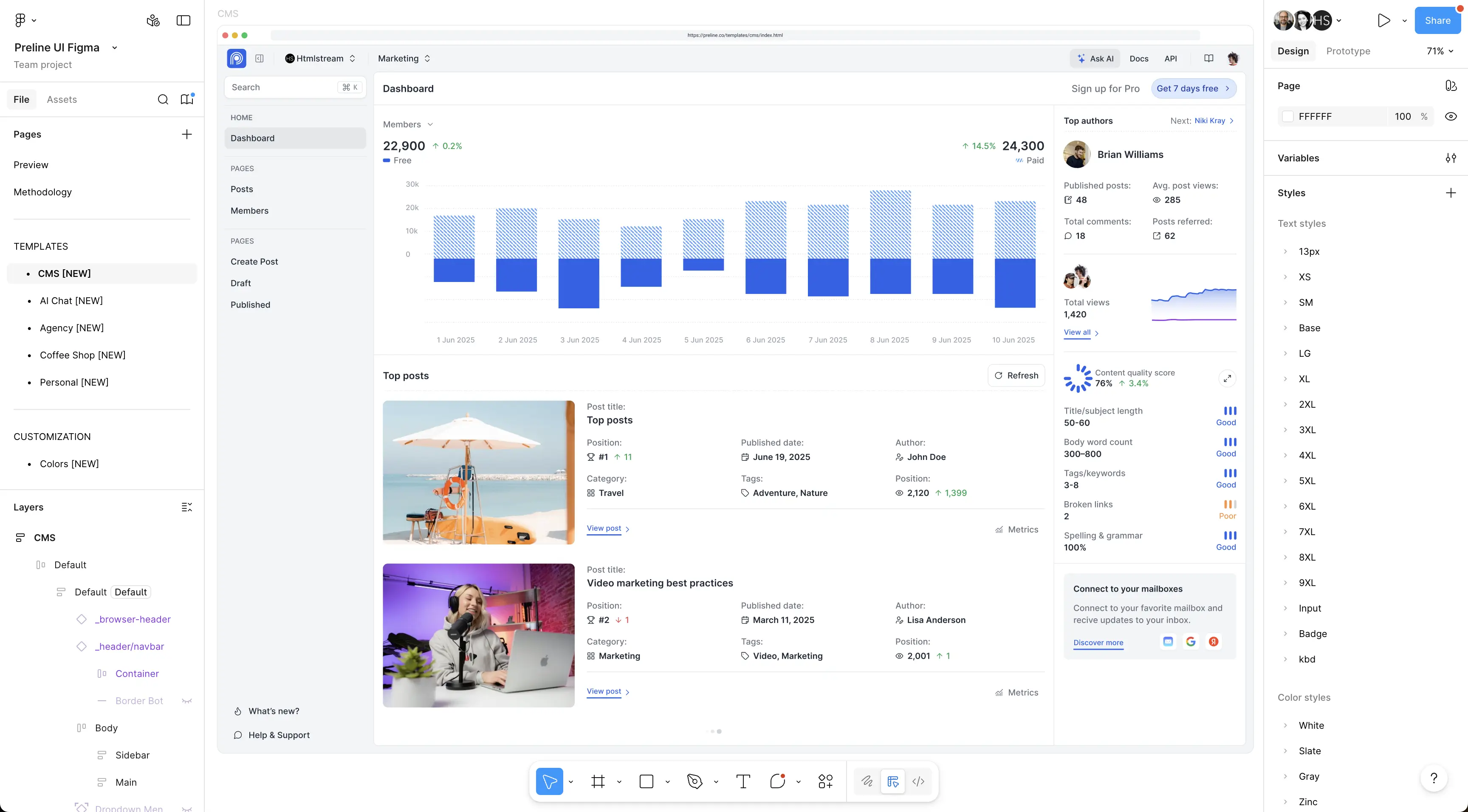


CMS
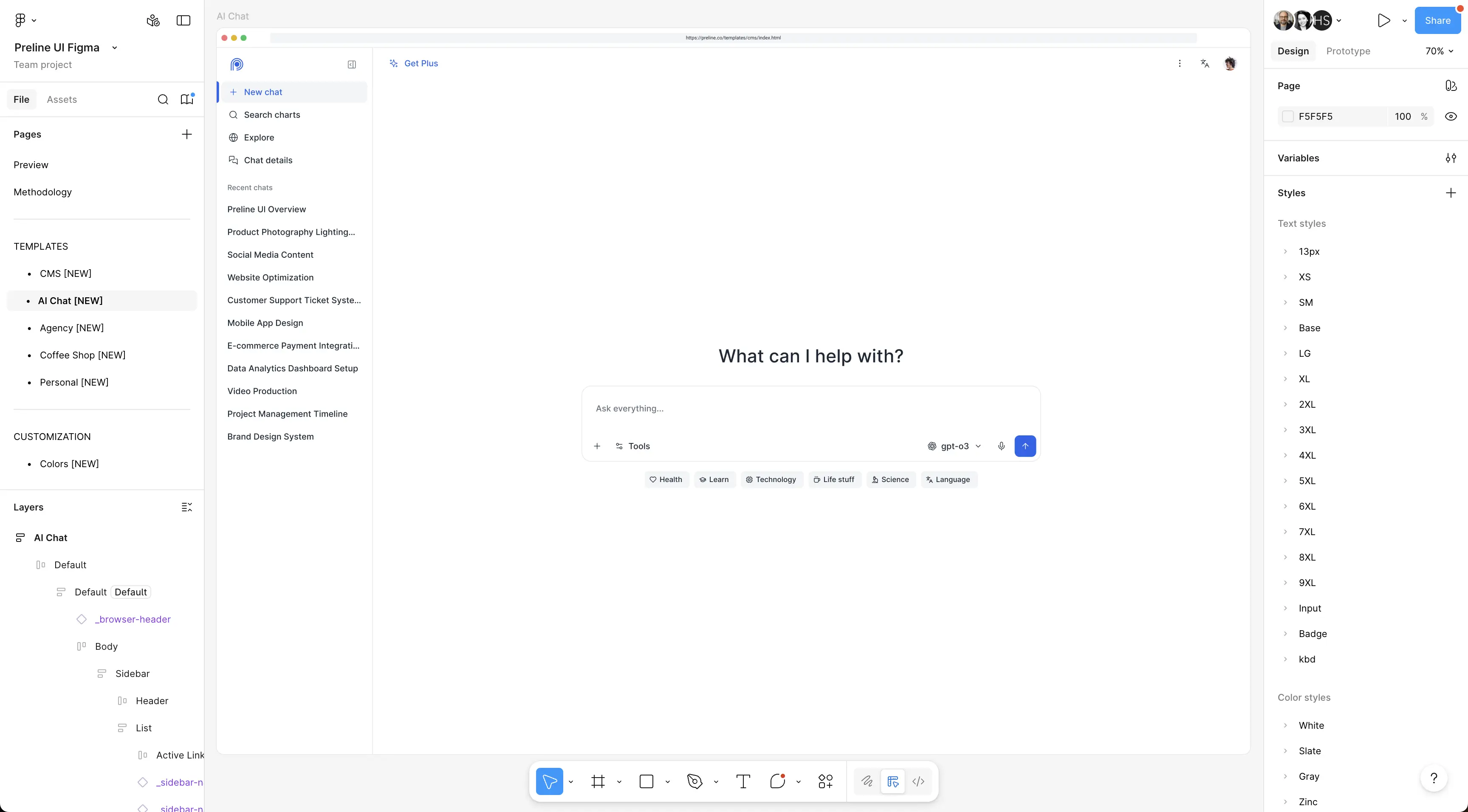


AI Chat
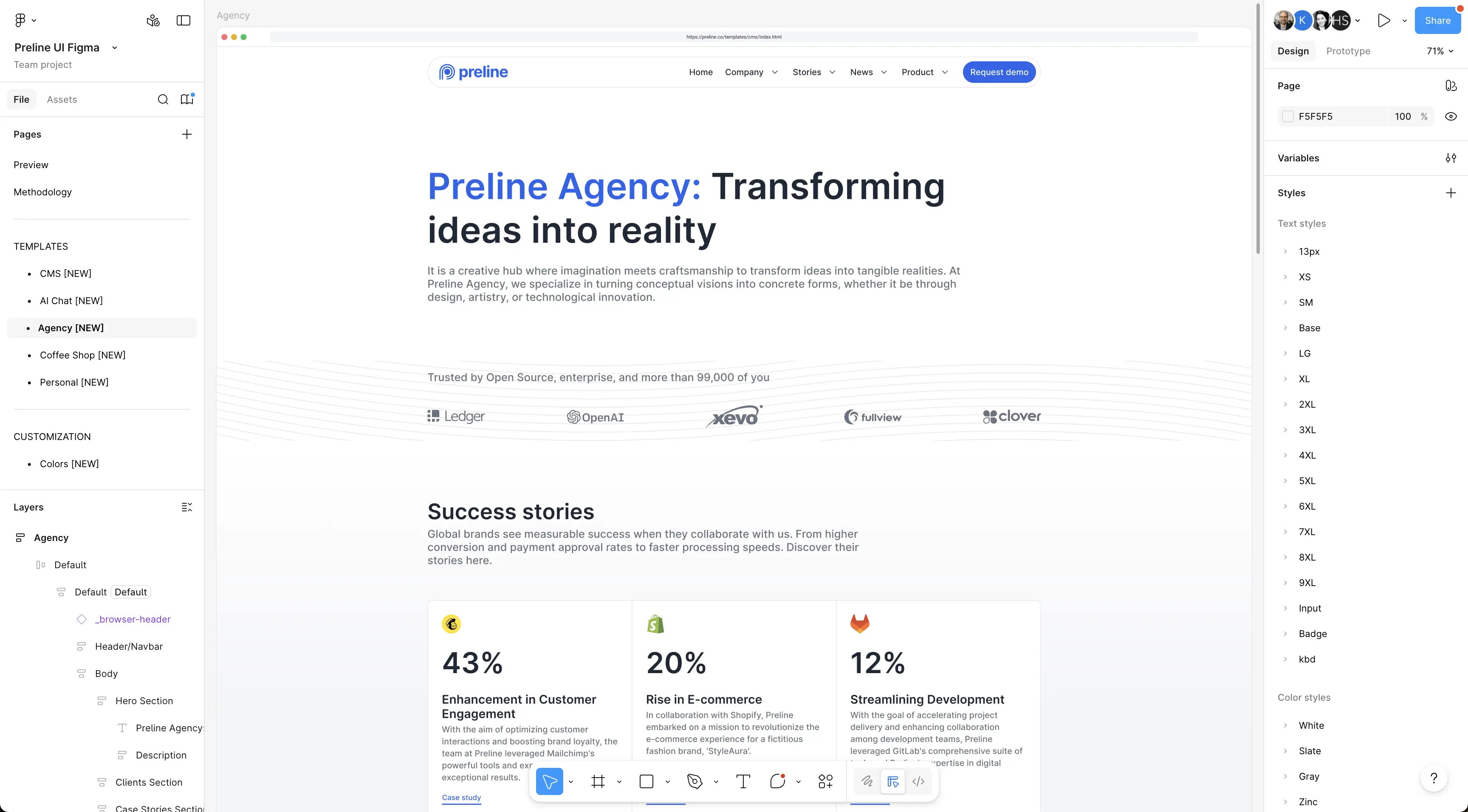


Agency
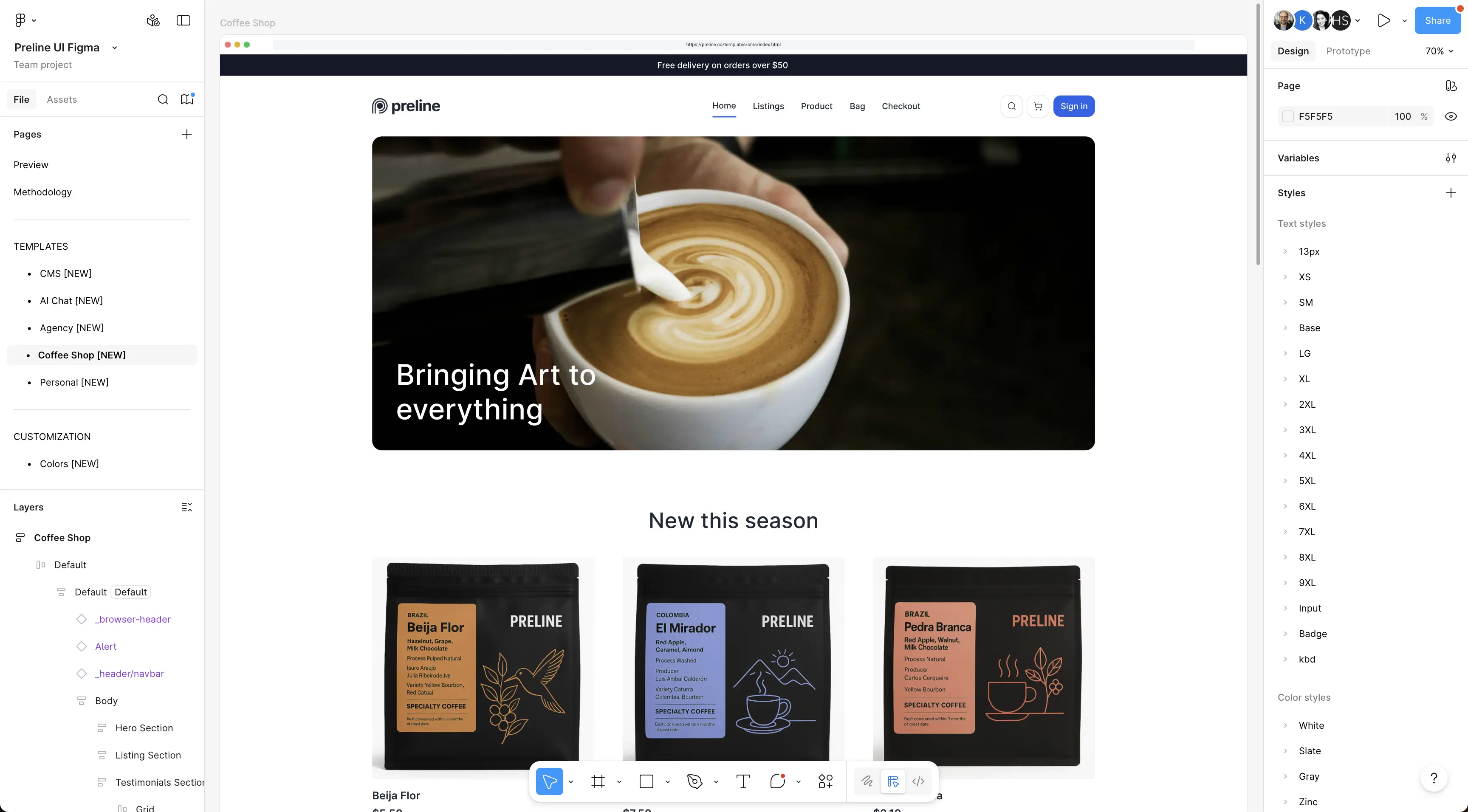


Coffee Shop
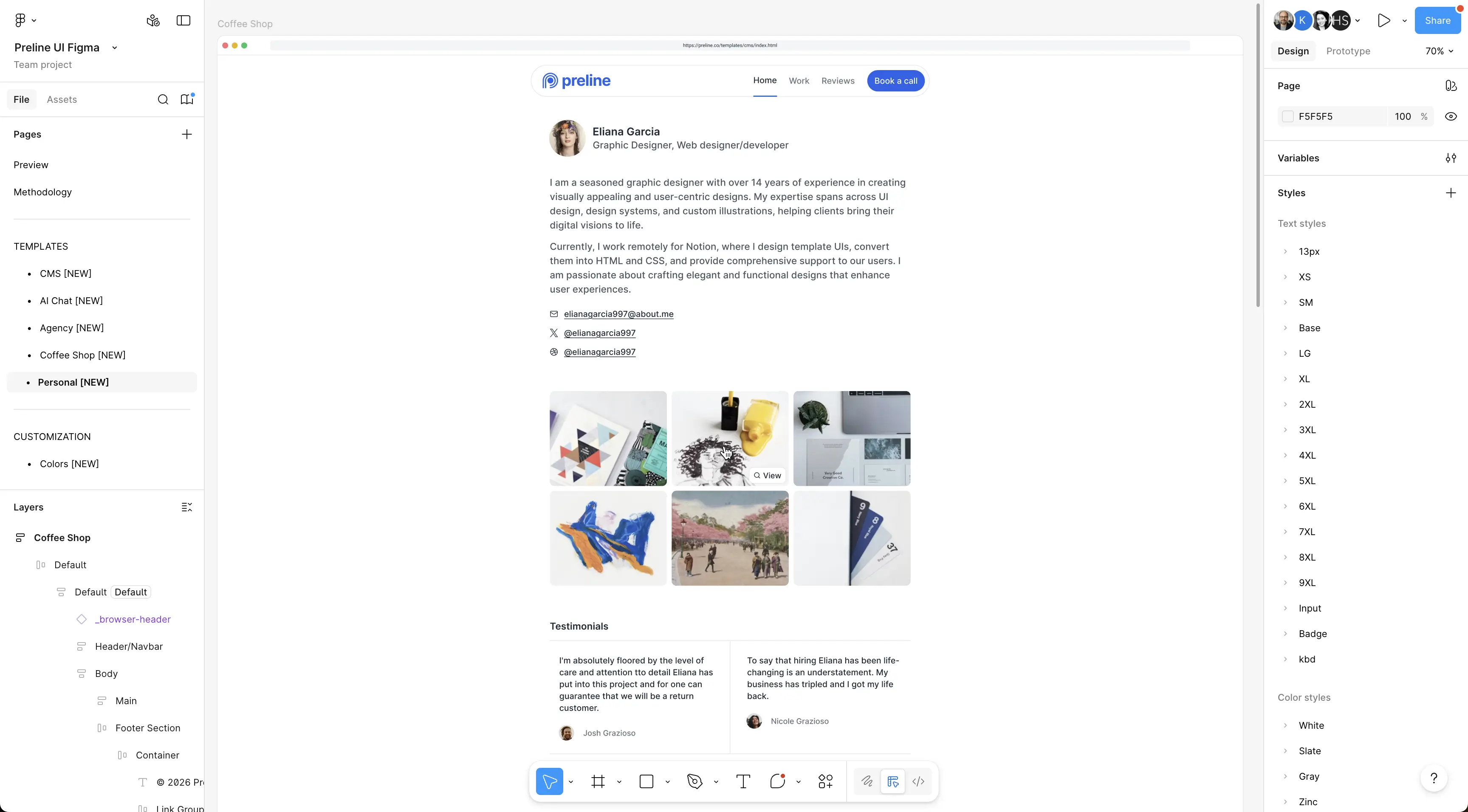


Personal
Loved by Figma designers

This is huge! I appreciate so much for the effort, such high quality file! big thanks! Is there a way to support you for your work?
— Vitor Machado

This is an amazing component kit! Thank you so much for all the work your team put into it!
— Clara

I don't know how to thank for such a good file, It should be paid product actually.
— Vosidiy Muslimbek
Preline UI Figma FAQs
Is Preline UI Figma free?
Yes. Preline UI Figma is free for personal, commercial, and client projects. Review the Preline license page for the current usage terms.
What is included in the Preline UI Figma design system?
It includes UI components, variants, properties, variables, color palettes, themes, auto layout, responsive constraints, and 5 modern template design pages for faster product design workflows.
Is Preline UI Figma built for Tailwind CSS projects?
Yes. The Figma design system is crafted around Tailwind CSS styling and Preline UI component patterns, helping designers and developers keep layouts, tokens, and interface decisions aligned.
Does Preline UI Figma support themes and dark mode?
Yes. Preline UI Figma includes light and dark modes plus theme-ready template previews, including Default, Harvest, and Retro theme examples.
Is Preline UI available for Sketch?
No. Preline UI's design system is available for Figma only.
How do I update the Figma file to the latest version?
Use Figma's community file update workflow to get the latest version of the Preline UI Figma file while keeping your local copy up to date. Learn more in Figma's update guide.
Get started now
Preline UI Figma is the largest free design system for Figma, crafted with Tailwind CSS styles and Preline UI components with extra top-notch additions.