

Tailwind CSS Tooltip
Build Tailwind CSS tooltips for short hover or focus hints, with four placements, automatic Floating UI positioning, and JavaScript methods.
Requires JS
Note that this component requires the use of the third-party Floating UI plugin, else you can skip this message if you are already using Preline UI as a package.
When to use tooltips
Use a tooltip for short, supporting hints that explain what an element does without adding extra UI or richer content.
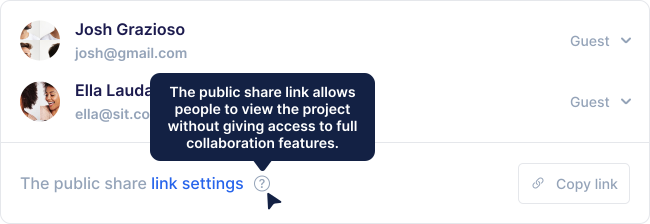
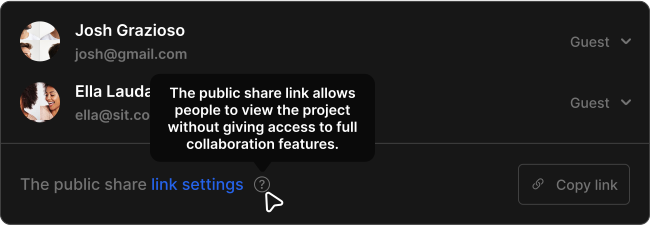
Keep tooltip copy brief and specific, such as a short action hint or label clarification.
Interaction limits
Because tooltips are usually shown on hover or focus and disappear quickly, they are not a good fit for longer reading or interactive content.
Tradeoffs
Choose a tooltip when a small hint is enough to explain an action, label, or icon.
Because tooltips can be easy to miss and may create accessibility or discoverability issues, use inline labels or visible helper text when possible.
Tooltip placements
Hover or focus the buttons below to preview the four tooltip placements: top, right, bottom, and left.
Remove the [--placement:*] option if you want Floating UI to position the tooltip automatically.
Automatic placement
Set [--placement:auto] to let Floating UI choose the side with the most available space.
Destroy and reinitialize
Use the destroy method to remove a tooltip instance, then initialize it again when you need to restore the behavior.