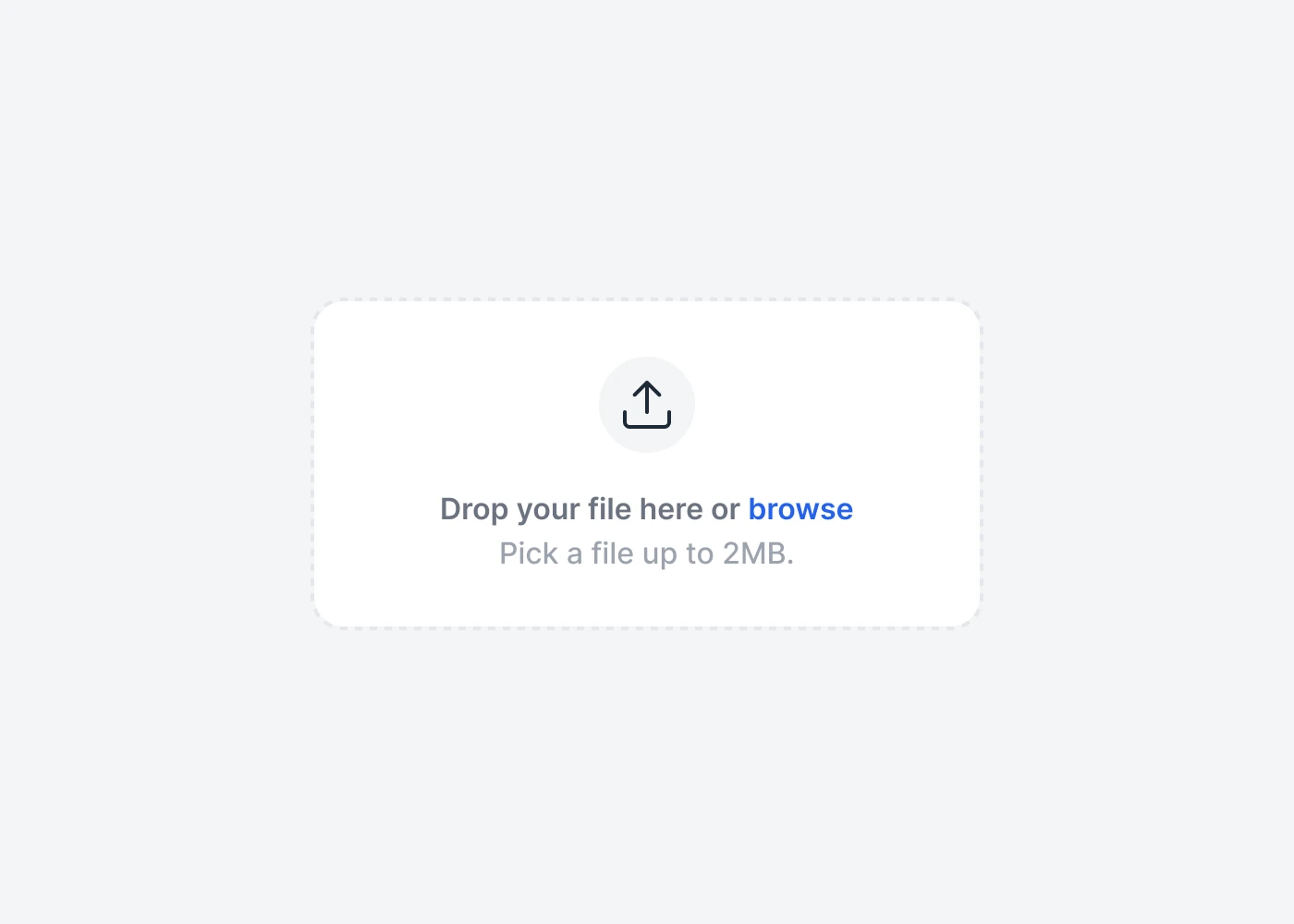
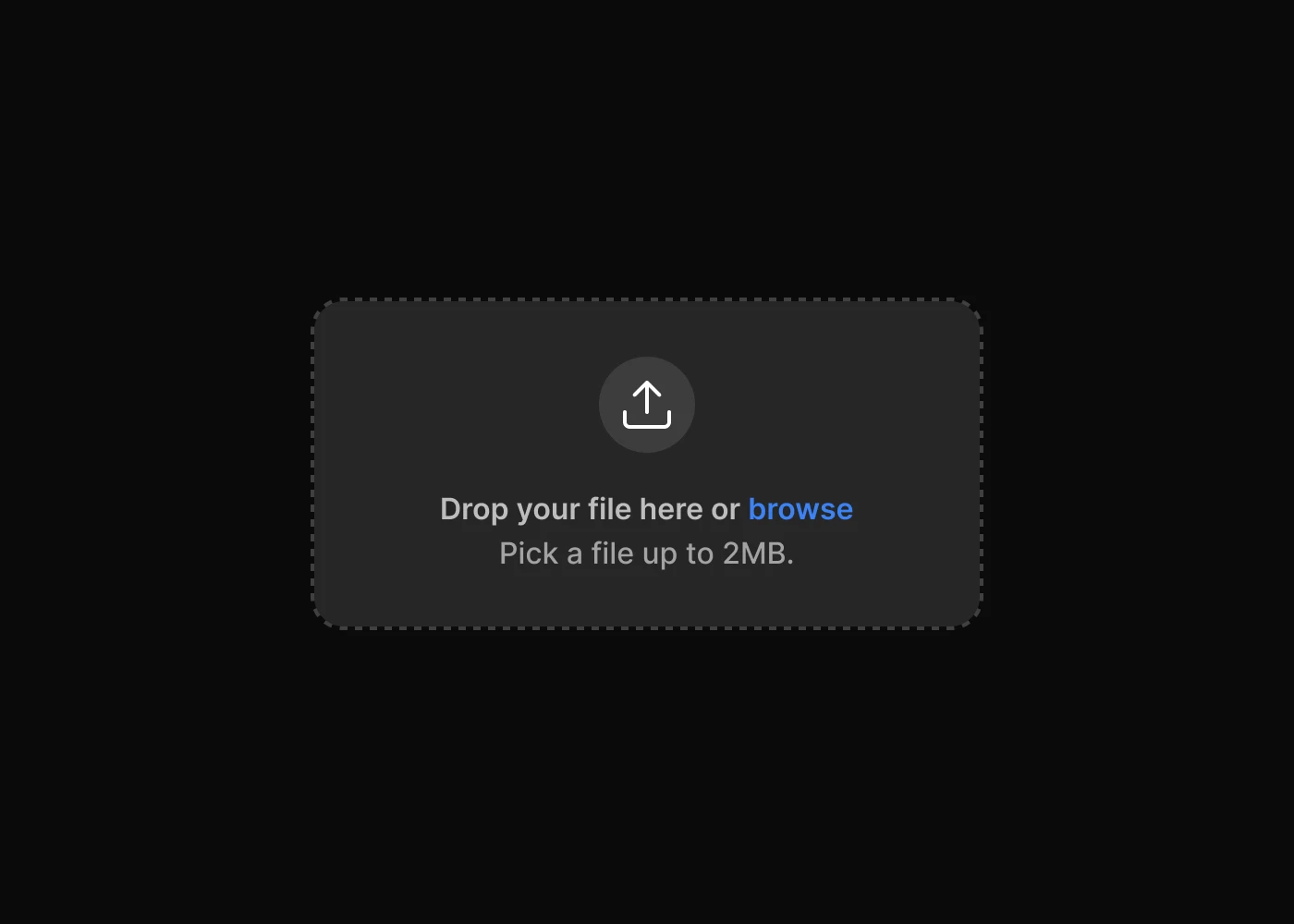
Tailwind CSS File Upload Plugin API
Headless, unstyled file upload plugin built with JavaScript and TypeScript, including installation, usage, options, methods, events, and selectors.
Installation
To get started, install File Upload plugin via npm, else you can skip this step if you are already using Preline UI as a package.
-
Install the plugin
Install
@preline/file-uploadvia npmTerminalnpm i lodash dropzone @preline/file-upload -
Add the plugin CSS
Use @source to register the plugin's JavaScript path for Tailwind CSS scanning, then @import the plugin's CSS files into your Tailwind CSS file.
main.css@import "tailwindcss"; /* @preline/file-upload */ /* [!code highlight:3] */ @source "../node_modules/@preline/file-upload/*.js"; @import "./node_modules/@preline/file-upload/variants.css"; @import "./node_modules/@preline/file-upload/theme.css"; -
Add the plugin JavaScript
Include the JavaScript
<script>that powers the interactive elements near the end of your</body>tag:HTML
Additional Initialization Options
Use the
non-autoentry if you need manual initialization. In this mode, automatic initialization on page load is not included, so the component should be initialized explicitly.HTML (non-auto)
Via bundler
When using a bundler (Vite, webpack, etc.), import the plugin directly as an ES module.
Dropzoneand_(Lodash) are referenced as globals — expose them onwindowbefore importing the plugin.JavaScript (auto)import _ from "lodash"; window._ = _; import Dropzone from "dropzone"; window.Dropzone = Dropzone; import "@preline/file-upload";JavaScript (non-auto)import _ from "lodash"; window._ = _; import Dropzone from "dropzone"; window.Dropzone = Dropzone; import HSFileUpload from "@preline/file-upload/non-auto"; HSFileUpload.autoInit(); // Or initialize a specific element manually const el = document.querySelector("#file-upload"); if (el) new HSFileUpload(el);
Data Options
Dropzone.js
Please note that this component requires the use of the Dropzone.js plugin. Most options available in the plugin are available in our wrapper.
Methods
The HSFileUpload object is contained within the global window object
Destroy instance.
                        const { element } = HSFileUpload.getInstance('#file-upload', true);
                        const destroyBtn = document.querySelector('#destroy-btn');

                        destroyBtn.addEventListener('click', () => {
                          element.destroy();
                        });
Events
Dropzone.js
Please note that this component requires the use of the Dropzone.js plugin. Most events available in the plugin are available in our wrapper.
When item successfully uploaded to the server event example.
                        const { element } = HSFileUpload.getInstance('#hs-file-upload', true);
                        const { dropzone } = element;

                        dropzone.on('complete', () => {
                          console.log('Item uploaded!');
                        });
Ready to use Components
Looking for prebuilt UI components based on the Tailwind CSS? Preline UI packs hundreds of component examples for all your website needs.
File Upload
Explore ready-to-use Tailwind CSS examples built with Preline UI.
View File Upload examples